User’s Manual—SNAP™ 500 Gen 1 and Gen 2 15
Classification: Avery Dennison - Public
4. Remove any individual pack components like the supply unwind arbor.
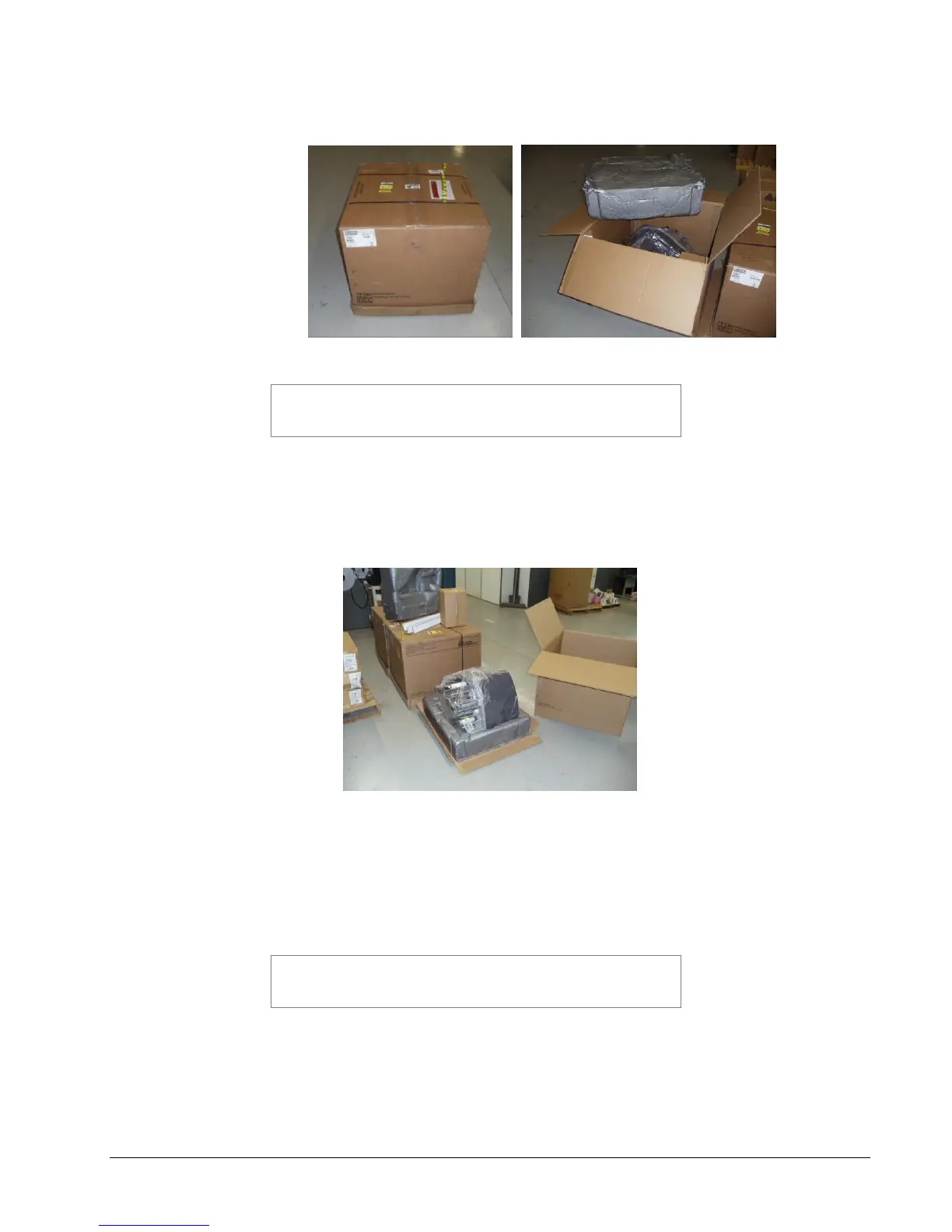
Figure 2A – Shipping Carton
CAUTION: Do not discard any of the packing / shipping
material in case you have to move the printer to another
location or return it to AVERY DENNISON for service.
5. The printer has been wrapped with plastic to protect the printer from the
packing material and moisture.
6. It requires 2 people to remove the printer from the carton and place on the
workstation..
Figure B
7. Lift the outer packing sleeve from the base (see Figure B) above.
8. Unpack the unwind arbor from its box and place it on the workstation table
next to the printer. Refer to Section 3.5.2 Attaching the Unwind Assembly &
Refer to Section 3.5.1, Attaching the Stacker.
CAUTION: Lifting the printer from any component other
than case or stacker supports can damage the printer and
cause needless start up delays.















 To Next Page