User’s Manual—SNAP™ 500 Gen 1 and Gen 2 51
Classification: Avery Dennison - Public
5.3.2 Changing Printer Settings in PCMate
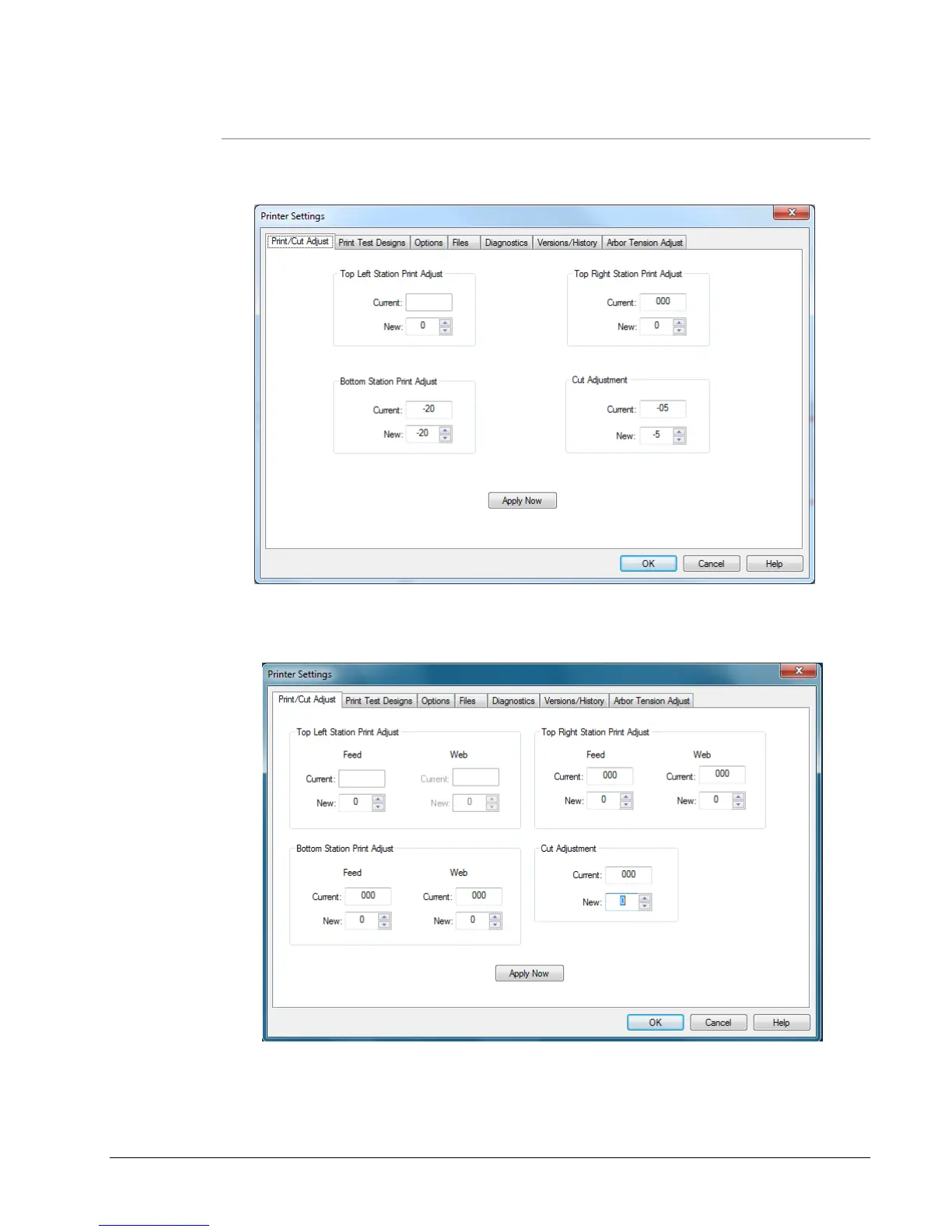
Click on the “Show Settings” button on the VCP to bring up the Printer Settings
Window.
Figure 22a: Virtual Control Panel with Show Setting Window (Firmware 3.35 and below)
Figure 22b: Virtual Control Panel (Firmware 3.36 and above) showing the adjustments
available across the width of the printer.















 To Next Page