48 User’s Manual—SNAP™ 500 Gen 1 and Gen 2
Classification: Avery Dennison - Public
Figure 14: Stacker Angle – Almost Vertical
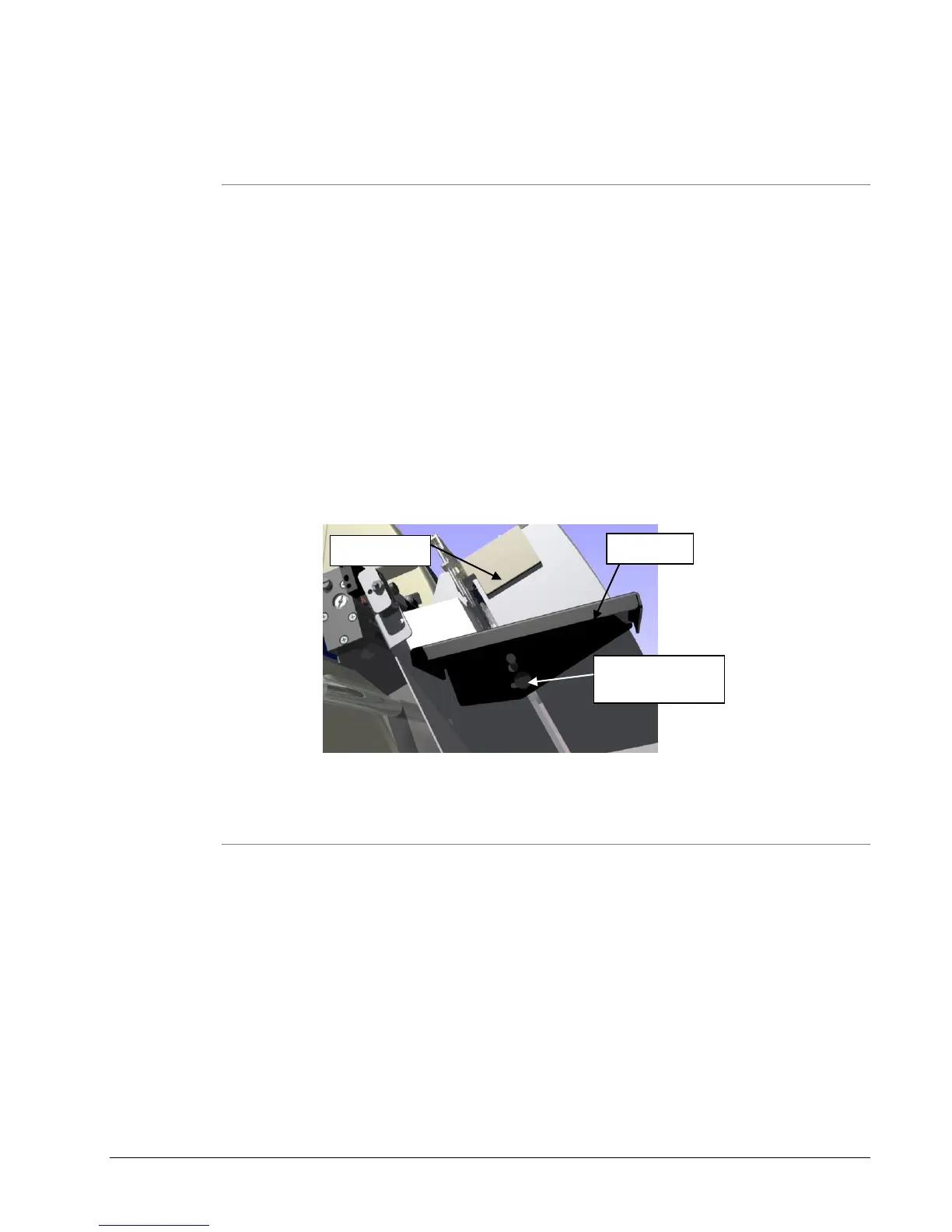
5.2.3 Platform Angle
Adjust platform angle to alter the angle at which labels are stacked and stopped.
1. On Gen 2 printers loosen the Adjustment Thumb Screw and move the
platform to an angle approximately 20 degrees up on the outer end of the
platform.
For satin labels, use the lower position.
For coated labels, and short feed labels, elevate the outer end.
On Gen 1 machines the platform adjustment is a pin you pull and adjust the
platform in 1 of the 2 allowable positions.
a. The label stop helps position the labels in the stack. The label stop is
magnetic. Place a cut label on the stacker platform and slide it into the
back corner.
b. Move the label stop to within 1/8 inch (3 mm) of the end of the label.
Figure 15A: Stacker Platform Angle Adjustment
5.2.4 Height of Stack - Stacker Sensor
The stacker has an electronic sensor that automatically determines where the top
of the stack. There is no adjustment for the stacker sensor on Gen 2 printers. On
Gen 1 there is a switch on the back of the stacker that will change stack height to
either the upper or lower position.















 To Next Page