64 User’s Manual—SNAP™ 500 Gen 1 and Gen 2
Classification: Avery Dennison - Public
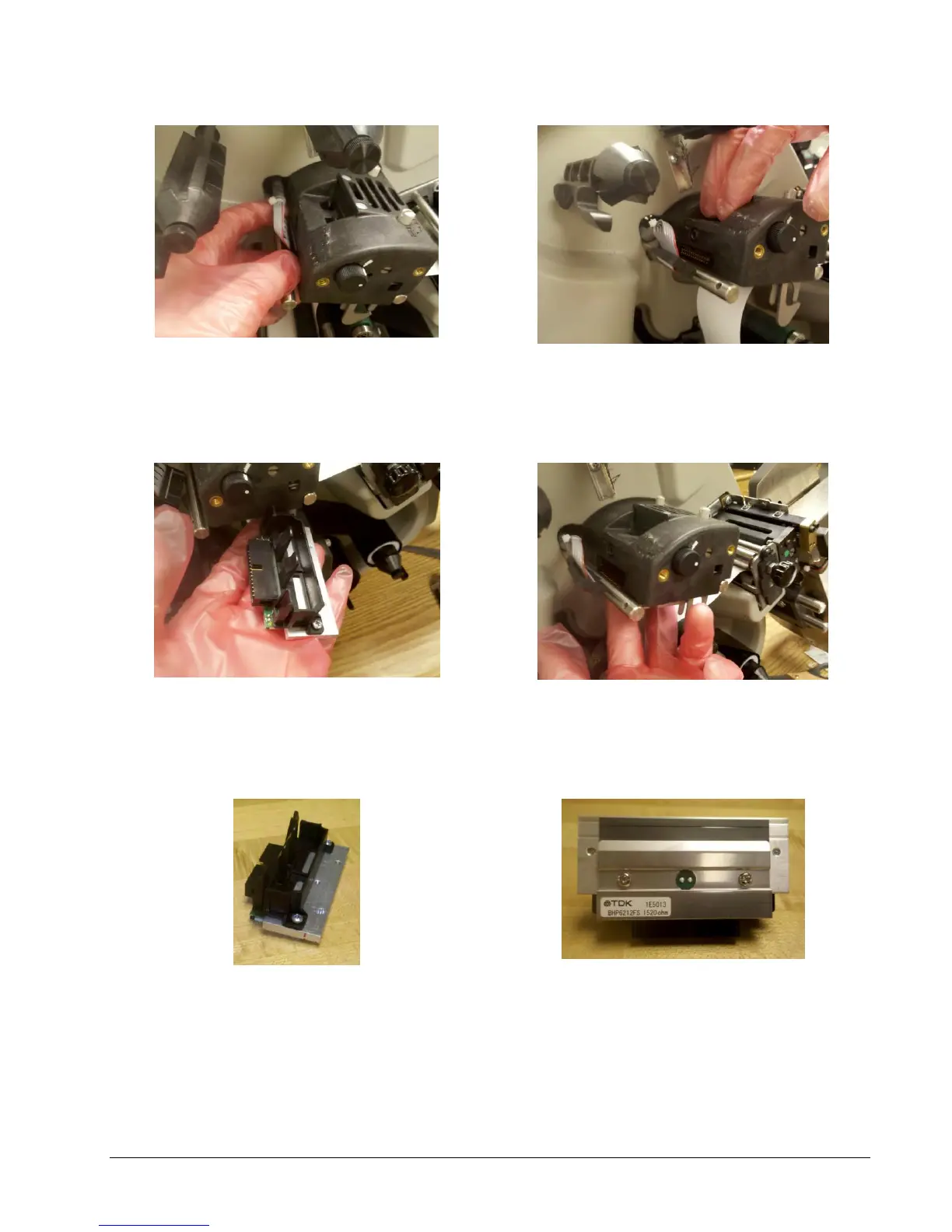
Figure 17a. Unplugging Print Head Cable
Figure 17b. Two Tabs on Print Station – Depressed
Figure 17c. Print Head Assembly – Removed
Figure 17d. Inserting Print Head Assembly
Figure 17e. Print Head Assembly
5. Place the new print head assembly onto the metal mount bracket underneath
the print station (see Fig. 17c and 17d). Push it up until it clicks into position.















 To Next Page