68 User’s Manual—SNAP™ 500 Gen 1 and Gen 2
Classification: Avery Dennison - Public
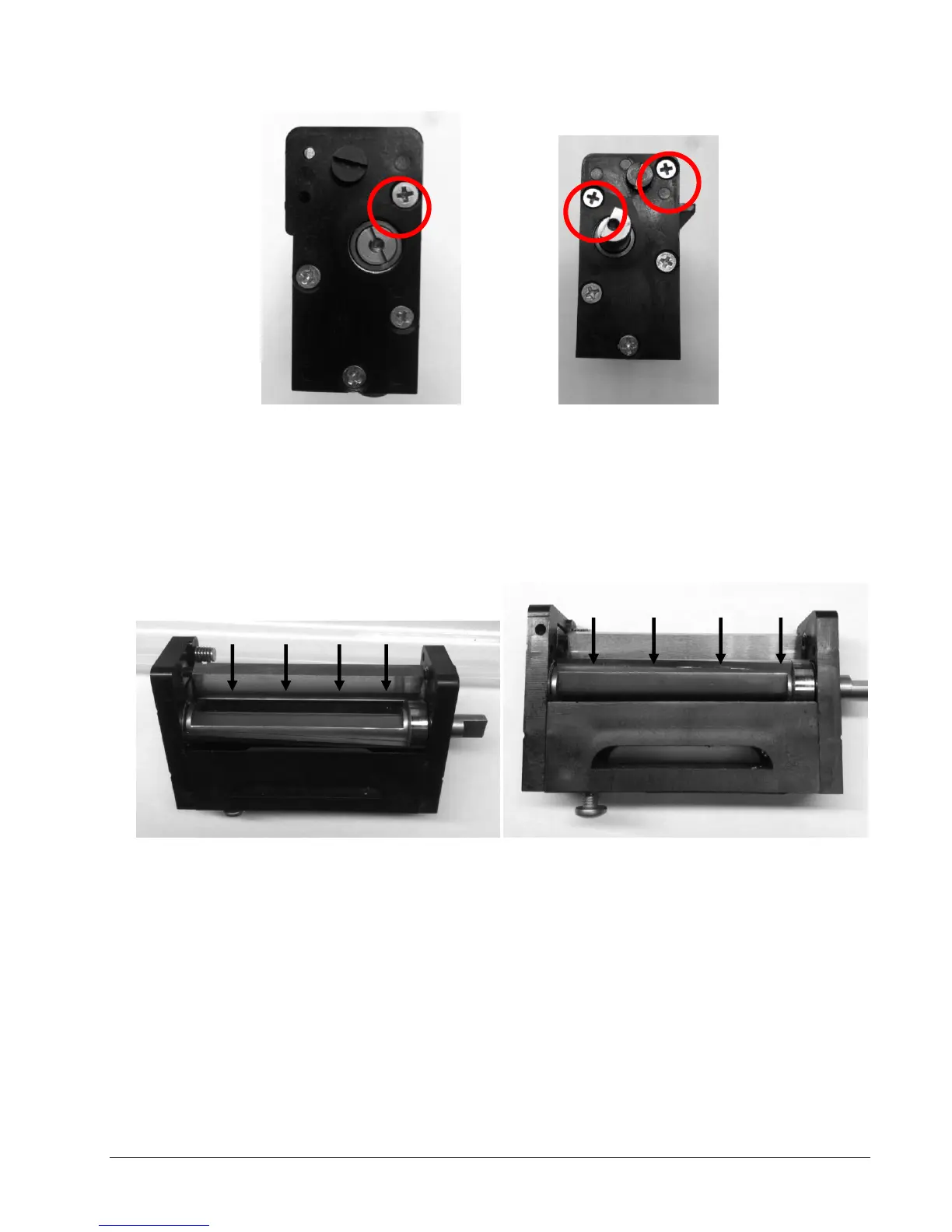
Figure 18d. Front View Figure 18e. Rear View
3. With knife cover removed use a cotton swab with alcohol and buff off
adhesive build up in areas noted in figures 18f and 18g.
4. Do not use metal tools to scrape off buildup that could chip blades.
Figure 18f. Stationary Blade Figure 18g. Rotary Blade
5. Clean both input and exit edges of stationary blade.
6. Clean all surfaces of rotary blade.
7. Clean knife cover and frame for any buildup.
8. Replace cover on knife then replace knife on machine following
instructions in section 5.4.1.















 To Next Page