78 User’s Manual—SNAP™ 500 Gen 1 and Gen 2
Classification: Avery Dennison - Public
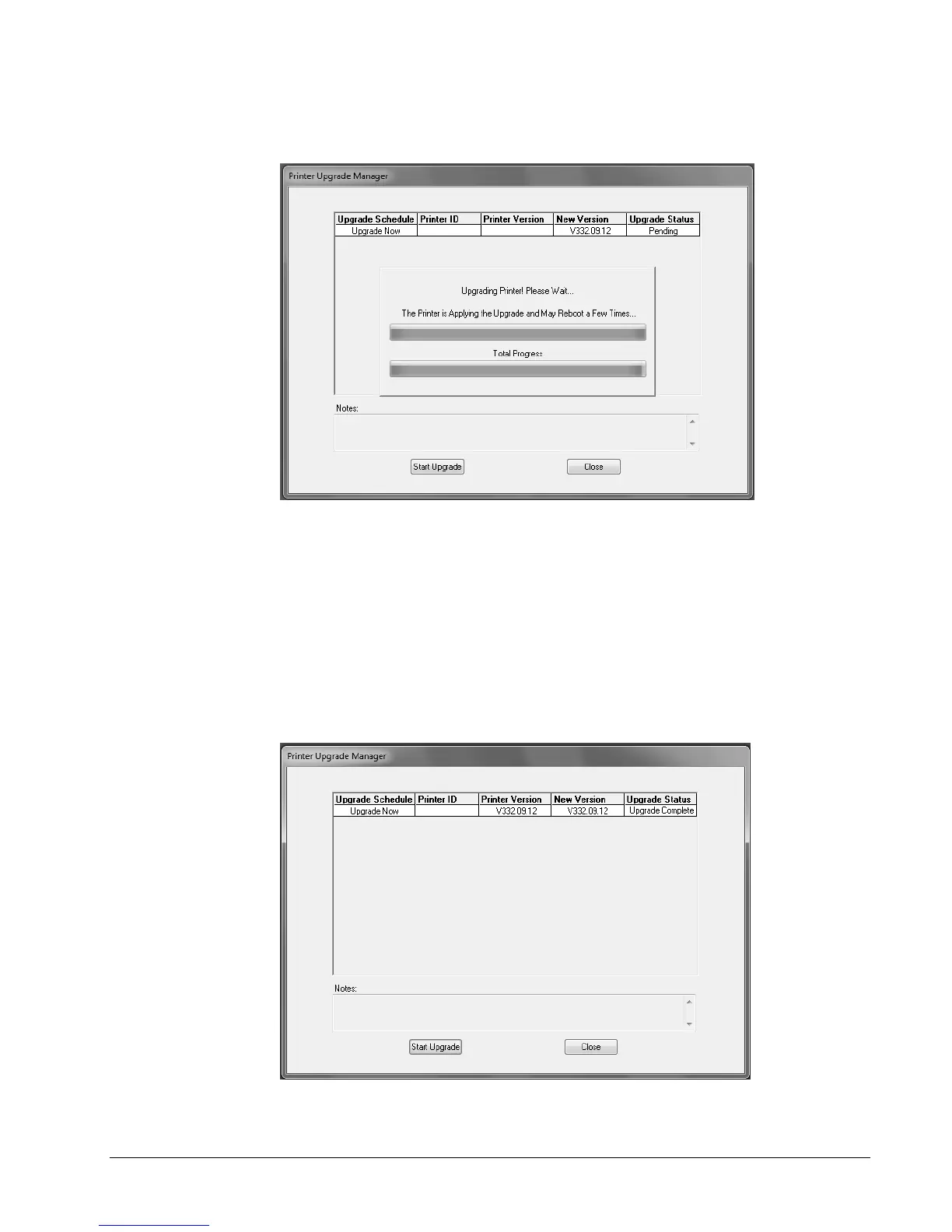
8. Once the files are on the printer, the following window will appear. Do not click on
any buttons until the upgrade finishes.
9. The printer will reboot, ring the chimes, and may say,
- Upgrade in progress. Please wait
- Programming MCB. Please wait
- Updating auxiliary files
- Starting system backup of this upgrade
- Distributing language sound files
- Upgrade complete
Then the following window will appear. Click “Close” to continue.















 To Next Page