Page 103Aviom A640 Personal Mixer User Guide
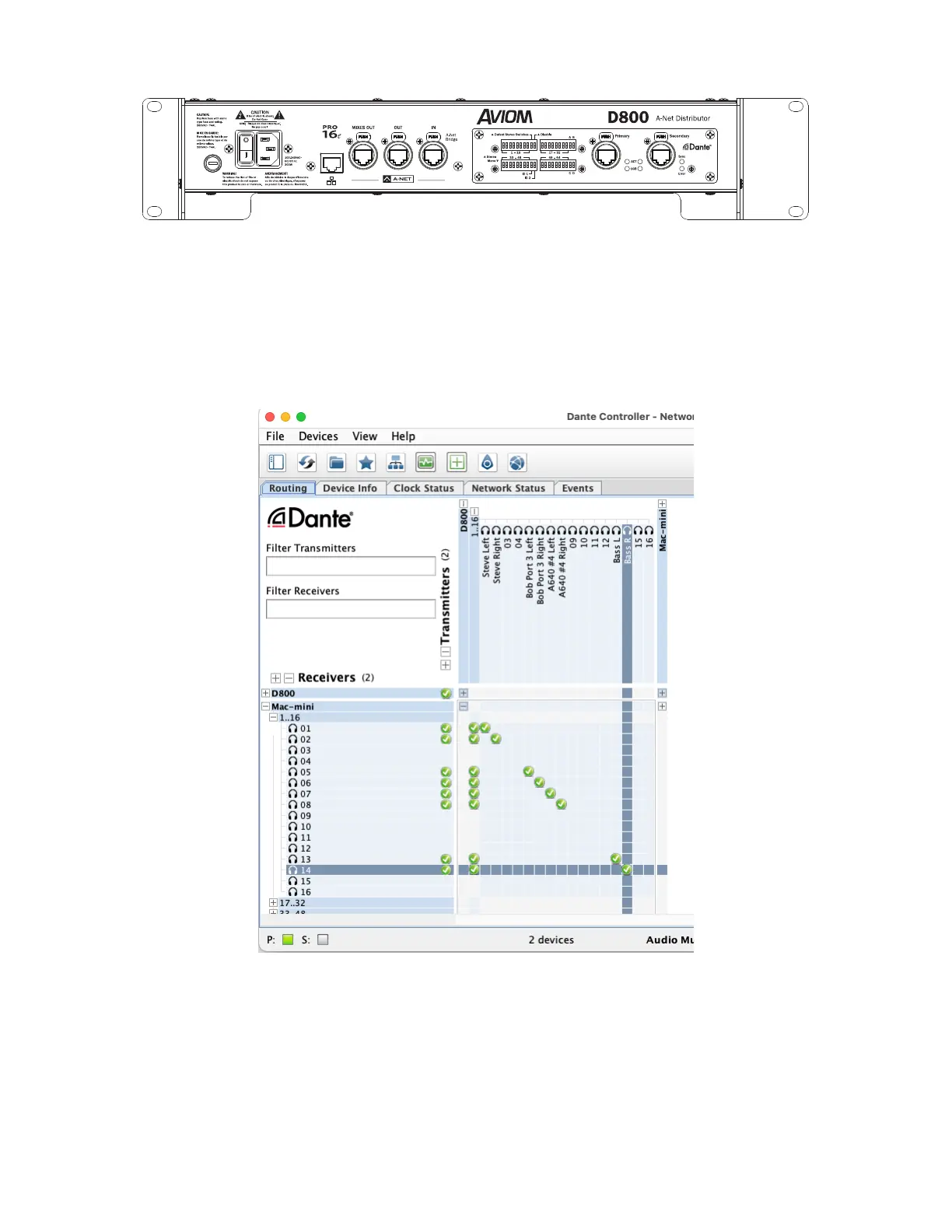
D800-Dante A-Net Distributor rear panel
The D800-Dante should be connected to the Dante network with Dante Controller software running
on a Mac/PC computer. Use the Routing tab of Dante Controller to assign the outputs from the D800-
Dante to your other Dante devices. Use the Device View for the D800-Dante to name the Network
Mix Back output channels if needed.
Dante Controller allows the Mixes Out channels to be routed to any device in the Dante network.
As with the patching of Network Mix Back channels using an analog output module, each of the
eight A-Net ports on a D800-Dante provides a pair of channels that can be patched in the Dante
network to other devices by using the Transmit and Receive patching area of the Dante Controller
software.



 To Next Page