Page 30Aviom A640 Personal Mixer User Guide
Channel View
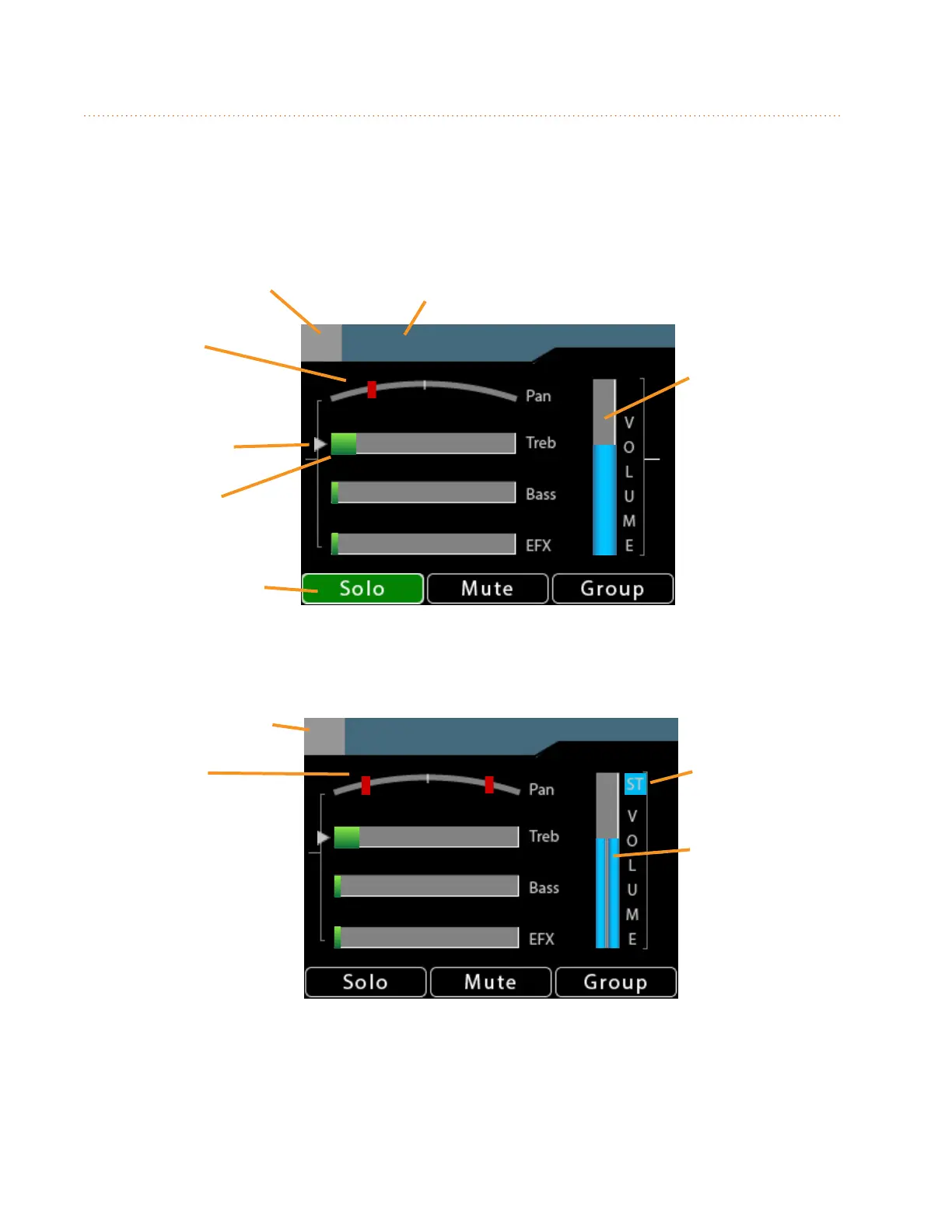
The A640 Personal Mixer’s Channel View displays a complete channel strip for the currently
selected mixer channel. It displays the channel’s number and name, volume level, mono/stereo pan
information, Treble and Bass tone control amounts, and its Eects (EFX) level. In addition, Channel
View will display the Solo, Mute on/o, Group, and Favorite channel status as needed.
Guitar 1
13
Channel
Number
Volume
(mono)
Pan
(mono)
Selected for
editing
Treble
Amount
Channel Solo
Active
Channel
Name
St.Piano
7-8
Pro16 mode Stereo
Channel Numbers
Stereo
Indicator
Volume
(stereo)
Pan
(stereo)
Stereo indicators for volume, pan and Pro16
In Pro16 mode, stereo channels use a pair of adjacent mix channel buttons on the A640. Stereo
channels are indicated with two numbers (1-2, 7-8, 13-14, etc.) in the gray box next to the channel
name at the top of the display.



 To Next Page