Page 35Aviom A640 Personal Mixer User Guide
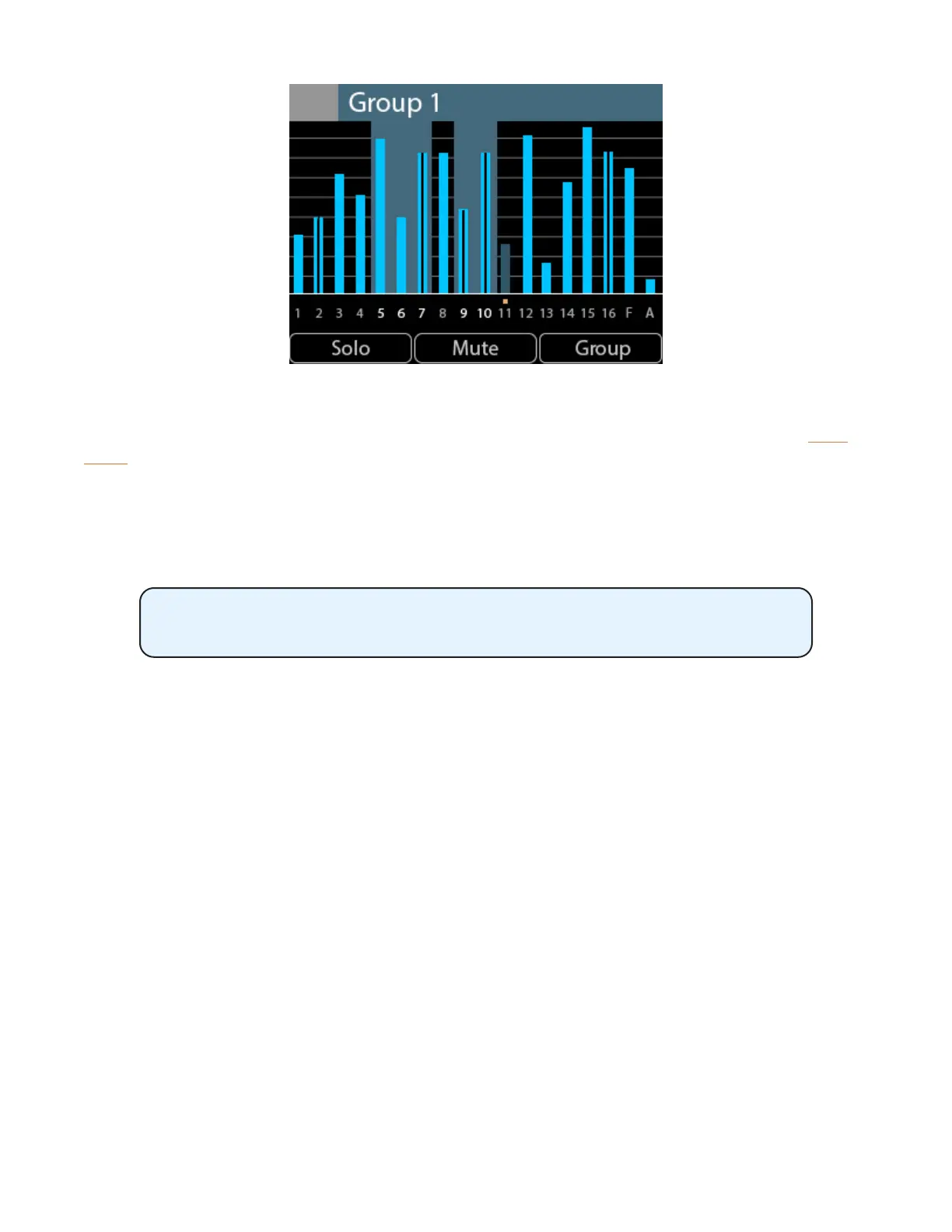
Channels 5, 6, 7, 9, and 10 belong to Group 1, as seen in Mix View
As with the Channel and Names Views, you can solo or mute channels in the mix by using the Solo or
Mute buttons on the A640. Groups can be created or edited from Mix View as well.
When using the A640's Custom mode, any mix channels that are set to be disabled (no network Slot
assignment) will be skipped as you scroll through the channels with the left encoder. See page 65
for more info on channel mapping.
The Solo, Mute, and Group functions are not available when the Ambience
channel is selected.
To edit the Pan, Treble, Bass, or Eects (EFX) settings for a channel, switch to Channel View.



 To Next Page