Page 44Aviom A640 Personal Mixer User Guide
AmbienceIntercom
Save Recall
Signal/Clip
Aux Volume Master Volume
Master EQ
Channel
Mix
Names
Trim All
View Mixer Setup
1 2 3 4 5 6 7 8 9 10 11 12 13 14 15 16 Favorite
A-Net Network
Slots 1-64
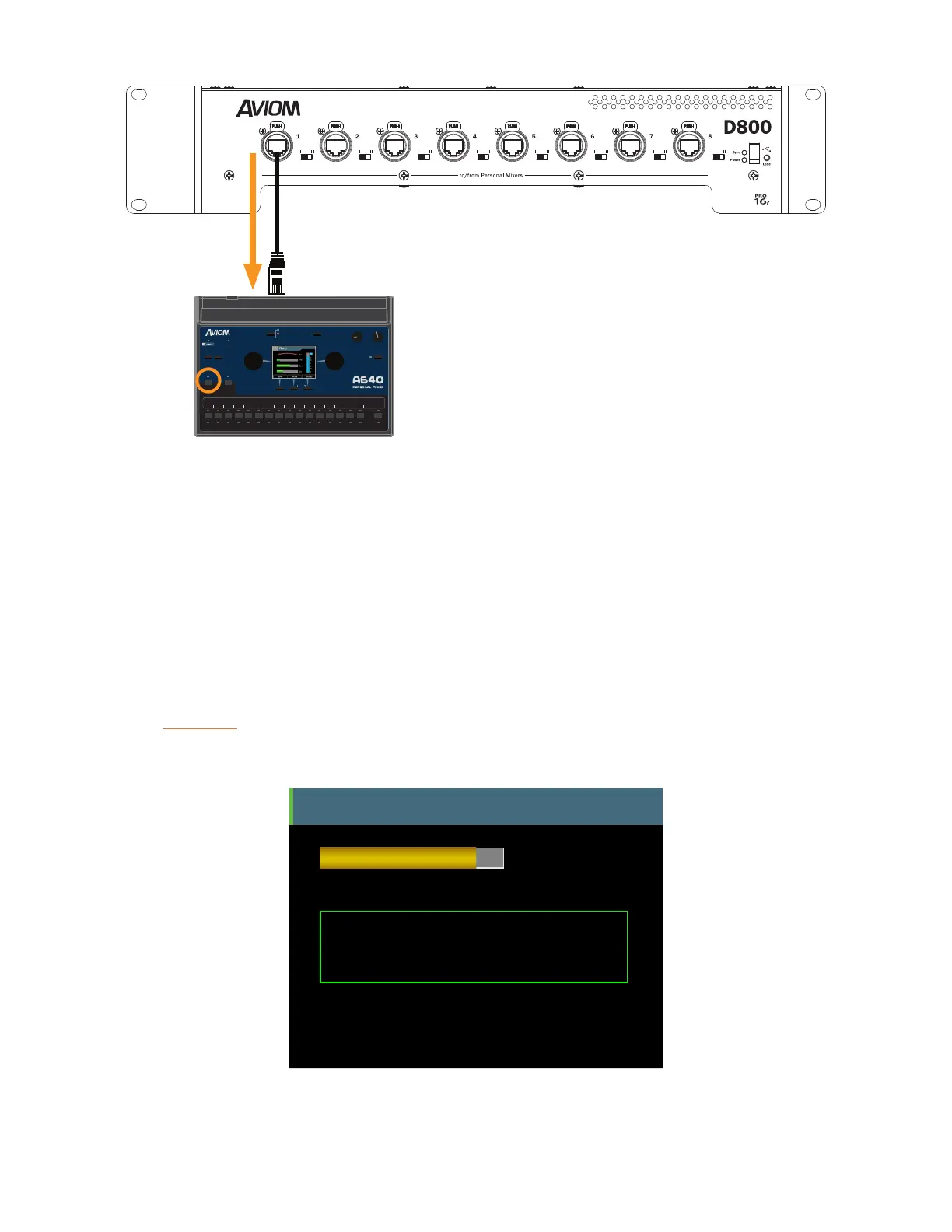
64 network channels are sent to an A640 from a D800.
The A640 Personal Mixer receives the multi-channel A-Net digital audio sources and then maps those
audio sources to its mix channel buttons according to the currently selected mode that the A640 is
set to—Pro16, Default, or Custom. Network channels (Slots) that are not assigned to a mix channel
button are simply ignored. See page 77 for more info on using and selecting the A640 modes.
One of the 64 A-Net network Slots is assigned the duty of carrying the Intercom audio, known as the
Broadcast Slot, on one of those 64 Slots. This global network Slot will contain the Intercom audio for
all users and the D800 will distribute it to all A640 Personal Mixers connected to its front panel A-Net
ports. (Slot #64 is chosen for broadcasting Intercom audio in this example.)
When the inteRcoM button is held down, the A640 display shows the current Intercom Receive
Volume level and other information about the current Intercom setup.
Intercom
Audio Source = Internal Mic
You are the speaker.
Receive
Volume
Intercom Broadcast Slot = 64
D800 Port 1
Intercom info is displayed when you hold the Intercom button down.



 To Next Page