CHAPTER 5 – Controls and use
Chap. 5
- 17/48 -
STEP ACTION DESCRIPTION
6
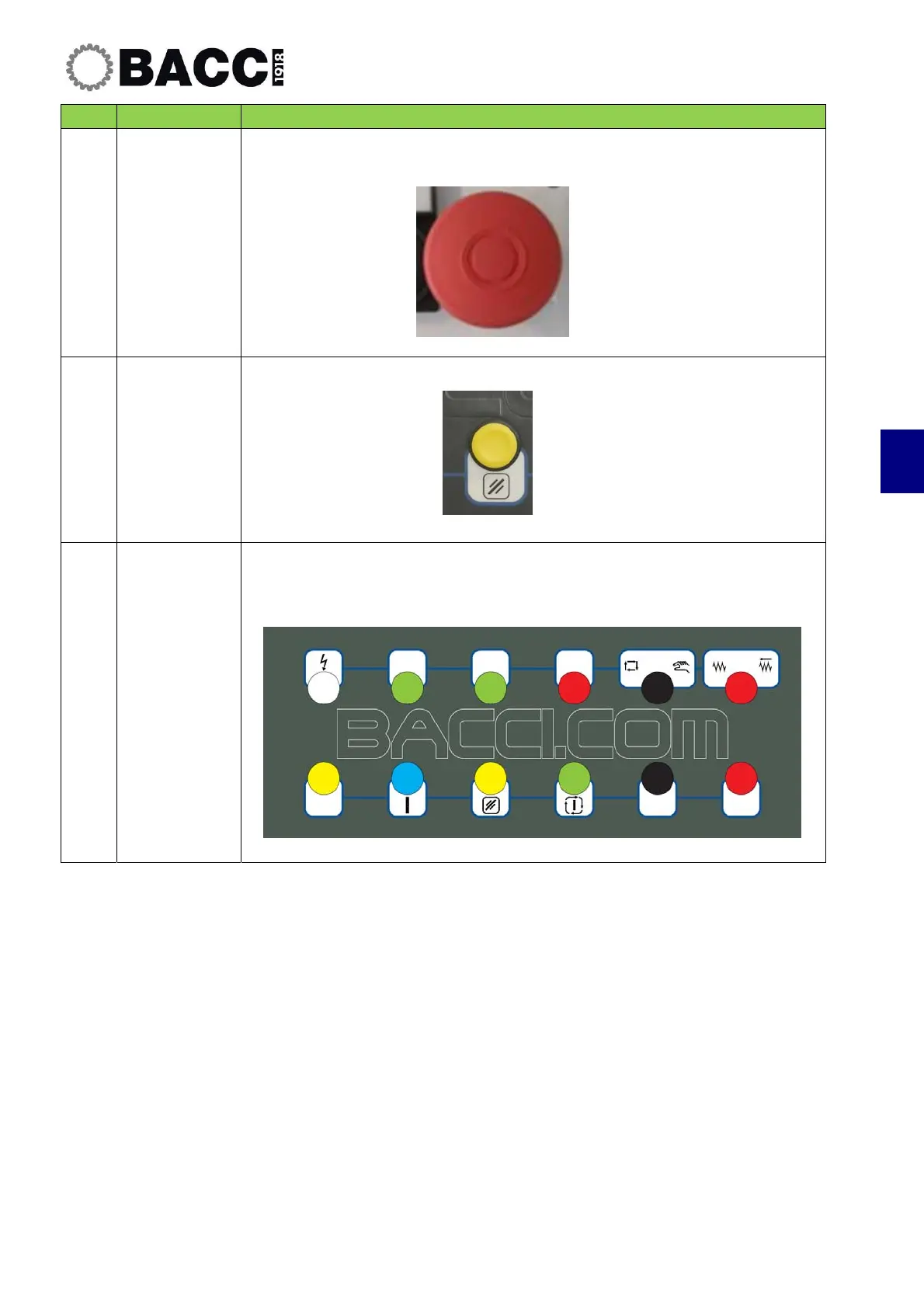
Release
emergency
pushbuttons
Release any Emergency pushbuttons that have been pressed by pressing
and turning the button to the left.
7
RESET
Press the "Reset" button.
8
Turn on
auxiliaries
• Press the “Turn on Auxiliaries" pushbutton (8).
• The “Grid connected” pilot light (1) turns on, indicating that the machine
is powered
.


 To Next Page