CHAPTER 5 – Controls and use
Chap. 5
- 21/48 -
5.4 Machine turn off procedure
To turn off the machine, proceed as described following.
STEP ACTION DESCRIPTION
1
Machine
Reset
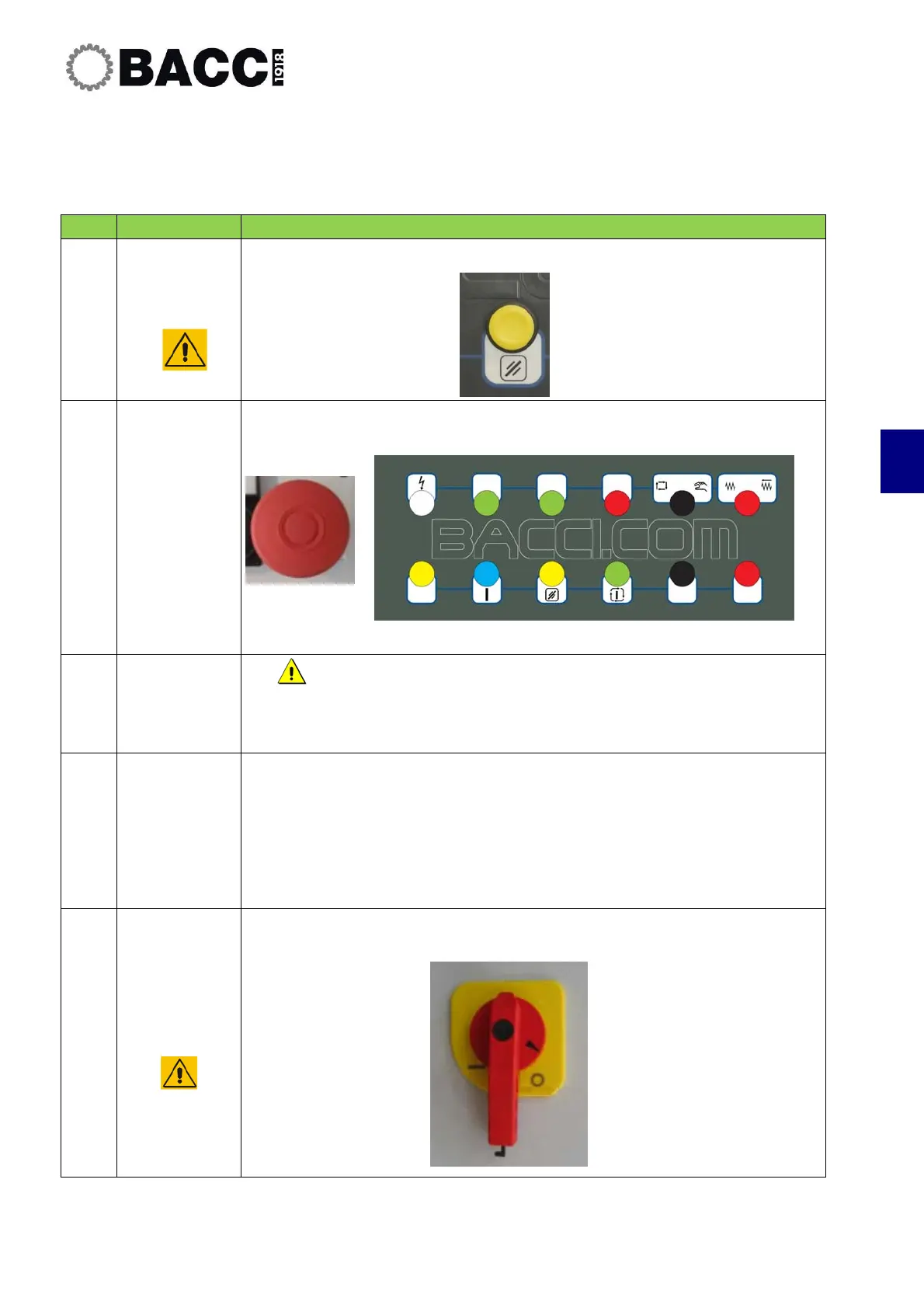
Press the "Reset" button.
2
Emergency
Pushbutton
Press one of the Emergency pushbuttons located on the pushbutton panels.
3
Exit submenus
•
Exit the submenus of the interface panel and return to the main
page.
4
Turn off
windows
Turn off the Windows operating system:
• Click on START
• Click on CLOSE SESSION
• Click on STOP SYSTEM
• Click on OK
The following message will appear: “You may now turn off the machine.”
4
Cut-off power
to the
machine.
Turn the main switch to "0"


 To Next Page