TWIN – Use and maintenance instruction manual
Chap. 5
- 26/48 -
5.5.3 Stop and re-start procedure after working stop - RESET
In the event of a sudden machine stop, be it intentional or accidental, correct function re-start depends
on how the machine has been stopped.
Proceed as described following.
STEP ACTION DESCRIPTION
1
Press the
RESET
pushbutton
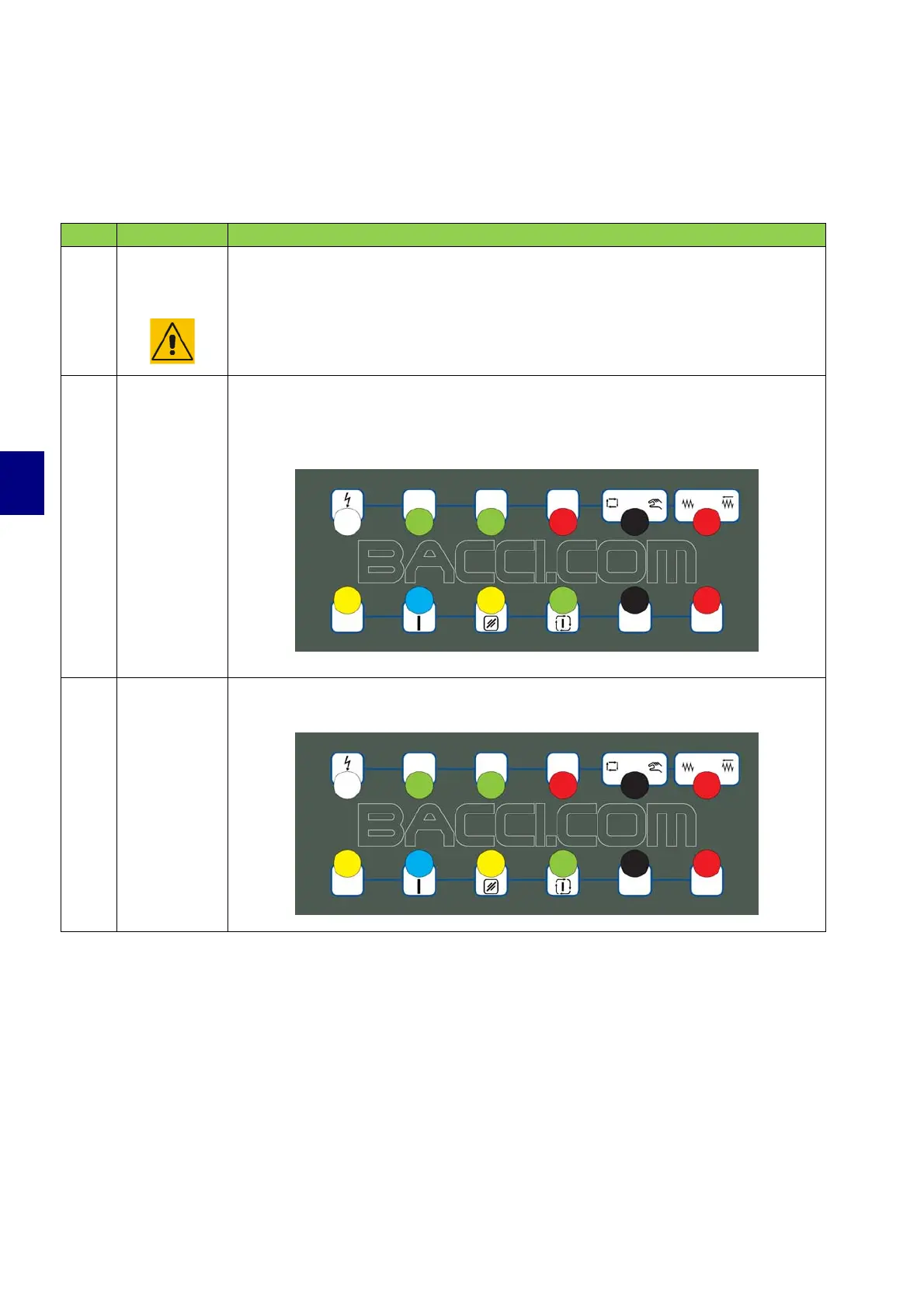
Before using the machine, all persons involved must be familiar with the
location and use of all the RESET pushbuttons on the machine shown in the
pictures.
2
Re-start
procedure
To re-start the machine after a machine STOP:
• Remove the cause for the machine stop
• Press the "Reset" key (9).
3
Start cycle
Press the “Start automatic cycle” pushbutton (10)


 To Next Page