TWIN – Use and maintenance instruction manual
Chap. 5
- 38/48 -
STEP ACTION DESCRIPTION
5
Reposition the
head
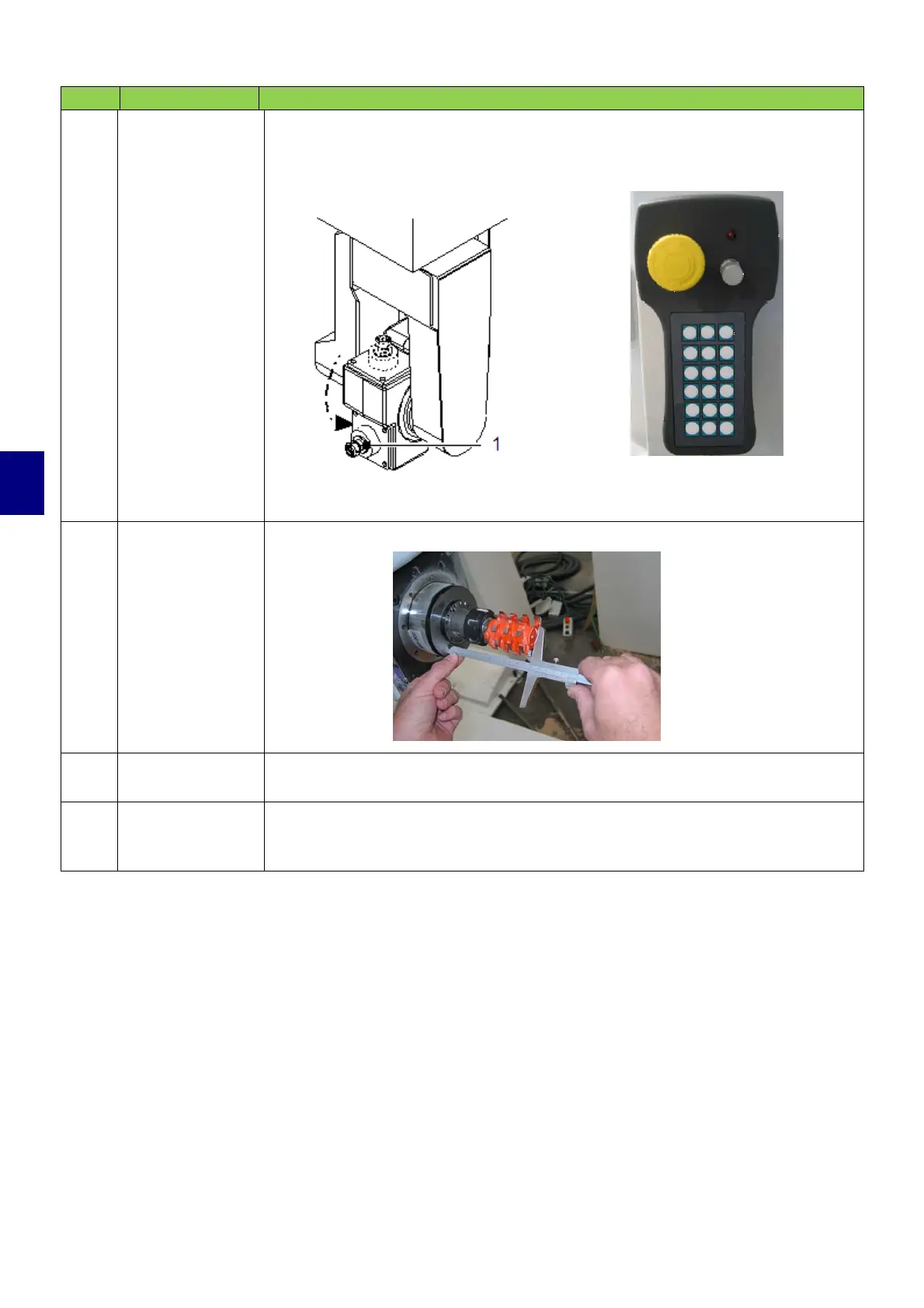
• Turn the working unit using the manual controls.
Manual pushbutton control: A+ (15) movement pushbutton
A- (16) movement pushbutton
The spindle to be equipped is positioned towards the work side.
6
Measure the tool
Using an appropriate tool, measure the length of the tool.
7
Update
parameters
Enter the tool length in the software.
8
Continue with the other spindles on the machining head, starting from point 1
above until all the spindles are equipped.


 To Next Page