36 BD FACSCanto II Instructions for Use
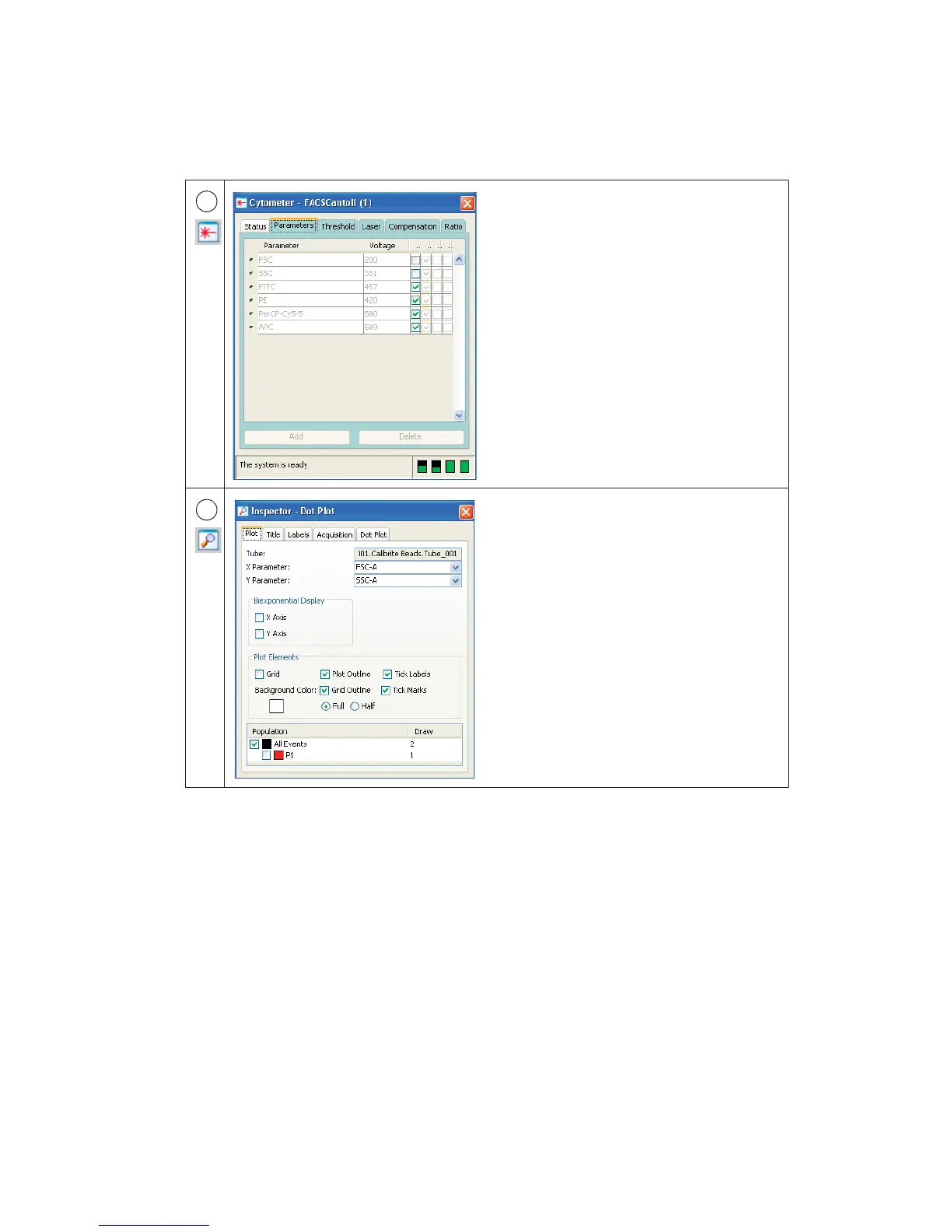
The Cytometer window shows the
cytometer connectivity status. When the
cytometer is connected, the window also
shows status messages. If an experiment is
open and the current tube pointer is set, the
window displays cytometer settings for the
current acquisition tube and laser controls.
Additional controls might be displayed in
this window depending on the cytometer
you are running. Refer to your cytometer
manual for a description.
Use the Inspector to view or modify the
attributes of one or more objects in the
worksheet or Browser. The contents of the
Inspector change depending on what is
selected. For example, this Inspector shows
plot options.
4
5



 To Next Page