104
Calibration
Calibrating an Instrument
Selecting the Instrument to Be Calibrated
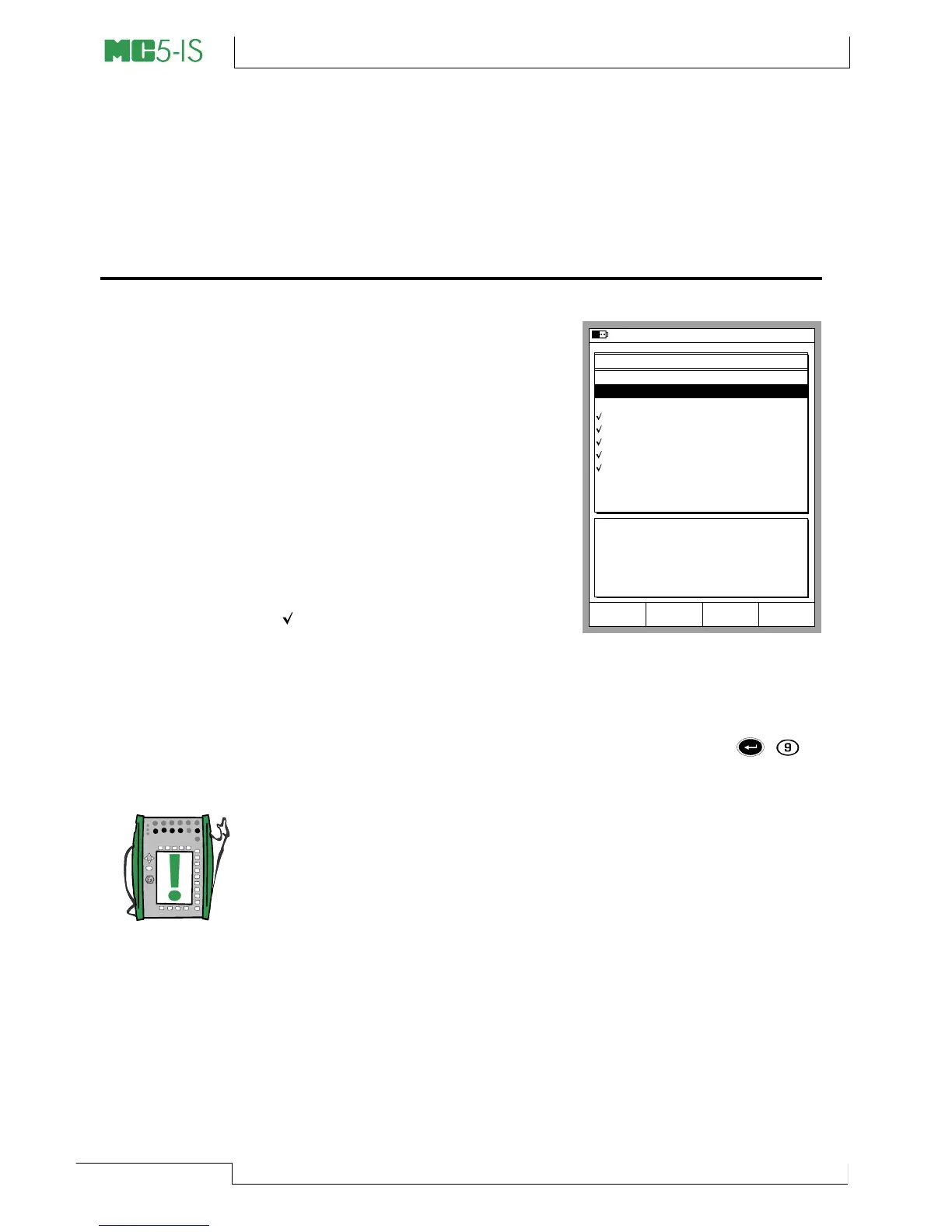
To move from Basic Mode to Cali-
bration Mode, press the A/Calibra-
tion Mode Function Key. A list of
instruments available in MC5-IS’
memory is presented. If you do not
have any instrument data in MC5-
IS’ memory, either download them
from a calibration software or cre-
ate instruments in MC5-IS as de-
scribed in chapter Adding New In-
struments on page 119. The Posi-
tion ID / Device ID of an already
calibrated instrument is tick-marked
( )
When you move the cursor (the inverted text), the additional data
presented in the lower part of the screen changes to reflect the data
of the current instrument.
Select one of the available instruments by pressing the
,
or
the C/Select key.
Note.
If there are a lot instrument data in MC5-IS’ memory, displaying the
list may take a few seconds.
25.09.2000 10:16
POSITION/DEVICE ID
101-XI-001.1
112-TT-003.1
112-TT-007.1
PT101.6
PT112.12
PT115.15-1
PT115.15-2
PT112.16
TT112.08
TT112.10
TT112.12
Device ID
Position Name
Calibrated
TT112.07
Intake Temperature on Feed 1
Not Calibrated
Mode
Basic
MENUSelect



 To Next Page