84
Advanced Operation and Configuration
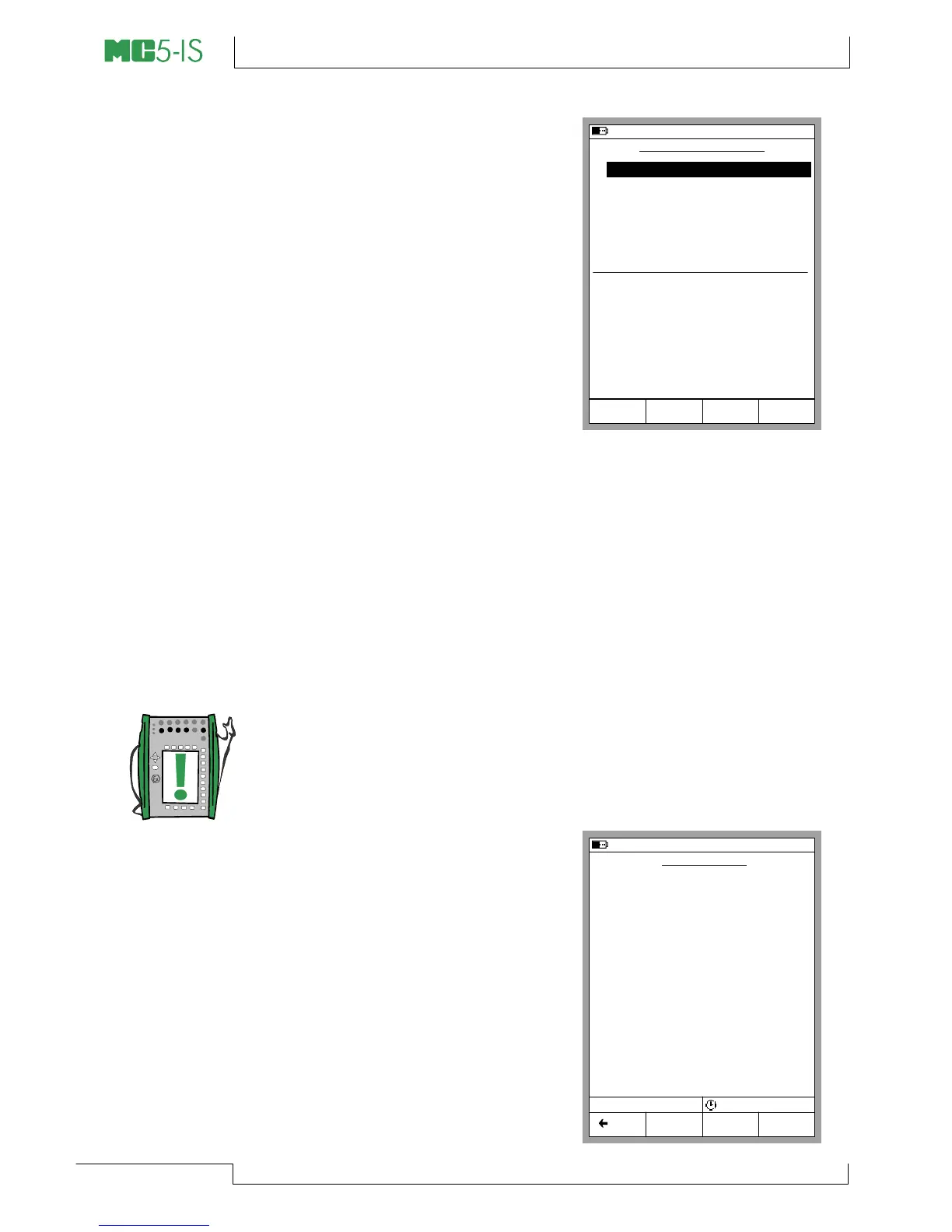
General Data Logging Settings
Trigger
Available options: Periodic and
Keyboard. When Keyboard is se-
lected, the fields Interval, Samples
and Time are not needed and thus
not shown.
Save Method
Options: Instant, Average, Mini-
mum, Maximum, Min & Max and
All values.
Interval
Accepted values: 1 to 3600 sec-
onds. Enter the value as an integer.
Samples
Maximum amount of samples: 70000.
Time
Automatically calculated based on the Interval and Samples set-
tings. Alternatively, by changing the Time settings, the Samples
value is automatically changed to suit the new Time settings. Maxi-
mum value: 30 days (720 hours).
Notes.
In addition to the previously mentioned limits, the maximum val-
ues of Samples and Time settings also depend on the available
free memory. If you enter values that require more memory than is
available, MC5-IS automatically replaces the entered value with
the currently allowed maximum value.
When a data log is done, you can
enter a name for the results.
Starting the Data Log
To start logging, select B/Data
Logging in the Data Logging con-
figuration window. Start the Logging
by selecting C/Start Logging in the
Logging window.
20.09.2000 15:02
DATA LOGGING SETUP
1
Trigger
2
ET:RTD(mea) °C Pt100
α
385
3
ET:TCi(mea) °C K NiCr/niAl
4
None
5
None
6
None
7
None
Save Method
Interval [s]
Samples
Time [h min s]
Periodic
Instant Value
60
720
12
Mode
Basic
Logging
Data
Edit MENU
P3:B bar abs
0 0
Abs
bar1.0113
20.10.2000 15:32
DATA LOGGING
Pt100 α385
°C
24.17
K NiCr/NiAl
°C
24.39
Posit. kantti
kHz
-------
Posit. kantti
kHz
-------
Posit. kantti
kHz-------
Posit. kantti
kHz
-------
1
2
3
4
5
6
7
Count 647 38802 s
Logging
Stop
MENU Back



 To Next Page