52
Startup and Basic Operation
Mathematical Special Measurements
Mathematical special measurements may be assigned to all measurements.
Minimum value
Start the minimum value measurement by selecting:
D/Menu and B/Window 2 Setup, if needed,
or
,
1/Special Measurements,
Minimum Reading.
Maximum value
Start the maximum value measurement by selecting:
D/Menu and B/Window 2 Setup, if needed,
or
,
1/Special Measurements,
Maximum Reading.
Min/Max value
Start the minimum/maximum value measurement by selecting:
D/Menu and B/Window 2 Setup, if needed,
or
,
1/Special Measurements,
Min/Max Readings.
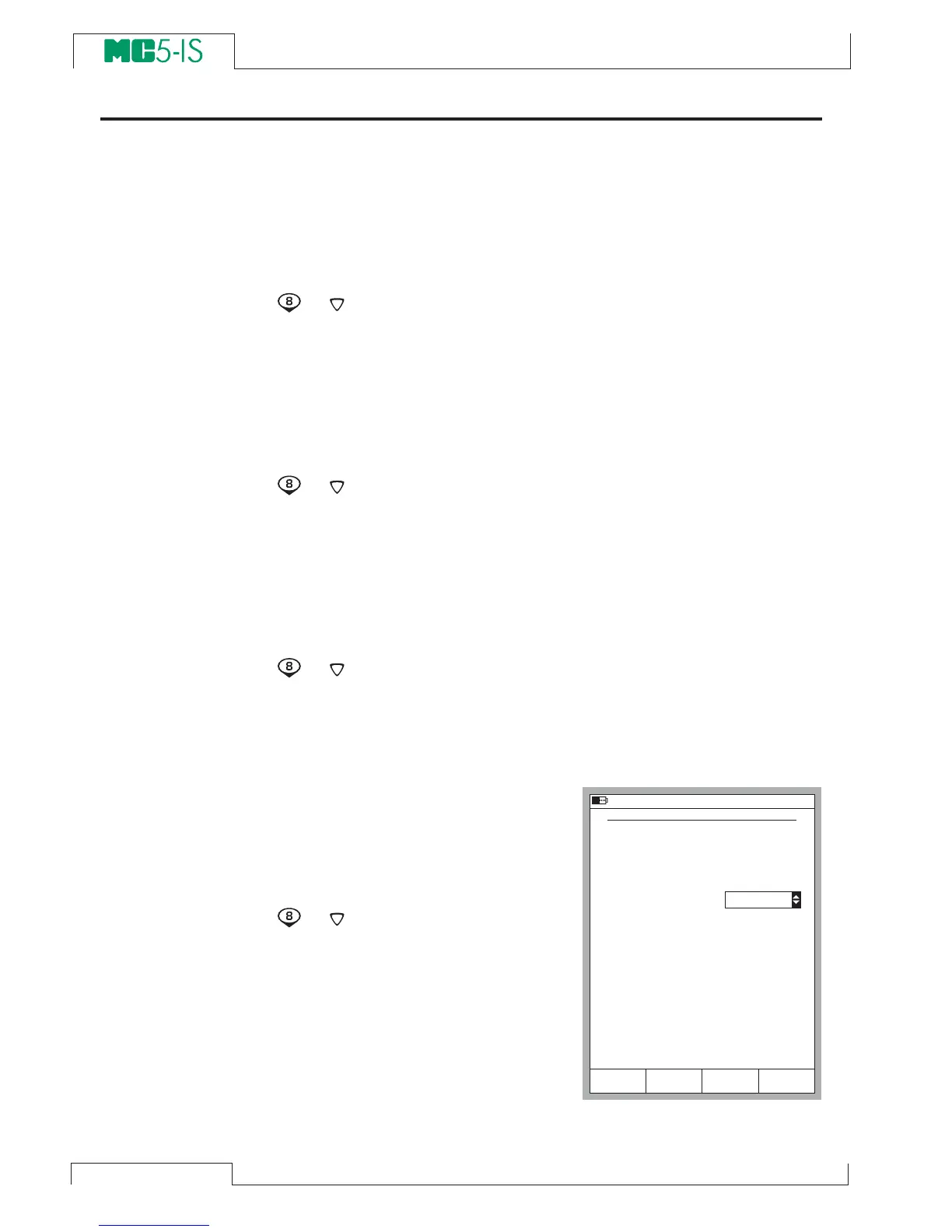
Rate of Change
Start the rate of change measure-
ment by selecting:
D/Menu
and B/Window 2 Setup, if
needed,
or
,
1/Special Measurements,
Rate of Change….
Before the special measurement is
started MC5-IS prompts for the rate
of change unit which can be se-
lected from the following options:
1/s, 1/min and 1/h.
2 2 . 0 9 . 2 0 0 0 1 3 : 2 2
R A T E O F C H A N G E M E A S U R E M E N T
Q u a n t i t y
P o r t
U n i t
R a t e o f C h a n g e U n i t
T / C - t e m p e r a t u r e
E T : T C i ( m e a s )
° C
1 / s
S t a r tC a n c e l E d i t



 To Next Page