79
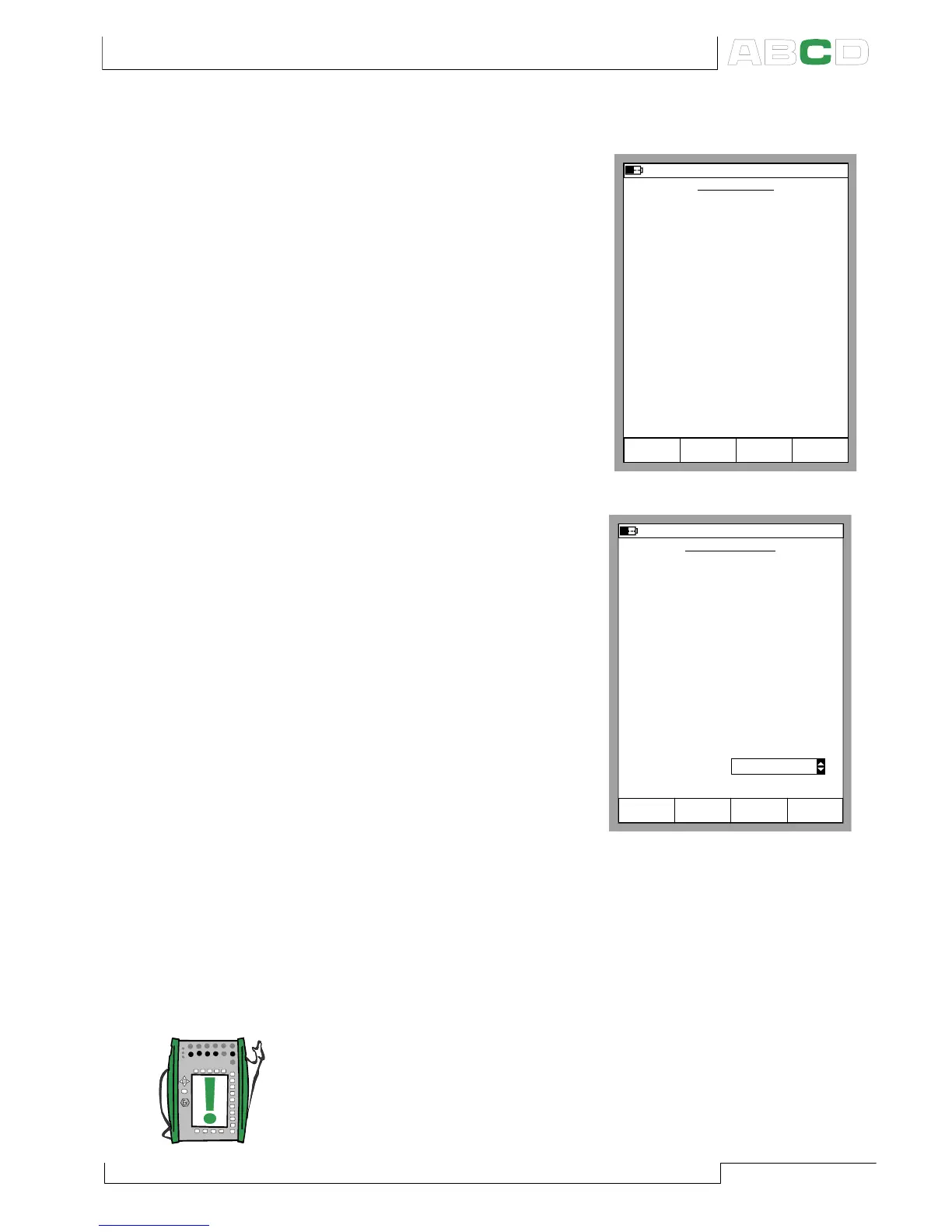
Displaying Values in Percentage
In Percentage Display Mode the
measured/generated/simulated
values are displayed as percent-
age of a user defined range.
Start the Percentage Display Mode
as described in chapter Display
Mode Settings on page 77 and
enter the Measured Range.
The true value is displayed in the
Extra Info row.
Displaying Error Values
The Error Display Mode utilizes
both of Basic Mode’s windows.
The measured/generated/simul-
ated values of both windows are
treated as percentages of user
defined ranges. The input value is
considered as the “correct” value
and the output value should fol-
low the input value, while taking
the Transfer Function into ac-
count.
The window from which Error Dis-
play Mode is invoked is consid-
ered as the instrument’s output
signal and the other window as
the input signal.
Start the Error Display Mode as described in chapter Display Mode
Settings on page 77. Enter the Measured Range for both the
input and the output signal, the Error Calculation Method and
the Transfer Function (input/output correlation).
The true output value is displayed in the Extra Info row.
Note.
The Error Display Mode is only available for a Basic Mode window
set for measuring a quantity.
PERCENTAGE
26.04.2002 14:21
Quantity
Port
Pressure
P1:INT2C
Measured Range
kPa
Stop
Ramping
Field StartCancel Edit
0 %
100 %
kPa
0.000
100.000
ERROR DISPLAY
26.04.2002 14:29
INPUT
Port
Pressure
P1:INT2C
Measured Range
kPa
Stop
Ramping
Field StartCancel Edit
0 %
100 %
kPa
0.000
100.000
Transfer Function Linear
Error Calc. Method % of span
OUTPUT
Port
Current
E: I(meas)
Measured Range
mA
0 %
100 %
mA
4.000
20.000
Window
Window
1
2
Advanced Utilities



 To Next Page