138
Appendix 1, User Guide for MC5 HART Option
Calibrating a HART Instrument
Selecting the Instrument to be Calibrated
To be able to calibrate the HART
instrument, it has to be added to
MC5-IS’ instrument database. The
analog output (AO) and the digital
output (PV) are treated as separate
instruments.
Adding the instruments can be
done using the utility described in
chapter Adding a HART Instru-
ment to MC5-IS’ Instrument Da-
tabase on page 137 or by sending
the instrument data from a calibra-
tion software. Additionally: you can
also manually enter the instrument
data into MC5-IS’ instrument data-
base.
Select the instrument to be calibrated from MC5-IS’ list of available
instruments.
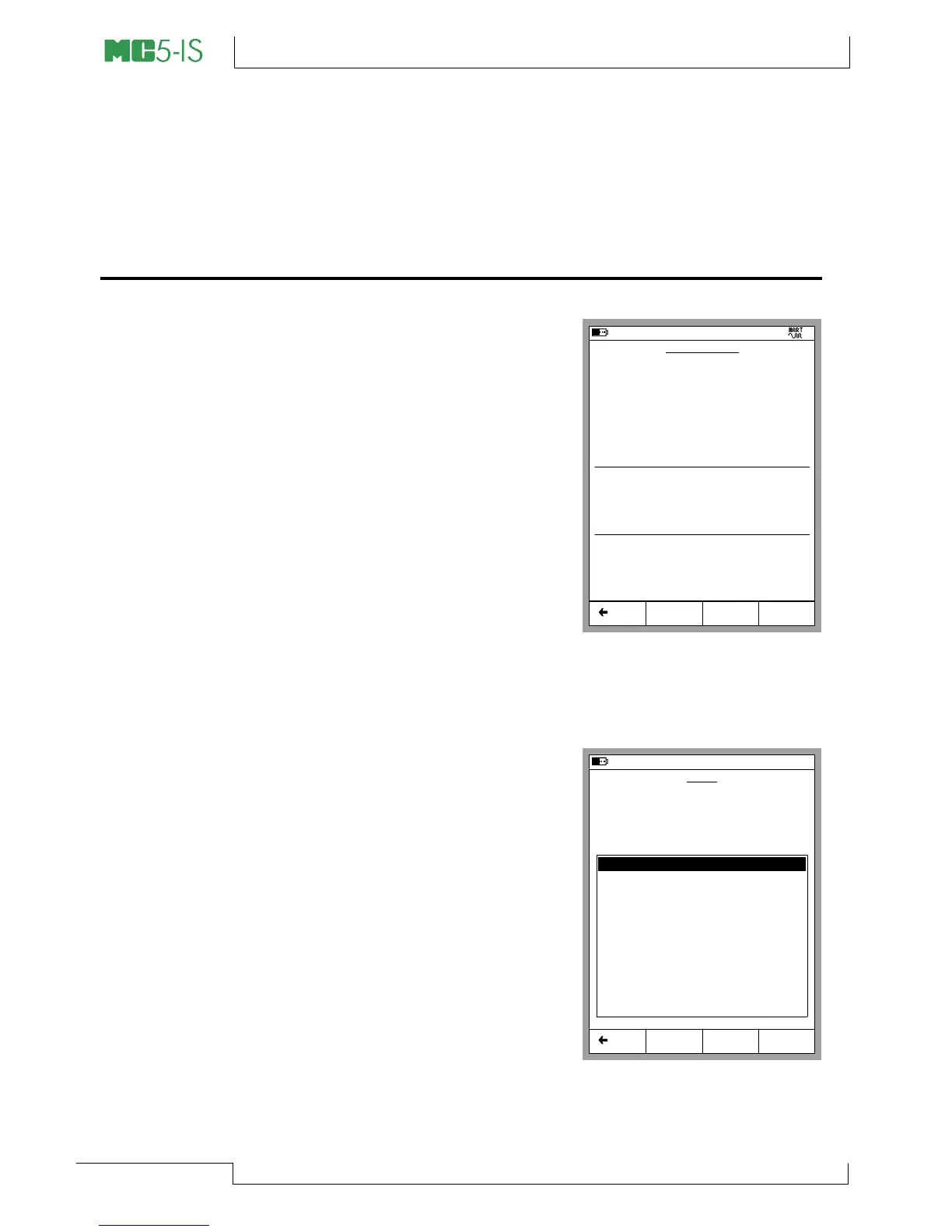
If you are already connected to the
HART instrument (HART commu-
nication started in Basic Mode),
MC5-IS continues directly from the
Instrument Window to the Calibra-
tion Windows.
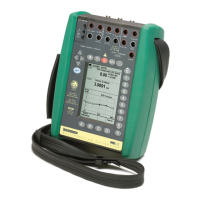
If HART communication is not
started and you are calibrating the
digital output (PV) of the HART in-
strument, MC5-IS prompts you to
start the communication and select
the instrument in a window similar
to the adjacent picture.
MC5-IS accepts the HART instru-
ment as the instrument to be cali-
brated only if its instrument data matches with the data of the instru-
ment selected in MC5-IS.
06.10.2000 17:13
INSTRUMENT
112-TT-003.1
Edit Calibrate MENU
JUST TESTING
Transfer Function
Linear
Method
Measured
INPUT
0.00 ... 1000.00 mbar
Pressure Type
Gauge
Method
Measured
OUTPUT
4.0000 ... 20.0000 mA
Back
Cal. Points
5
↑↓
06.10.2000 17:16
0 - 3051 - Pressure Transmitter
1 - PT155 NC-TTR
2 - PT311 ARG - JT
3 - PT413 WBA4 - NTB
4 - TT210 PLGR - NSWF
5 - TT921 FPN - ILL
6 - TT148 TBB - NE
Select Back
HART
Searching for HART Device at:
8
Devices found:
Restart


 To Next Page