139
The Calibration Procedure
Calibrating a HART instrument
does not differ from the calibration
of a non-HART instrument with
similar input quantity, input method,
output quantity and output method.
Refer to the examples in MC5-IS
User Guide’s Part D.
Note.
Calibrating the Analog Output (AO) of
a HART instrument does not necessar-
ily require HART communication. MC5-
IS treats it as a standard analog instru-
ment during the calibration procedure.
Trimming a HART Instrument in Calibration Mode
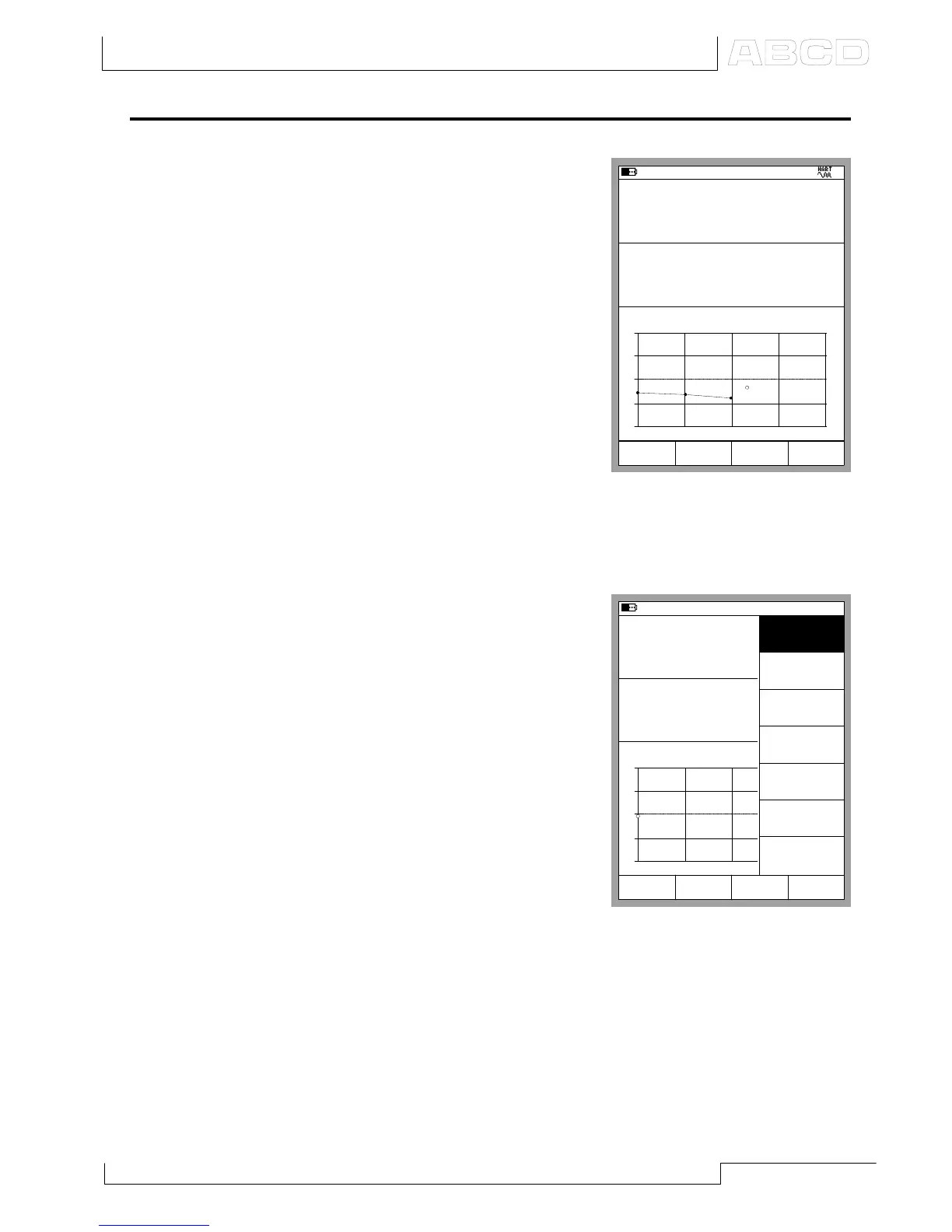
There is a special utility for trimming
a HART instrument during
calibration. To start the HART
adjustment, select D/MENU and
1/Start HART Adjustment.
If you are calibrating an instrument
with an analog output, the window
where you can connect to HART
instrument opens. The selected
HART instrument must match the
instrument under calibration.
06.10.2000 17:21
Input
Error
1.00
Output
mbar
510.24
-0.21 % of span
512.156
+
0
-
0% 50% 100%
Pressure [P1:INT1C]
Pressure [E: HART]
mbar
Gauge
Stop
Readings
Accept
15.05.2002 13:22
Input
Error
1.00
Output
kPa
4.3374
-0.06 % of span
0.0434
+
0
-
0% 50% 100%
Pressure [P1:INT20C]
Current [E: Meas]
mA
gauge
MENU
Close
Prescan
[On]
Start
HART
Adjustment
View
Calibration
Results
Zero
Pressure
Module
Calibrating a HART Instrument



 To Next Page