76
Advanced Operation and Configuration
Setting Time and Date
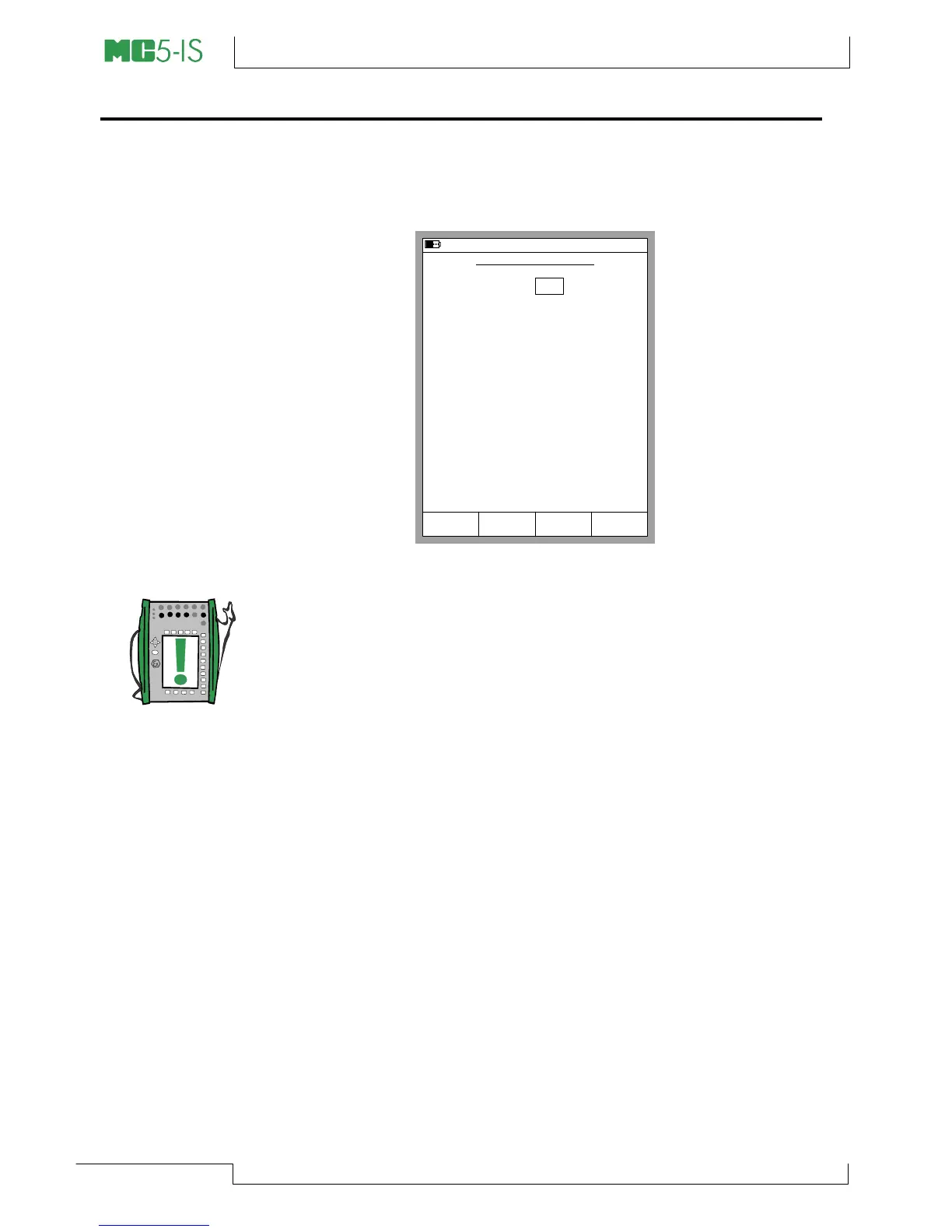
To change the time and date (starting from Basic Mode), press
D/Menu, C/Others, 2/Maintenance and 2/Time/Date.
Notes.
The date must always be given in dd.mm.yyyy format no matter
what the configured date format is.
The time must always be given in the 24 hour format no matter
what the configured time format is.
The date and time will be updated when you press the D/Accept
Function Key.
25.09.2000 8:57
TIME/DATE SETTINGS
Date (dd.mm.yyyy)
Time (hh:mm:ss)
8
25
57
09
22
2000
Cancel AcceptEdit



 To Next Page