56
Startup and Basic Operation
Generating/Simulating
General
MC5-IS is capable to perform the following generation/simulation
functions:
• Voltage generation
• Frequency and pulse generation
• Thermocouple simulation
• RTD and resistance simulation
• Sink Current
Generation/simulation in Basic Mode require that you first select
the Window to be used (Commands: Start with
D/Menu and con-
tinue either with A/Window 1 Setup or B/Window 2 Setup). Each
generation/simulation has its own unique 1/Quantity and 2/Func-
tion/Port settings in their window’s menu. The other window menu
settings (generation/simulation unit etc.) refine the generation/simu-
lation characteristics.
The presentation of each generation/simulation begins with a para-
graph defining the modules that include terminals required for the
generation/simulation (Most generated/simulated signals are done
with the ET module but current generation may also be done with
the E module). Because of MC5-IS’ modularity you may or may not
have the required module. If the module is not included in your
MC5-IS, the
1/Quantity and 2/Function/Port settings needed for
the generation/simulation are not available as choices in the pop-
up lists.
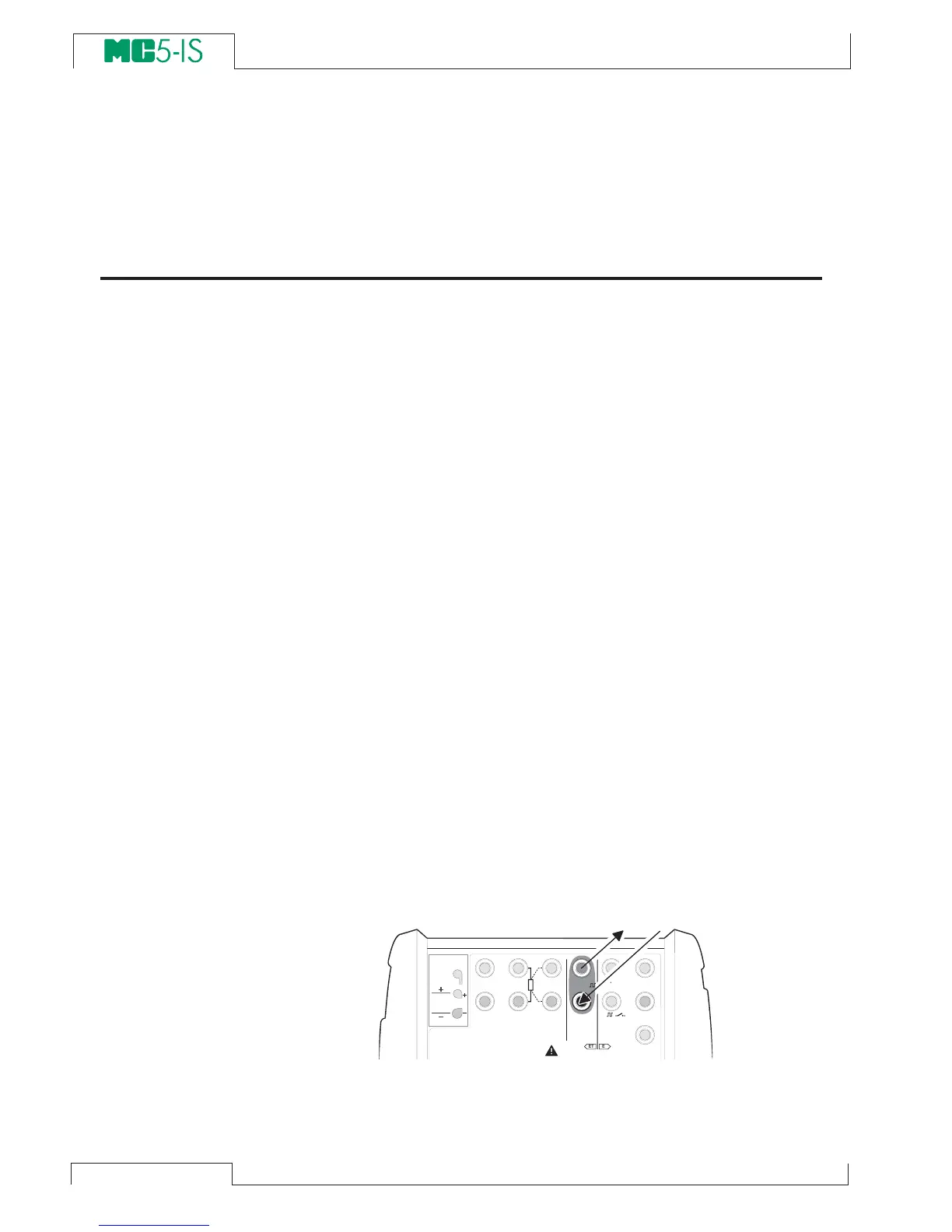
Each generation/simulation also has at least one picture with a circle
around some of MC5-IS’ terminals, like the one below.
The circle indicates active terminals for each 1/Quantity and
2/Function/Port setting in the window menu.
T / C , L o w V
H A R T
®
1
m e a s / s i n k
V , ,
V ,
1
,
s i n k
C o m
R , R T D
L o w V
M E A S U R EO U T P U T
E T E
T / C I N T . R J
S E N S O R M E A S U R E & S I M U L A T E
U o : 1 6 V
I o : 2 4 m A
P o : 1 4 5 m W
T / C
W I R E S
O N L Y
4 w m e a s
3 w m e a s
m e a s / s i m
s i n k
V ,
1
,



 To Next Page