32
Startup and Basic Operation
Starting MC5-IS
Startup Procedure
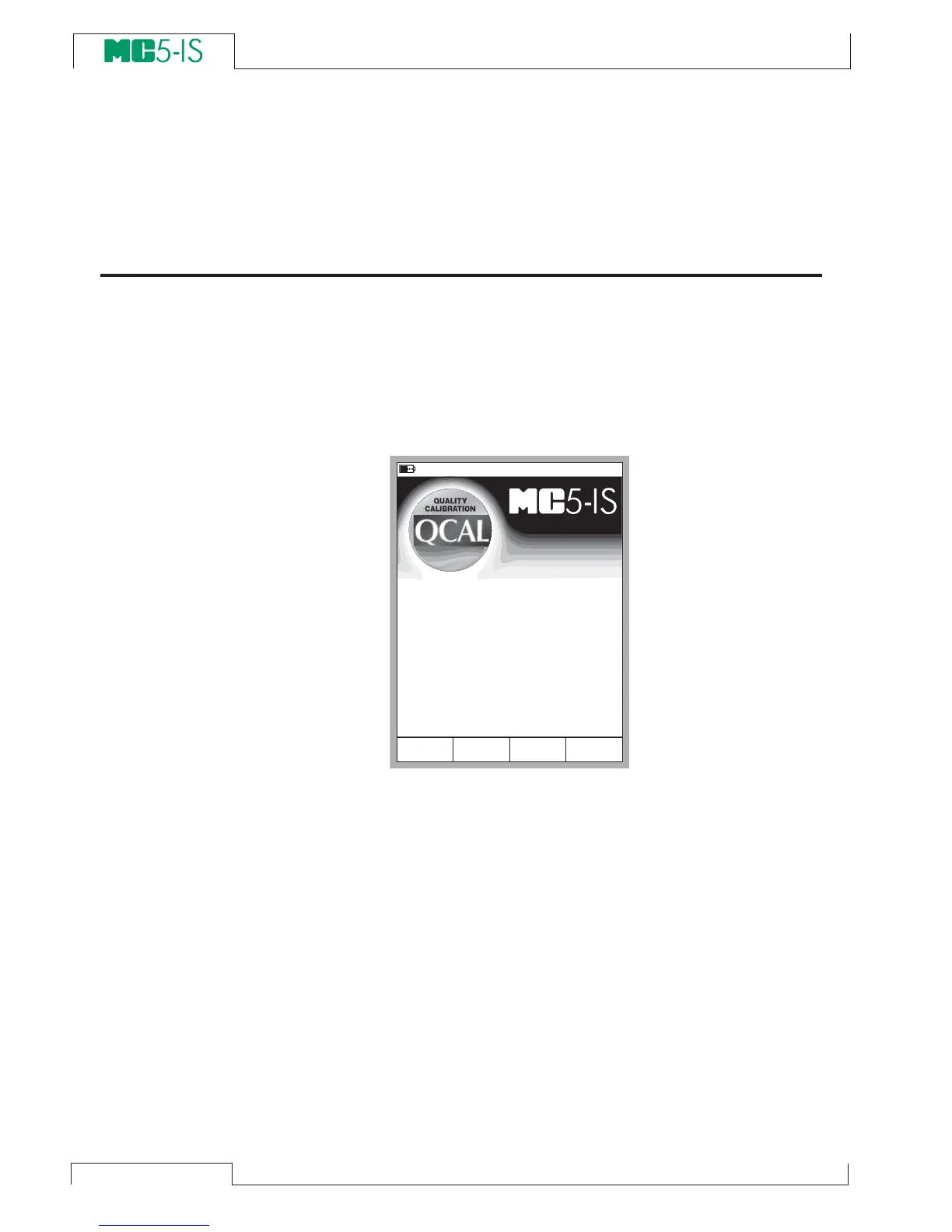
When MC5-IS is started, a startup picture appears. After a self test,
some basic information of the calibrator at hand appears in the lower
part of the screen. If you want to view the calibrator information for
a longer period, press the D/Wait function key. Then the calibrator
information is visible until you press the D/Continue function key.
If a module’s version number cannot be seen, the module is not
included in the MC5-IS at hand.
The calibration due date that is listed in the startup window is the
earliest calibration due date for all connected modules. If the cali-
brator requires recalibration, MC5-IS stops at the calibrator infor-
mation window and the text “
Calibrate Soon” appears below the
calibration due date row.
0 6 . 0 5 . 2 0 0 2 1 5 : 3 6
W a i t
S e r i a l n u m b e r
E m o d u l e v e r s i o n
C a l i b r a t i o n d u e d a t e
M a i n v e r s i o n
E T m o d u l e v e r s i o n
2 3 5 1 2 3 6 5
1 . 3 0
2 2 . 0 1 . 2 0 0 3
1 . 8 0
1 . 5 0
w w w . b e a m e x . c o m



 To Next Page