78
Advanced Operation and Configuration
Scaling
In scaling, the measuremed/generated/simulated value is dis-
played in another, user defined quantity/unit. Start scaling as de-
scribed in chapter Display Mode Settings on page 77.
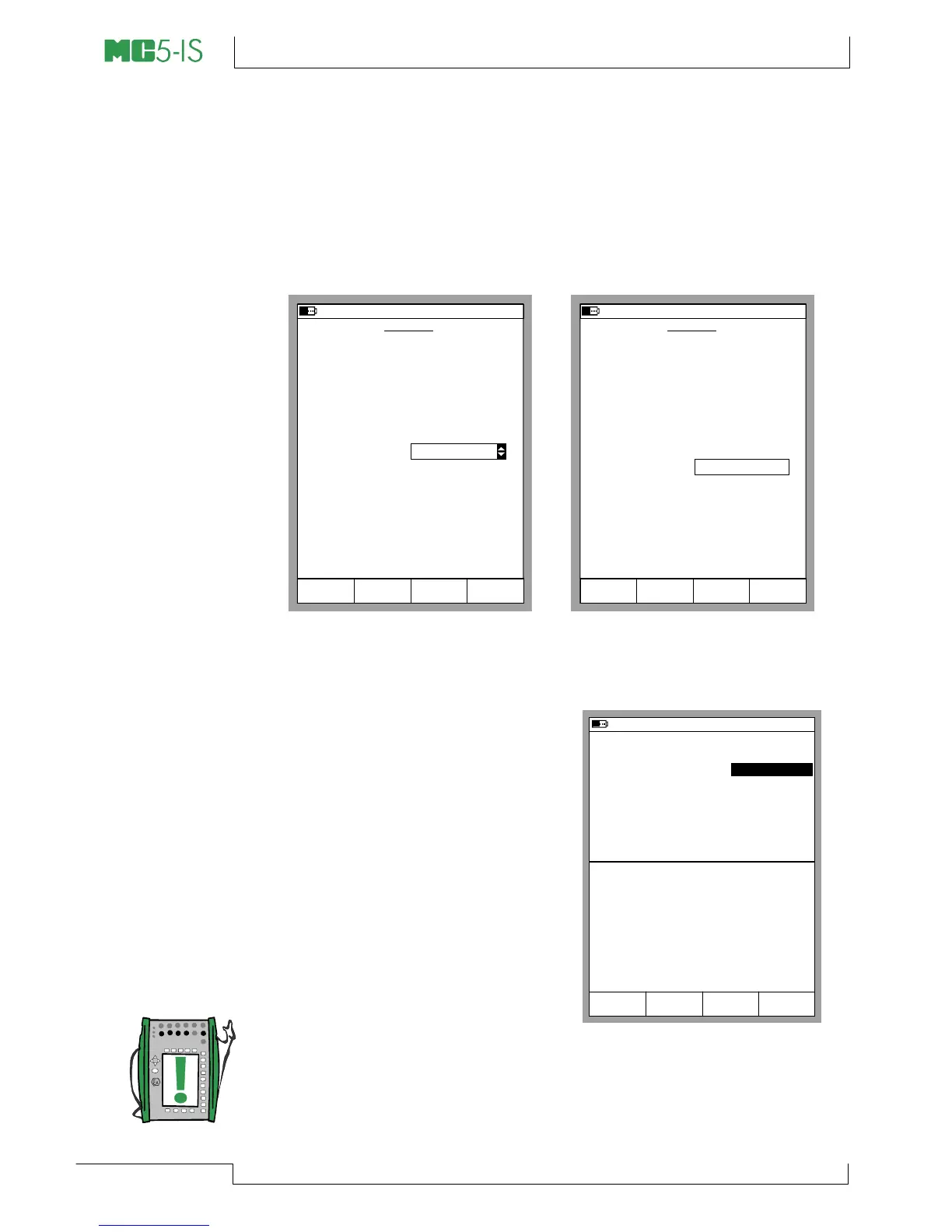
When selecting Scaling Display Mode, the following configuration
window appears:
SCALING
26.04.2002 14:02
Quantity
Port
Pressure
P1:INT2C
Measured Range
kPa
Stop
Ramping
Field StartCancel Edit
0 %
100 %
kPa
0.000
100.000
Scaled Mode
Scaled Unit
mA
Scaled Range
0 %
100 %
4.000
20.000
Transfer Function Linear
Current
SCALING
30.05.2002 10:09
Quantity
Port
Pressure
P1:INT2C
Measured Range
kPa
Stop
Ramping
Field StartCancel Edit
0 %
100 %
kPa
0.000
100.000
Scaled Mode
Custom Units
Scaled Unit
Scaled Range
0 %
100 %
1.00
5.00
Transfer Function Linear
Gallons/min
Decimals
3
You can scale the quantity either to a quantity that already exists in
MC5-IS or select Custom Units
from the Scale Mode field. Then
you can manually enter any unit to
the Scale Unit field (see the
leftmost picture above).
When scaling is active in a Basic
Mode window, the window con-
tains the text “SCALED”. The true
value is displayed in Extra Info row.
If the Extra Info row was assigned
to some other measurement be-
fore scaling was started, the other
measurement is automatically
stopped.
Note.
Remember to set the amount of decimals to be displayed for a
Custom Unit. The default value is 3.
30.05.2002 10:10
P2: INT20C/-1.0 ... 20.7 bar g
E: Current Measurement
Gallons/min
20.088
8.3217
mA
2
Current
1
Pressure
Measurement bar
1.004
Mode
Calibration
MENU
SCALED



 To Next Page