85
If the Trigger setting is Periodic, you can follow how the logging
advances in the lower part of the window. Both the amount of sam-
ples to be logged and the remaining time is displayed. If the
Trigger setting is Keyboard, accept the values by pressing the
Function Key B/Accept Readings.
Now the lower part of the window displays the amount samples
already logged and the time since the logging was started.
To stop/interrupt the logging, be it periodically triggered or trig-
gered from the keyboard, select C/Stop Logging.
Viewing the Results
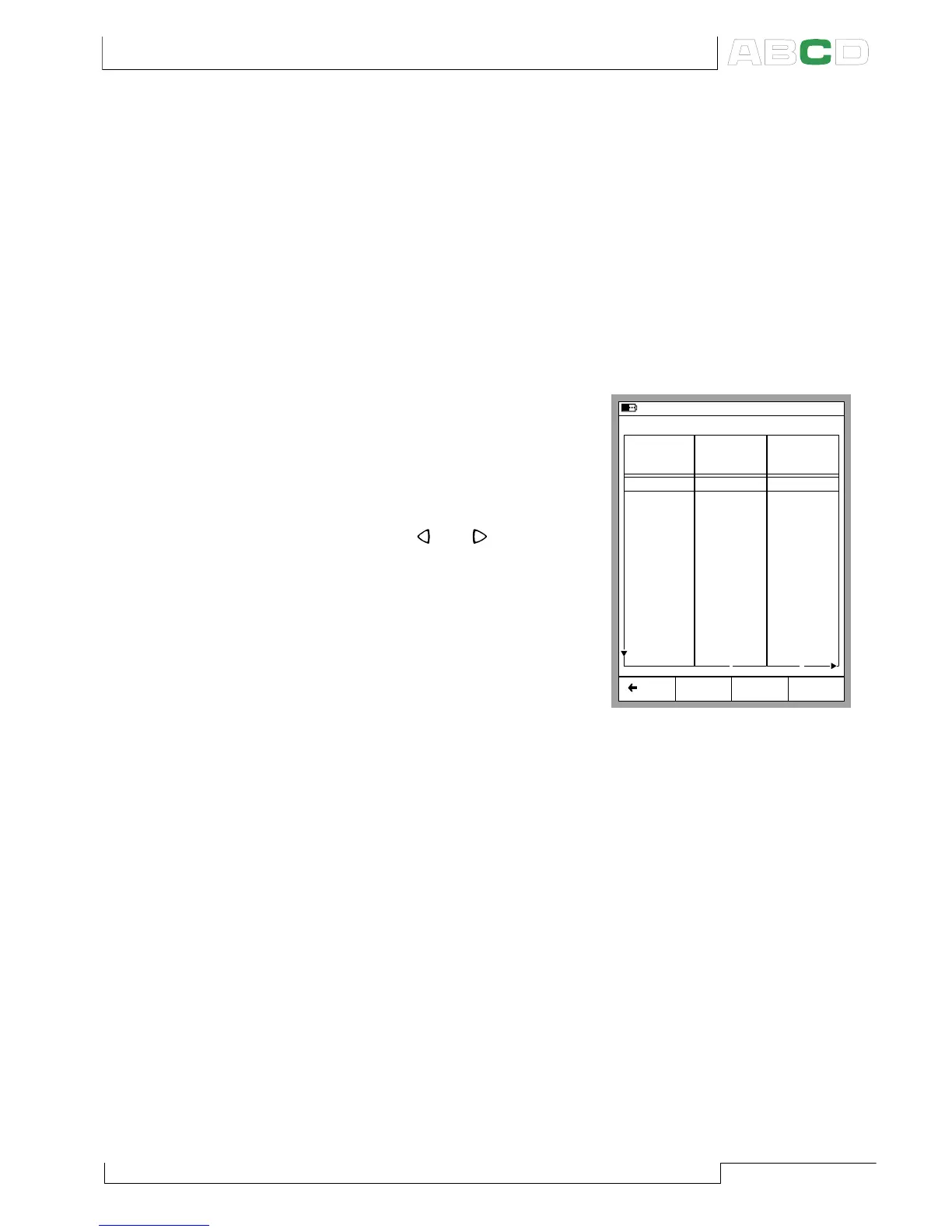
Opening the Log Results window
can be done both from the Con-
figuration window and the Logging
window. Select D/MENU 2/View
Datalog Results. If you have
logged using more than two chan-
nels, use the
and
cursor keys
to scroll through all the columns.
Alternatively: use the numeric keys
to quickly jump to a column. Re-
moving Datalog results To remove
a set of data logging results, se-
lect D/MENU 3/Remove Datalog
Data.
To remove all datalog results, select D/MENU 4/Remove All
Datalog Data.
Transferring the Results to a Personal Computer
A 32-bit Windows
®
software called MC5_Datalog.exe is shipped
together with MC5-IS if you bought the Data Logging option. Start
this software just as any other Windows
®
software.
All communication between the PC and MC5-IS is initiated from
MC5_Datalog.exe. More information of the software in Appendix 3.
20.08.2002 13:19
Back MENU
Just Testing - All values
Time
14:19:38
14:20:38
14:21:38
14:22:38
14:23:38
14:24:38
14:25:38
14:26:38
14:27:38
14:28:38
14:29:38
14:30:38
14:31:38
14:32:38
1: Instant
[bar]
1.0113
1.0113
1.0112
1.0112
1.0112
1.0111
1.0111
1.0111
1.0111
1.0110
1.0110
1.0110
1.0109
1: Average
[bar]
1.0113
1.0113
1.0113
1.0112
1.0112
1.0112
1.0111
1.0111
1.0111
1.0111
1.0110
1.0110
1.0109
1 2
04.09.2000 Pressure Pressure
Advanced Utilities



 To Next Page