80
Advanced Operation and Configuration
Transmitter/Switch Simulation
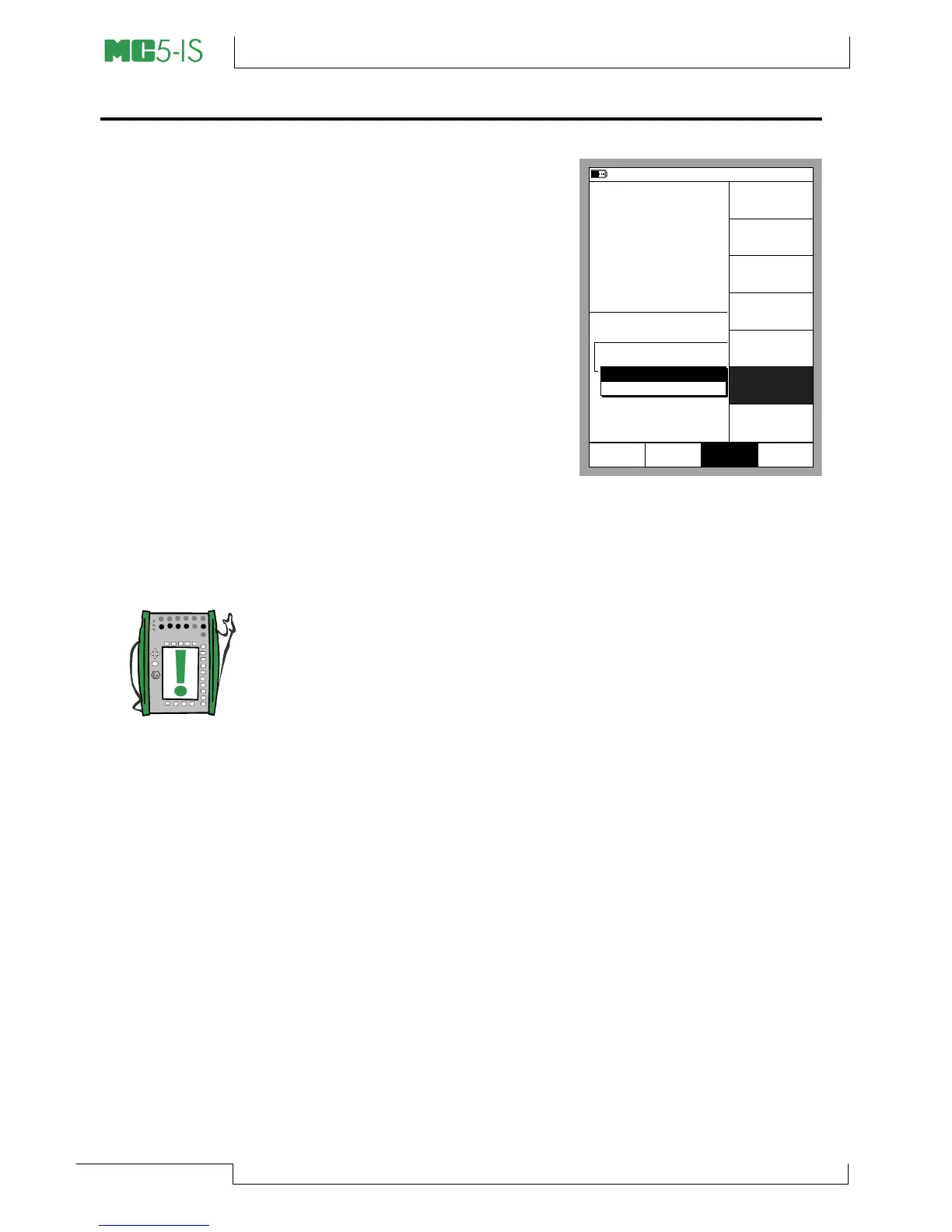
MC5-IS’s Basic Mode includes a
possibility to simulate a transmit-
ter and a switch.
To start a Transmitter or a Switch
simulation, configure Window 1 to
measure a signal (transmitter in-
put) and and Window 2 to either
generate or simulate a signal
(transmitter output), then select
D/Menu and C/Others and
6/Transmitter/Switch Simula-
tion.
A pop-up list appears where you
can select whether you want to
simulate a transmitter or a switch.
Note.
To be able to start the Transmitter/Switch Simulation, both Ba-
sic Mode windows need to be configured accordingly. If, e.g.
window 2 is not assigned for generating/simulating a signal,
MC5-IS can not start transmitter simulation.
18.04.2002 15:15
P2: INT20C/-100 ... 2068 kPa g
E: Current Source/Sink
gauge
kPa0.02
mA
2
Current
1
Pressure
End
MENU
Measurement mA
4.0000
Pause
4.0000
Setup
Window 2
MENU
Close
Setup
Window 1
Others
Data
Logging
Settings
Maintenance
HART
Settings
Transmitter/
Switch
Simulation
Communication
Transmitter Function
Switch Function



 To Next Page