46
Startup and Basic Operation
Frequency Measurement
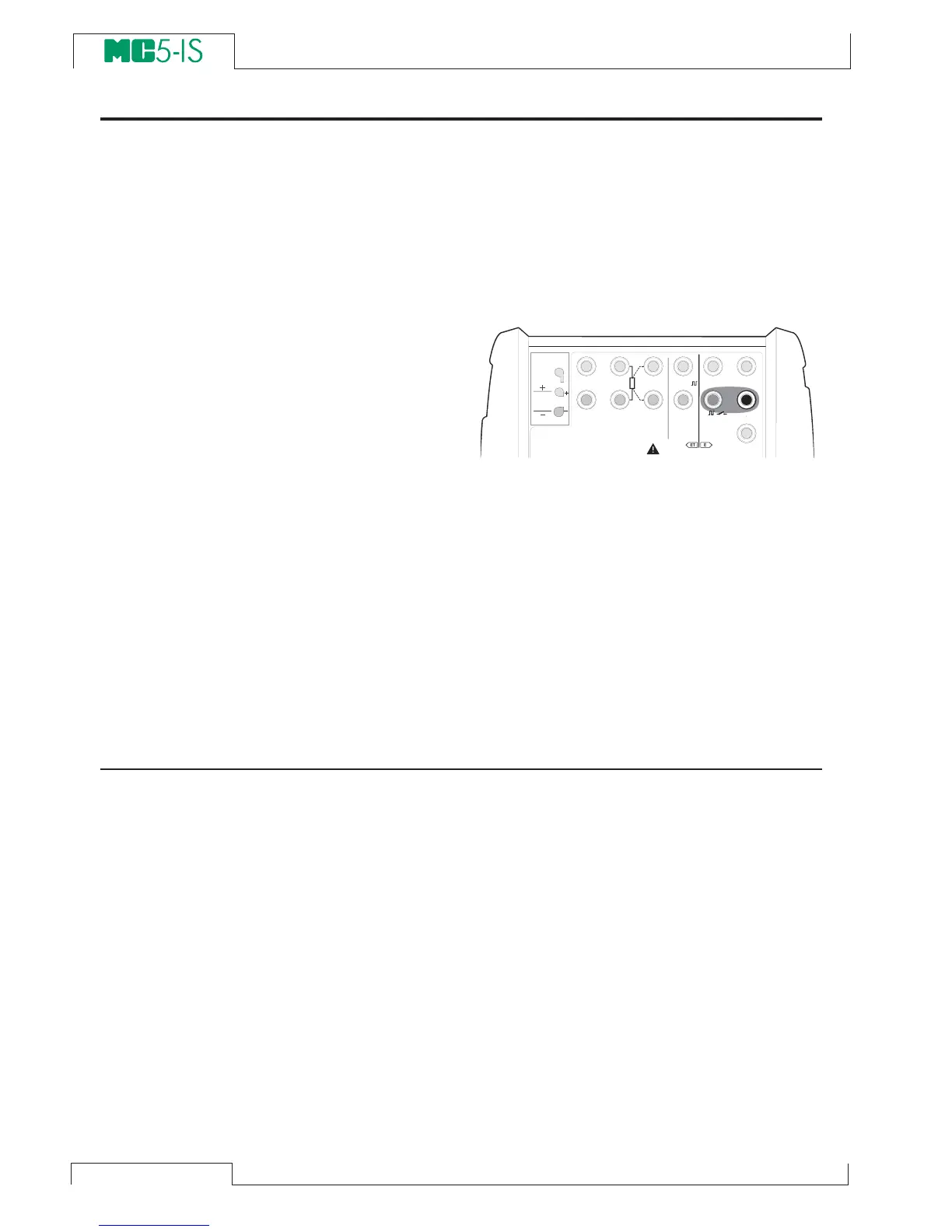
The frequency measurement terminals are located in the E module.
Required settings Options/description
Quantity Freq.
Funct/Port E: f(meas)
Also check the Unit setting.
MC5-IS compares the external potential
against an adjustable reference voltage
(
Trigger Level, range: -1 … +15 V) when
measuring the frequency.
Next…
Switch State Sensing on page 43
Pulse Counting on page 47
Frequency Generation on page 62
Calibration, see Part D.
T / C , L o w V
H A R T
®
1
m e a s / s i n k
V , ,
V ,
1
,
s i n k
C o m
R , R T D
L o w V
M E A S U R EO U T P U T
E T E
T / C I N T . R J
S E N S O R M E A S U R E & S I M U L A T E
U o : 1 6 V
I o : 2 4 m A
P o : 1 4 5 m W
T / C
W I R E S
O N L Y
4 w m e a s
3 w m e a s
m e a s / s i m
C o m



 To Next Page