6
General
The RS232 Connector on the Left Side of MC5-IS
The RS232 connector may be used when connecting to a serial
port in a PC. The PC may have a calibration software capable of
communicating with MC5-IS or, e.g. a software that reads data log-
ging results in MC5-IS and transfers them to a PC.
Warning!
Use only cables provided by Beamex when connecting MC5-IS
to a PC.
The Front Panel
The front panel has several sections. Some of them are pointed out
with a callout in the picture of Operational Sections and Connec-
tions, and some of them not (e.g. display and keyboard). The ones
with a callout are discussed first in the following paragraphs.
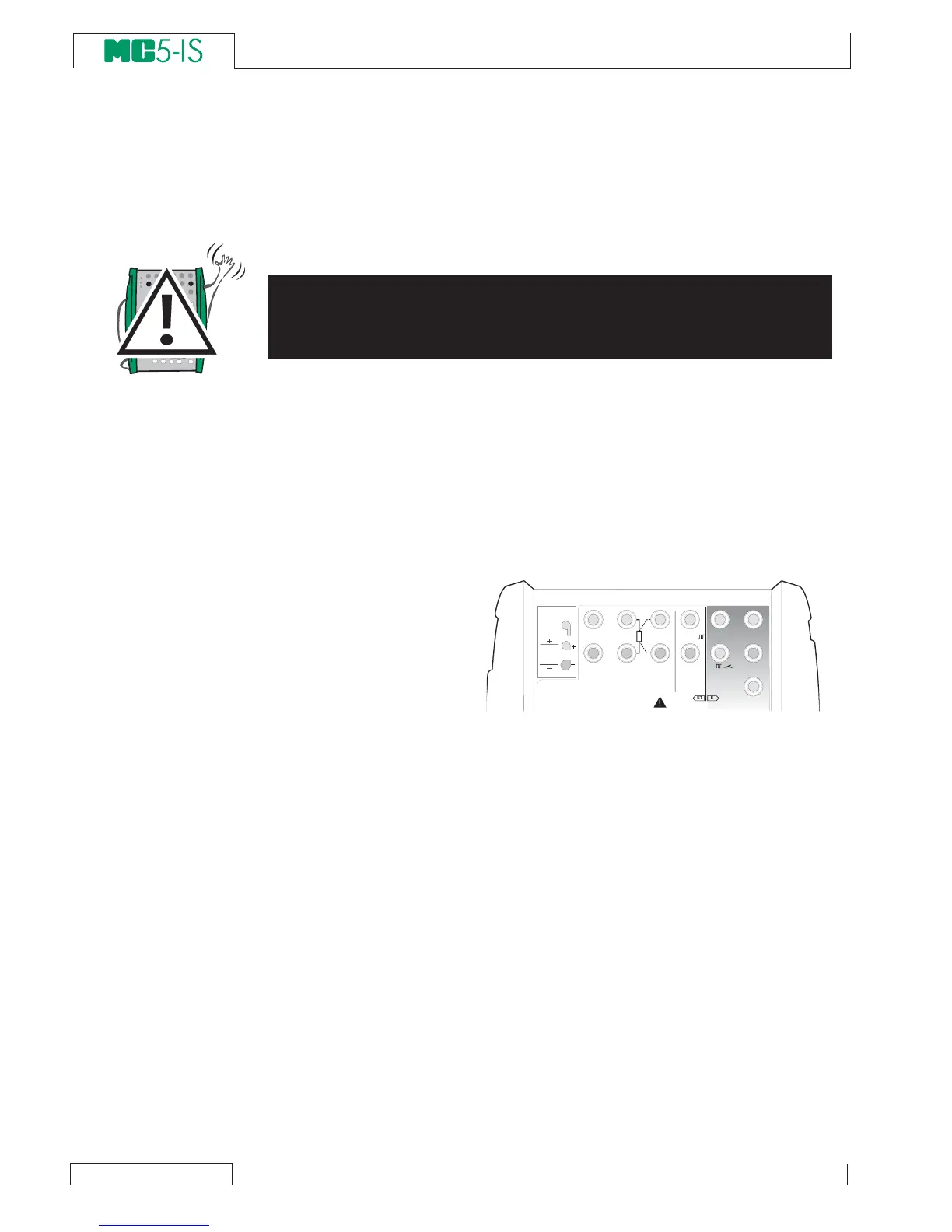
Electrical Module (E module)
The E module can
measure the following
quantities: voltage,
current and fre-
quency. It can also be
used when counting
pulses or detecting the
state of a switch. Additionally there is a possibility to sink current.
The E module also includes the optional HART modem. This allows
communication with an instrument with HART capabilities. To en-
sure proper HART communication, make sure that the loop also
includes a resistor with a resistance between 230 to 600 ohm or
that the impedance of the loop itself is at least 230 ohms.
Additional information on calibrating HART instruments is in Ap-
pendix 1.
T / C , L o w V
H A R T
®
1
m e a s / s i n k
V , ,
V ,
1
,
s i n k
C o m
R , R T D
L o w V
M E A S U R EO U T P U T
E T E
T / C I N T . R J
S E N S O R M E A S U R E & S I M U L A T E
U o : 1 6 V
I o : 2 4 m A
P o : 1 4 5 m W
T / C
W I R E S
O N L Y
4 w m e a s
3 w m e a sm e a s / s i m



 To Next Page