121
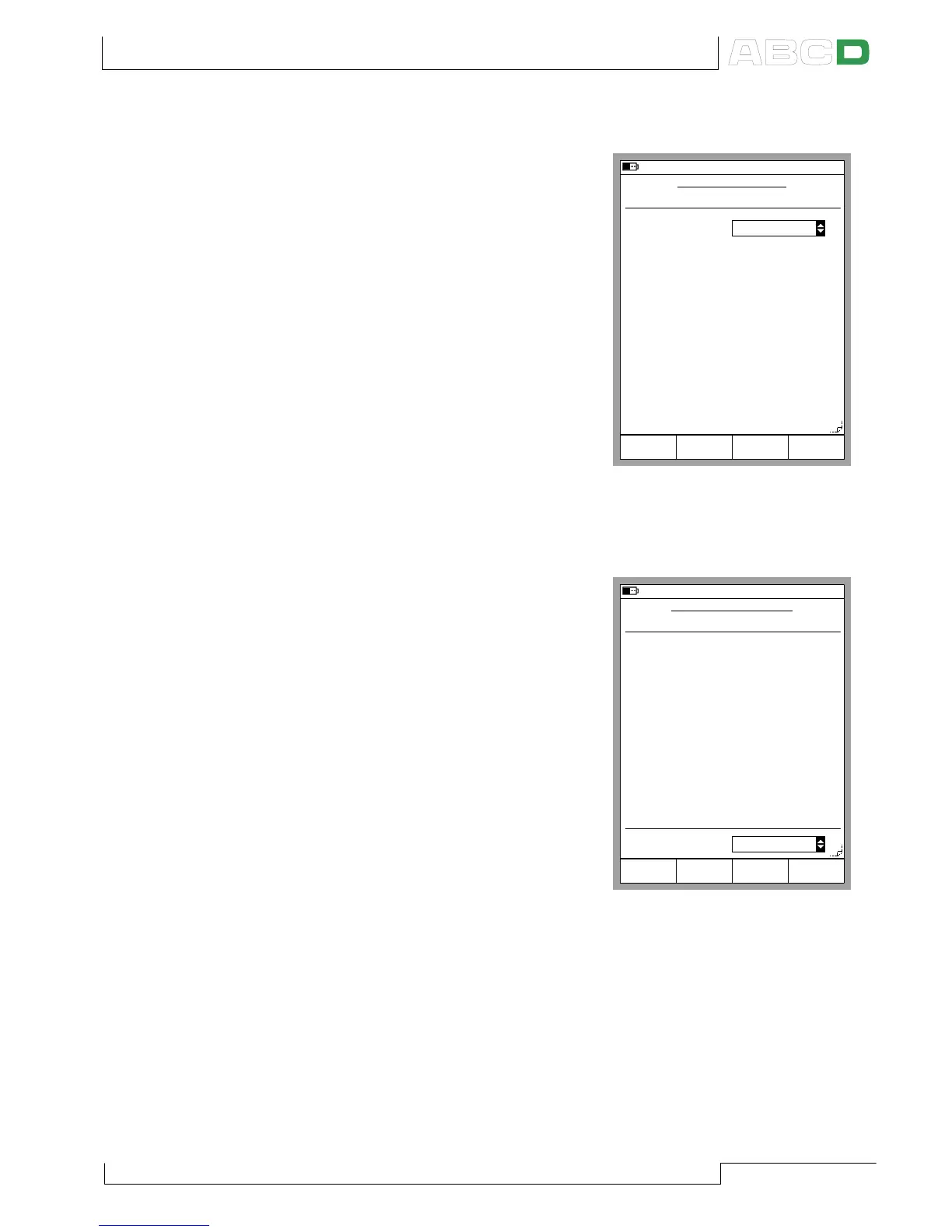
Instrument Input Page
The input quantity defines which
fields are required/visible. Common
fields for all quantities are:
Input Method,
Unit and
Range
All other quantities except Value
also have the Input Port field.
Some additional fields appear when
the input quantity is Pressure, RTD
Temperature or T/C Tempera-
ture, e.g. Pressure Type in the
adjacent picture.
Instrument Output Page
The output quantity includes the
corresponding common fields as
the input quantity.
The same additional fields are also
available for the output quantity,
with the following exceptions/addi-
tions:
If the output quantity is Pressure,
the pressure type is always
“Gauge”.
Output quantity Frequency in-
cludes a Trigger Level setting.
Remember to also check the
Transfer Function setting at the
bottom of the display. The default setting is Linear.
04.01.2002 12:45
INSTRUMENT INPUT
MENU
Input Method
Measured
Unit
bar
Range
0.000000
Save
Page
Next
Pressure
Port 1
INT1C
Pressure Type
Gauge
0 %
1.000000
100 %
Edit
03.10.2000 12:47
INSTRUMENT OUTPUT
Output Method
Measured
Range
4.000000
Current
Port
E
Unit
mA
0 %
20.000000
100 %
Transfer Function
Linear
MENUSave
page
Next
Edit
Maintaining MC5-IS’ Instrument Database



 To Next Page