107
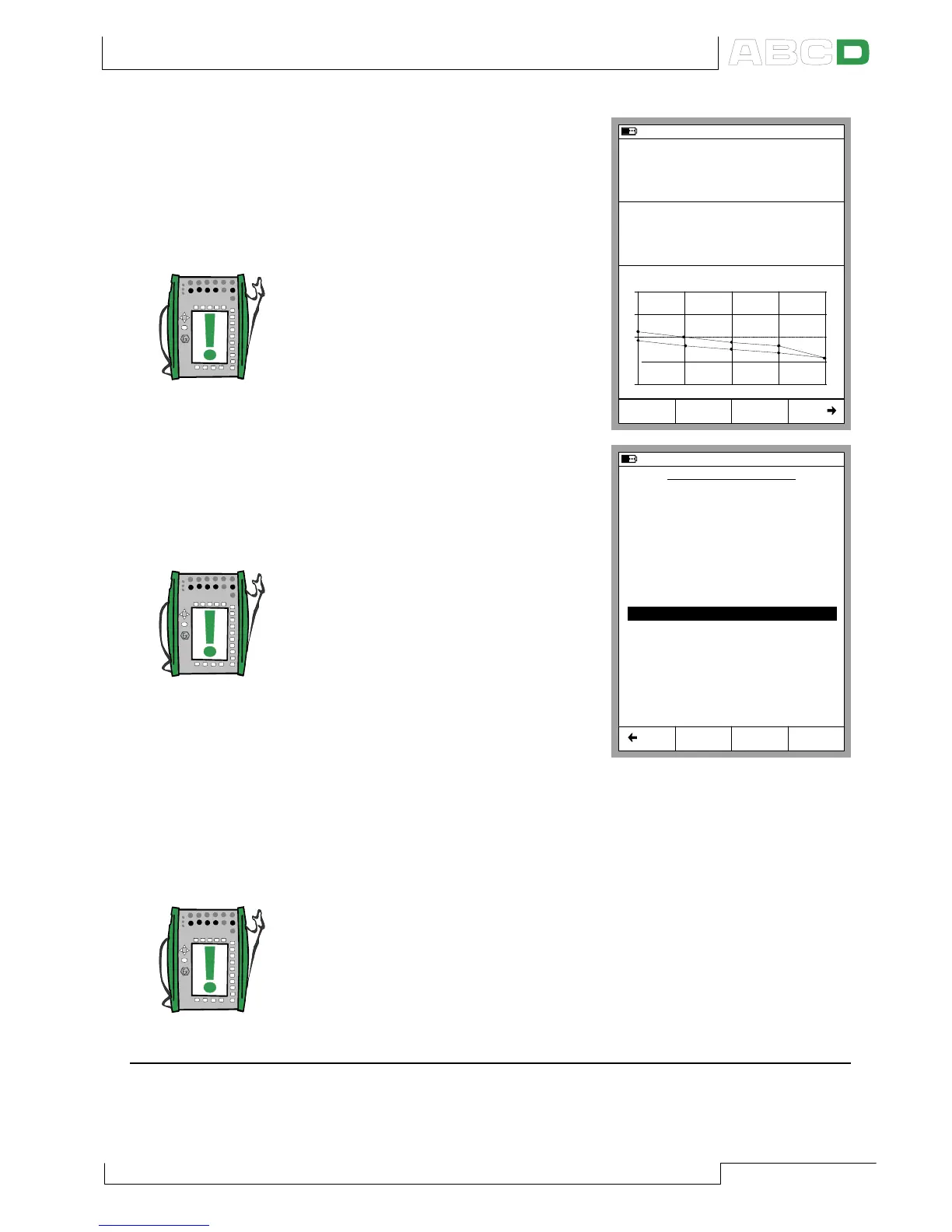
3. When the calibration run is
ready, you can either Reject
the results (A/Reject Calibra-
tion) or Continue by pressing
the D/Saveè Function Key.
Note.
If the maximum error of the
calibration results exceed the
Adjust if > error limit, a mes-
sage window with the follow-
ing text:
”The calibrated instrument
need to be adjusted.”
4. Enter the environmental data
and save the results using one
of the options provided in the
Function Keys B to D.
Note.
Some of the temperature data
may be pre-entered by MC5-
IS, provided the data is avail-
able for MC5-IS (pressure
modules, the E module, the
ET module).
5. Continue either with another
calibration run or end the cali-
bration procedure. In the lat-
ter case you will see the pos-
sible Finishing Guide text before you are back viewing the
Instrument Data.
Note.
If you are calibrating instruments using off-line method then please
keep in mind this: When you upload the results from MC5-IS to the
calibration software, the results are by default also left in MC5-IS’
memory. To free memory in MC5-IS by deleting the results, see
Deleting Instruments on page 123.
See also:
MC5-IS’ Support for Instrument Adjustment on page 118.
Viewing Calibration Results on page 124.
25.09.2000 10:52
Input
Error
1.00
Output
Pt100 α385
°C (ITS90)
4.0293
0.18 % of span
0.00
+
0
-
0% 50% 100%
RTD Temperature [ET: Simul]
Current [E: Meas]
mA
Calibration
Reject
Save
25.09.2000 10:55
ENVIRONMENTAL DATA
Device Temperature
Environment Temp.
Input Module Temp.
Output Module Temp.
Humidity
Calibrated by:
Notes:
Andy Handyman
Just Testing
21.0
21.0
31.6
29.6
°C
°C
°C
°C
30
%
As Found
Save
As Left
Save
As Both
Save
Back
Calibrating an Instrument



 To Next Page