22
General
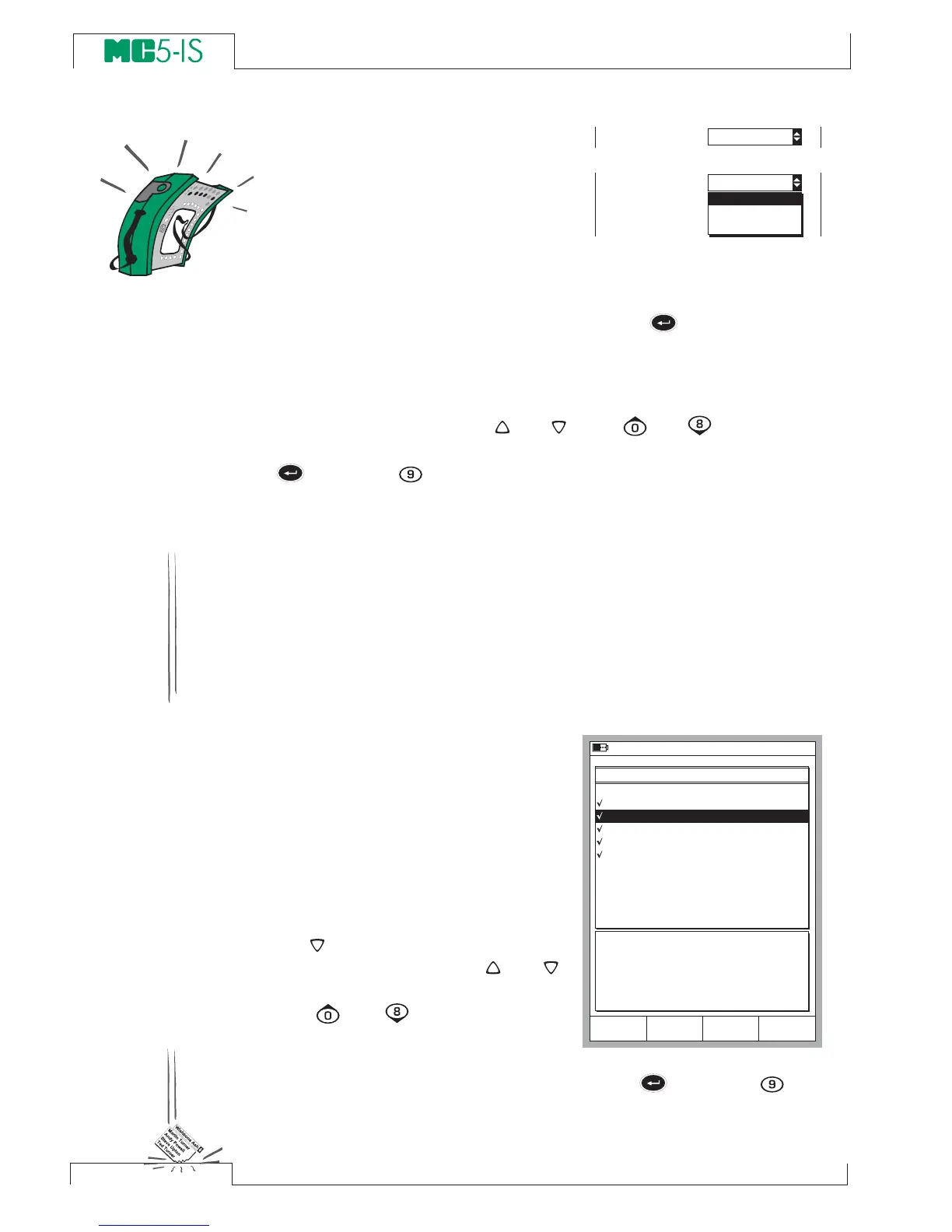
Drop Down Lists
Drop Down Lists are used when
there is a limited amount of preset
values. You have to select one of the
available options. The list of avail-
able options is displayed either be-
low or above the Drop Down List field.
A Drop Down List opens when you press the
key or any of the
numeric keys or the C/Edit Function Key available in some configu-
ration windows. Small arrows in the upper right and/or lower right
corner indicates that the list is longer than the visible part.
Use either the cursor keys
and
or the
and
keys to scroll
through the available options. Select one of the options with the
key or the
key.
Pop-up Lists
Pop-up Lists are similar to Drop Down Lists except that Pop-up
Lists appear in conjunction with menus. There’s a picture of a Pop-
up List in chapter The User Interface on page 17.
Scrolling a Pop-up List can be done with an additional way (com-
pared Drop Down Lists): Each time you push the numeric menu
key that opened the Pop-up List, the cursor advances one step.
Selection Lists
Selection lists are used when you
have to choose one of several op-
tions. Selection lists are often large,
thus almost reserving the whole
window. Selection lists can be
longer than the visible part. When
the cursor (the row with the inverted
text) is on the bottom and you press
the
key, the list scrolls and dis-
plays more options. The
and
keys scroll the list one line at a time.
The
and
keys to scroll the
list one page at a time (if appli-
cable). Select one of the options
with the
C/Select Function Key or either the
key or the
key.



 To Next Page