34
Startup and Basic Operation
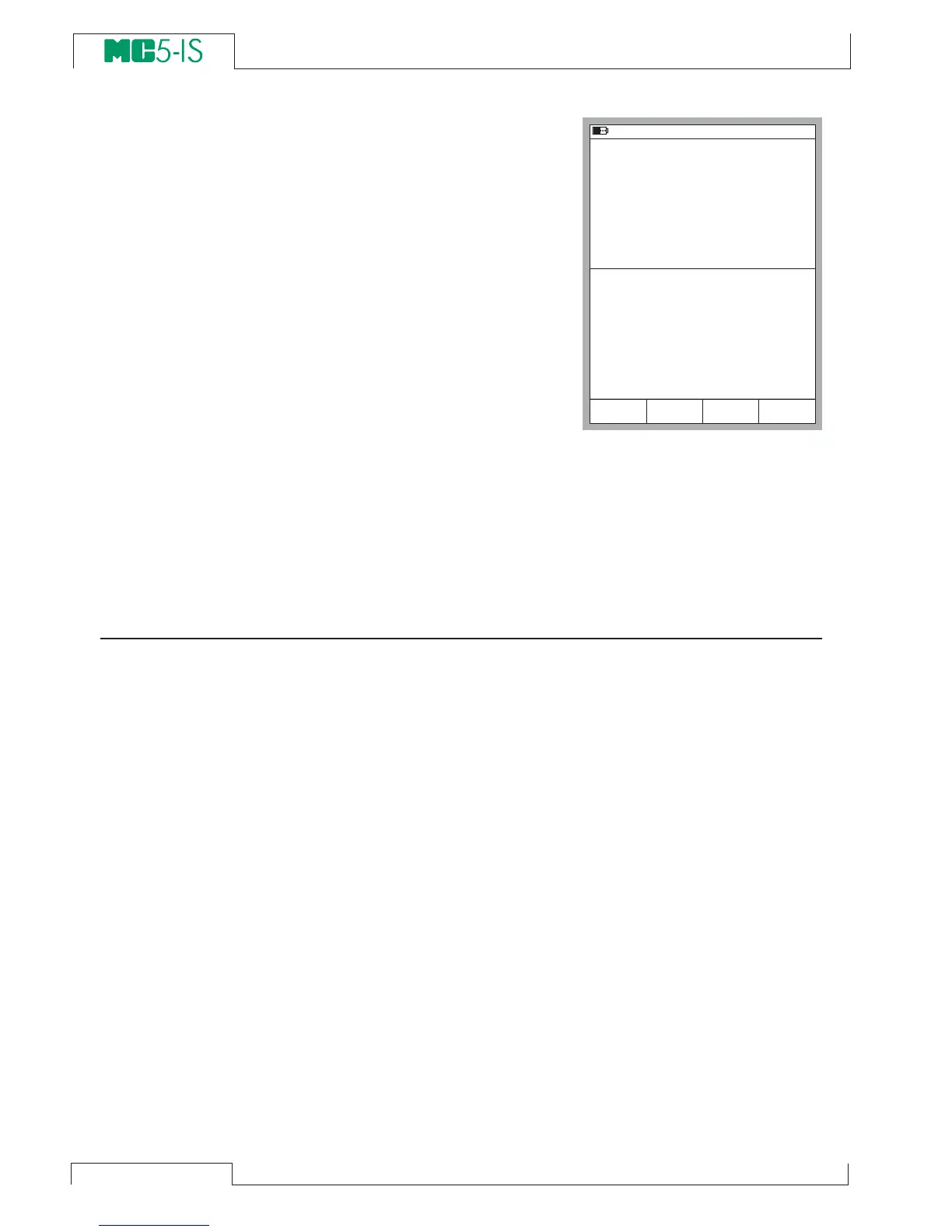
Example of a Basic Mode screen
with pressure measurement config-
ured in Window 1 and current mea-
surement configured in Window 2:
What can be done in Basic Mode
• Measure signals (*
• Generate signals (*
• Simulate signals (*
• Start special measurement
(min/max value etc.)
• Perform a Limit Switch Test
• Set alarm limits
• Use the ramping function
• Use the stepping function
*) Available options depend on the installed modules.
Next…
Measuring on page 35
Generating/Simulating on page 56
Special Measurements on page 51
Alarm Limit Settings on page 71
Special Generations on page 67.
2 2 . 0 5 . 2 0 0 0 8 : 3 3
1
P r e s s u r e
2
C u r r e n t
P 2 : I N T 2 0 C / - 1 . 0 0 0 0 . . . 2 0 . 6 8 4 0 b a r g
E : C u r r e n t M e a s u r e m e n t
g a u g e
b a r
2 . 6 4 7 5
1 2 . 4 7 3 1
M o d e
C a l i b r a t i o n
M E N U
m A



 To Next Page