USE
MAINTENANCE
3
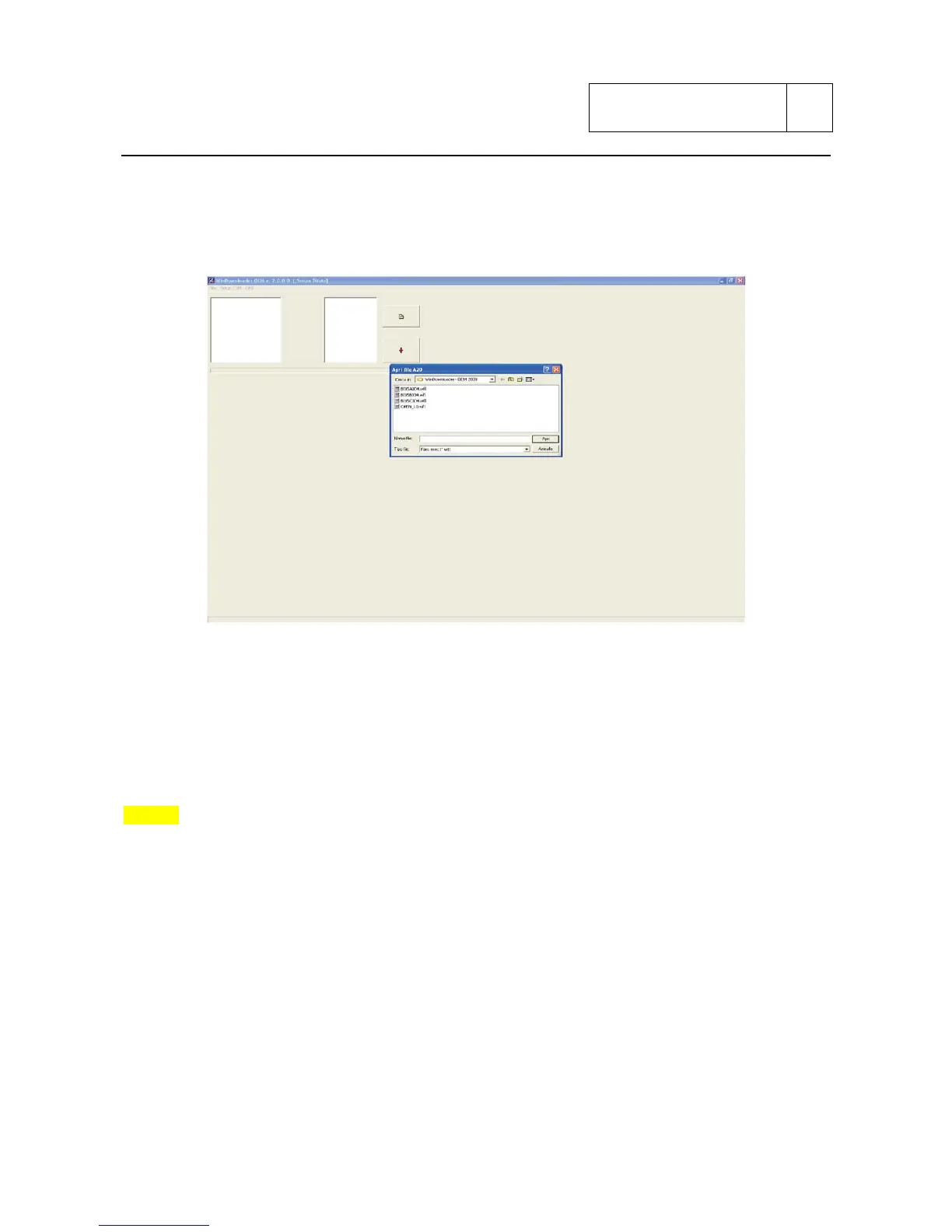
The first operation is to select the communication port to use for the connection between the PC
and the control unit (set by default on COM1).
From menu file or from button ”sheet” is possible to select the version of the calibration to
”download” inside the control unit.
Once selected the file, the download of the calibration can be launched by pressing the button “red
arrow” or by selecting the download option from menu file.
Wait about 3 minutes for download completion after which will appear the message “download
successfully completed”
Take the ignition key on OFF position and disconnect the diagnosis cable.
NOTES
The file MAP.txt contains the references map/calibration model.
Sub 3-60


 To Next Page