USE
MAINTENANCE
3
Introduction
This document defines the operations to be performed to install the software needed for diagnostic
check and updating of calibrations on models equipped with Walbro ECUC/ECUG unit.
Prerequisites
To use the software is necessary to have a PC (better if notebook, if it should be a desktop PC you
must consider that the bike should be to a distance of about 1 m), provided of:
- USB port
- CD player
- Window Xp operative system
- Bimota Diagnosis cable supplied with Bimota Diagnosis kit cod. 506290140
3.6. - Software installation
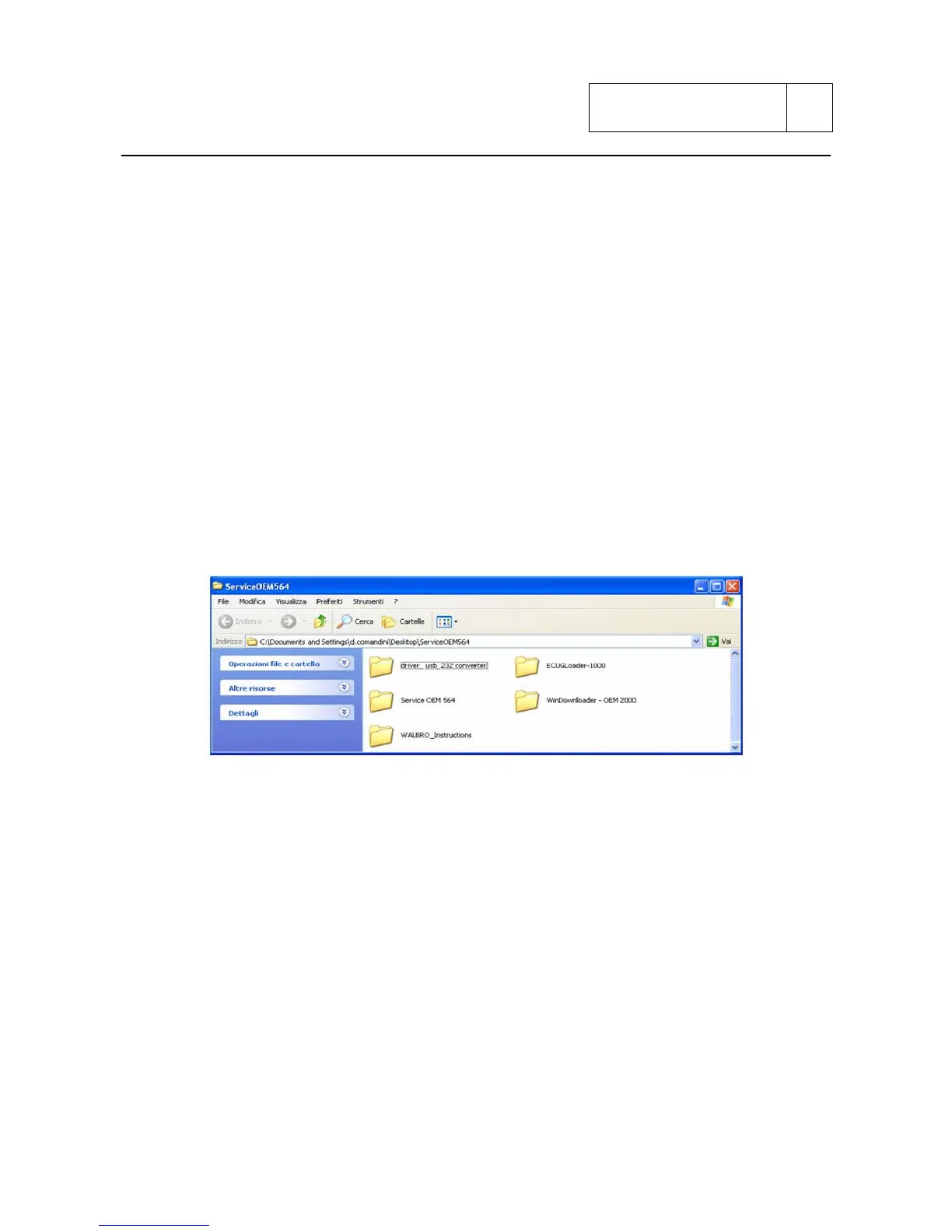
3.6.1 - Installation diagnosis program Service OEM 564
To install from CD:
1) Insert CD into the player
2) Copy the content of Service OEM564 file on own PC where you consider more opportune.
3.6.2. - USB drivers installation
The USB drivers are in the “drvUsb” directory.
When connecting the interface cable (cod. Bimota 506290140) Window will automatically provide
to the installation of the new hardware: on this occasion indicate the position of drivers USB
contained in the above mentioned CD.
3.7 - Vehicle connection for diagnostics
To connect the vehicle at the PC for diagnostic, connect the interface cable to the USB port on the
PC and to the diagnosis plug on the vehicle:
Sub 3-49


 To Next Page