ELECTRICAL SYSTEM
10
Neutral indicator light
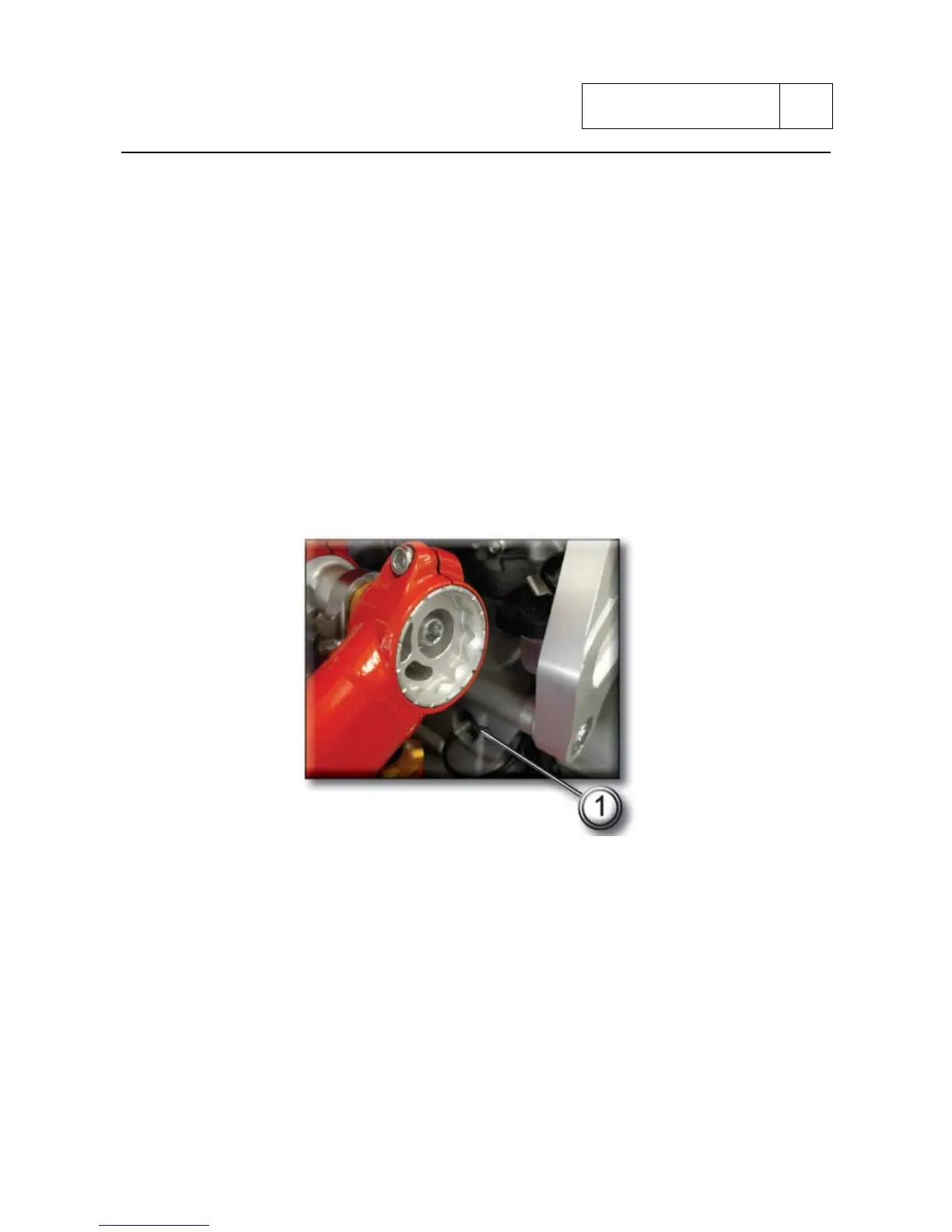
To check the neutral light switch (3) proceed as follows:
- The neutral light does not illuminate on the instrument panel.
Remove the electric terminal connected to the neutral switch. Switch on the ignition switch
(ignition key to ON position) and ensure that the light illuminates when the terminal is
earthed. If the light switches on, the neutral light switch should be changed. If the light stays
off, switch off the ignition (ignition key set to OFF) to switch off the instrument panel and
check for electric continuity between neutral switch and engine control unit with a
multimeter.
- The neutral light on the instrument panel is permanently illuminated.
Switch on the ignition (ignition key set to ON) and remove the electrical terminal from the
neutral switch. If the light switches off, the neutral light switch should be changed. If the light
stays off, switch off the ignition (ignition key set to OFF) and use a multimeter to check
whether the section of circuit between neutral switch and engine control unit is earthed.
1) neutral sensor
Sub 10-27



 To Next Page