USE
MAINTENANCE
3
3.7.1 - Diagnostic software
NOTES
To carry out the diagnosis of the parameter of the control unit it is necessary to:
- Make sure that the main switch key is on OFF position.
- Connect the diagnosis cable cod 506290140 to the diagnosis connector.
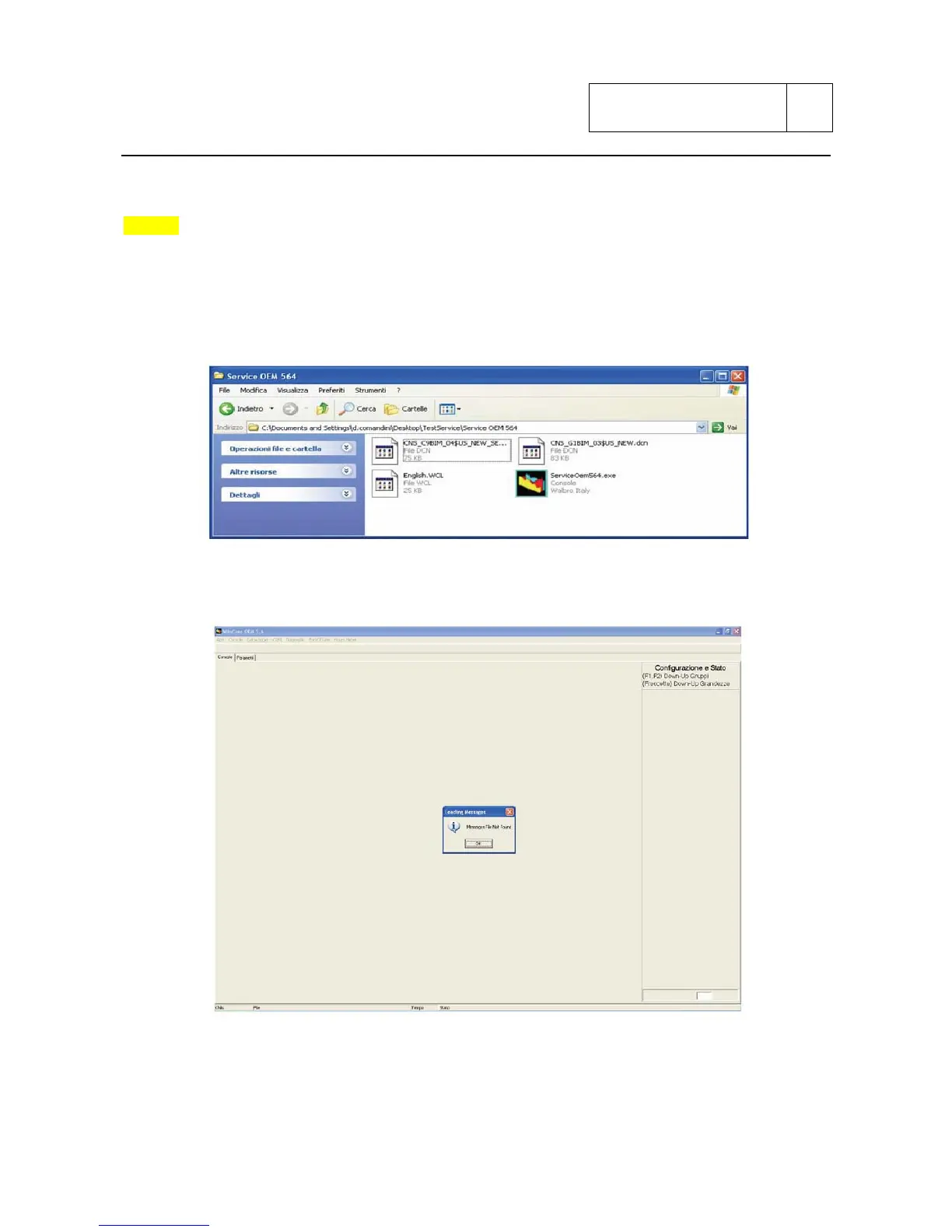
Launch the diagnostic program named “Service OEM 564”.
It will appear the following screen:
Sub 3-52



 To Next Page