USE
MAINTENANCE
3
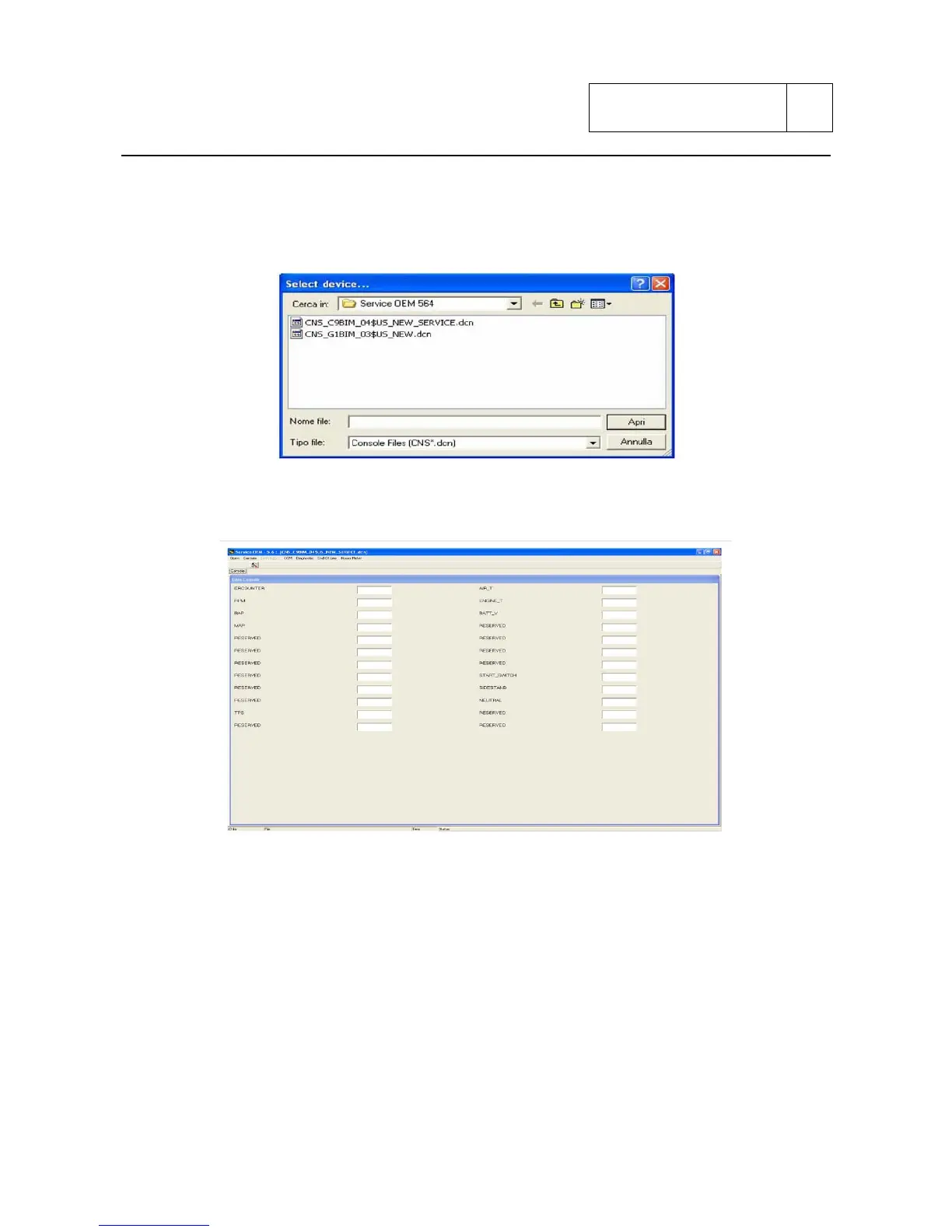
Enter the menu Open in top left and select device.
Once selected device, it will appear the following screen, select file
“CNS_G1BIM_03$US_NEW.dcn” for the control unit ECUG, or file
CNS_C9B_04$US_NEW_SERVICE.dcn for ECUC control unit.
It will appear the standard working screen called “console”:
At this point it is necessary to select the COM port to use for the connection between the PC and
the control unit (set as default on COM1).
This is the program operative screen enabling to carry out the following operations:
1) Display of engine parameters in real time
2) Display and possible reset of errors on injection system
3) Setting of “end line” parameters
4) Display of hour-counter
Sub 3-54



 To Next Page