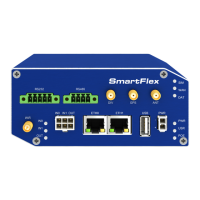
SmartFlex
2. Access to the Web Configuration
Attention! Wireless transmissions work only when you activate the SIM card for data
traffic and insert it into the router. Remove the power source before inserting the SIM
card.
You may use the web interface to monitor, configure and manage the router. To do so,
enter the router’s IP address in your browser. The default address is 192.168.1.1. Only ac-
cess via secured HTTPS protocol is permitted. So the syntax for the IP address must be
https://192.168.1.1. When accessing the router for the first time you will need to install a se-
curity certificate if you don’t want the browser to show you a domain disagreement message.
To avoid receiving domain disagreement messages, follow the procedure descr ibed in the
following subchapter.
The default username is "root". The default password is "root". Change the default
Figure 1: Example of the Web Configuration
4


 To Next Page