Page 350 of 479
Note: Do not keep any empty space between different text entries, otherwise, unpredictable results may
occur.
Property Grid
Properties
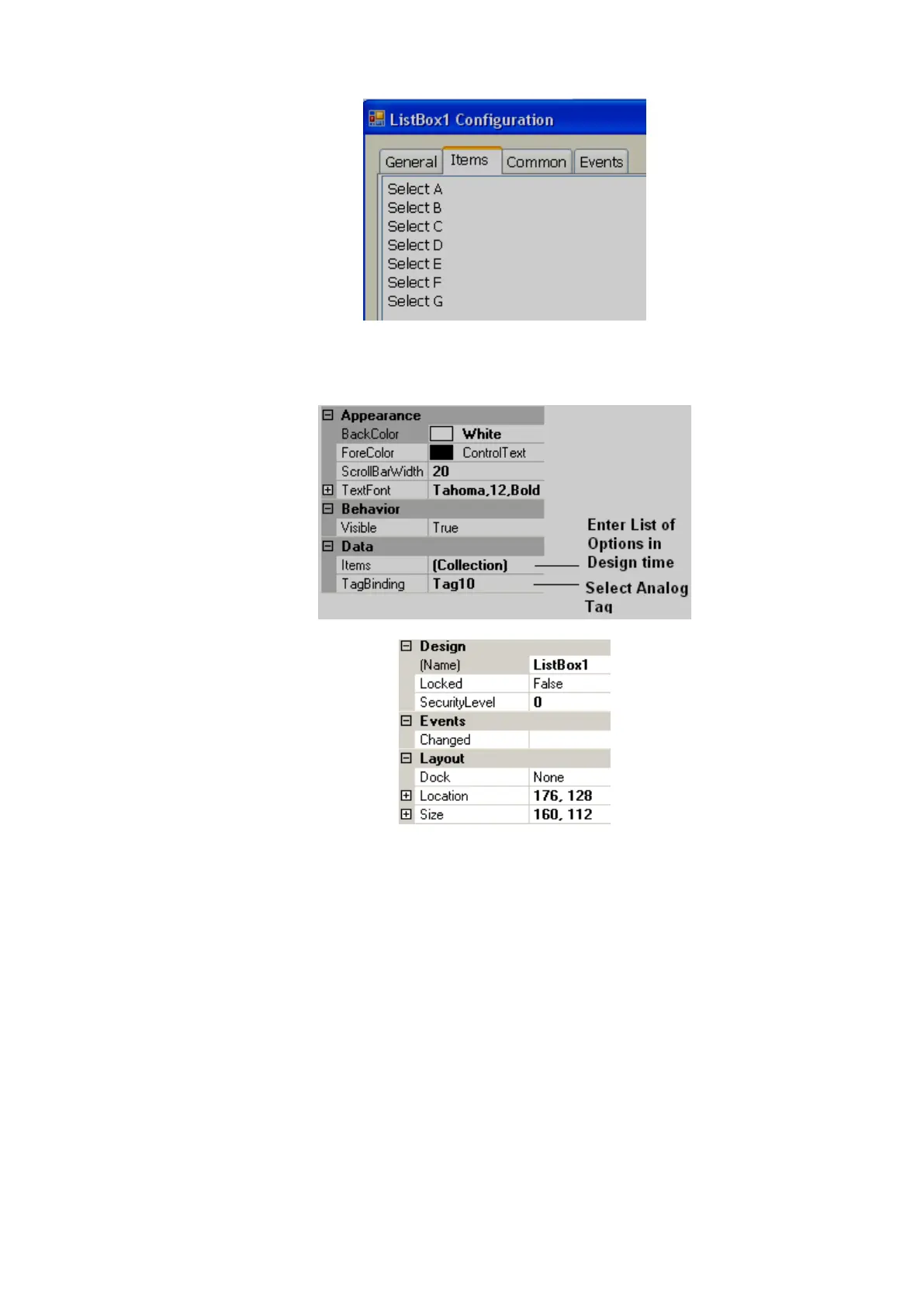
Scroll Bar Width: Defines the width of the scroll bar that appears on Right side of List box.
Items: Define all the available options in design time.
For example: There are 6 options available to select a process. Tag1, an analog tag, is linked to
List box1 Now, If “Select A” is selected, then Tag1 value will = 0 If “Select B” is selected, then Tag1 value
will = 1 …. ….. If “Option G” is selected, then Tag1 value will = 5
Events
Changed: Define actions using function editor. When operator presses on list box item in Run
time, the actions defined here will be executed.
6.3.9.1.21 Group Panel
Used to group objects in a screen.
Procedure
Click on “Group Panel” at Basic Objects
On Screen, just draw a rectangle with your mouse over the objects that you would like to group
together. It will appear as shown below:



 To Next Page