6-4 Scanner Configuration by Software
6-4-1 Firmware Update
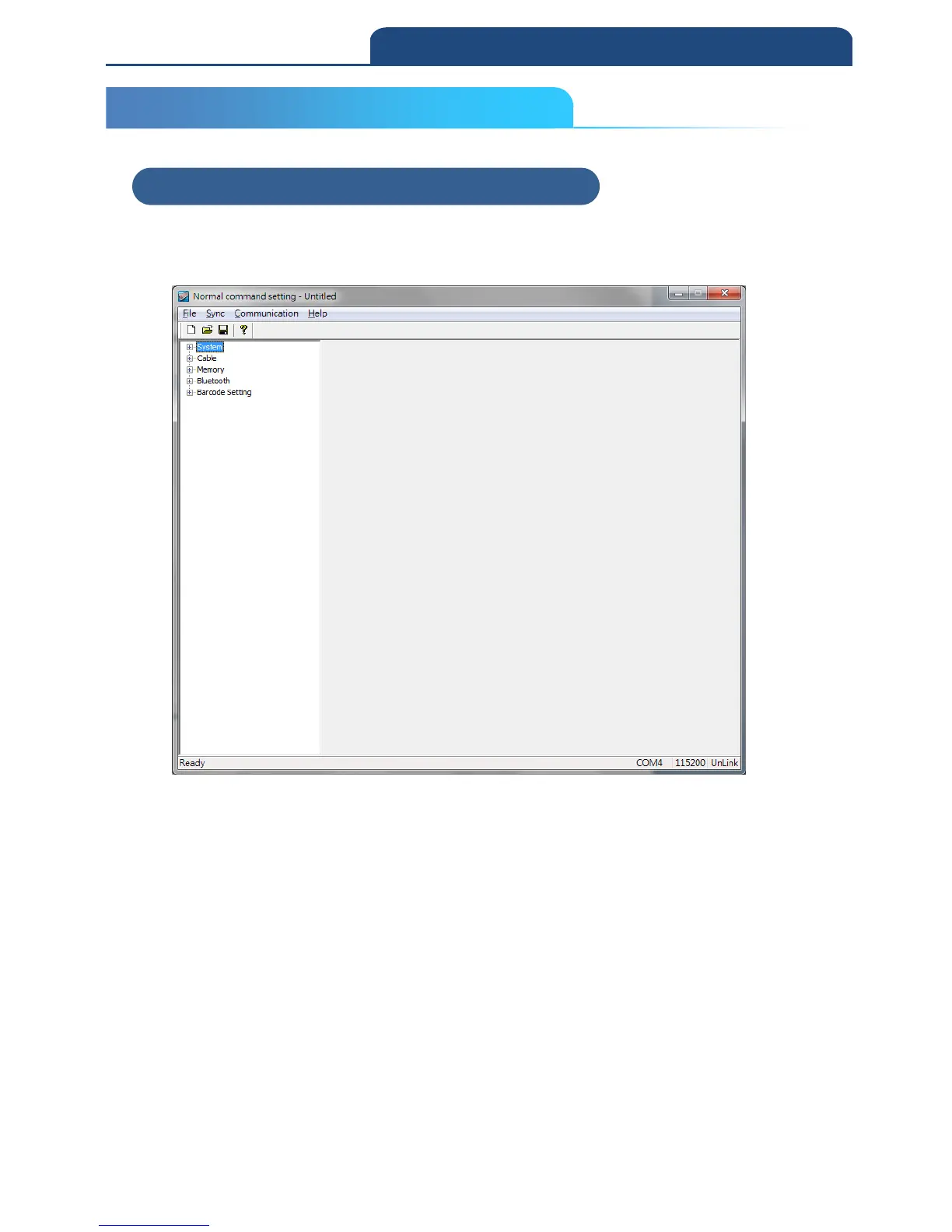
Open the software” Normal command setting”, the file is located in the CD
(CM-2D601\Software\Normal command setting\Scanner Setting.exe)
Connect scanner with PC by USB cable, and set the scanner to ISP mode.
Scan below barcodes to set the scanner to ISP mode.
1. ENTER:
*/$%ENTR*
2. ISP:
*ZISP*
Note: ISP mode means scanner configuration mode.
Before any configuration with the software, scanner must scan above
two barcodes in order to perform software configuration.
6-4 Scanner Configuration by Software
6-4-1 Firmware Update



 To Next Page