EasyManua.ls Logo

Canmax CM-2D601 - Set Date & Time

Default Icon
379 pages
Print Icon
To Next Page IconTo Next Page
To Previous Page IconTo Previous Page
Loading...
Enter 188 End
*/$%ENTR* *ZEND*
7. General Configuration Setting
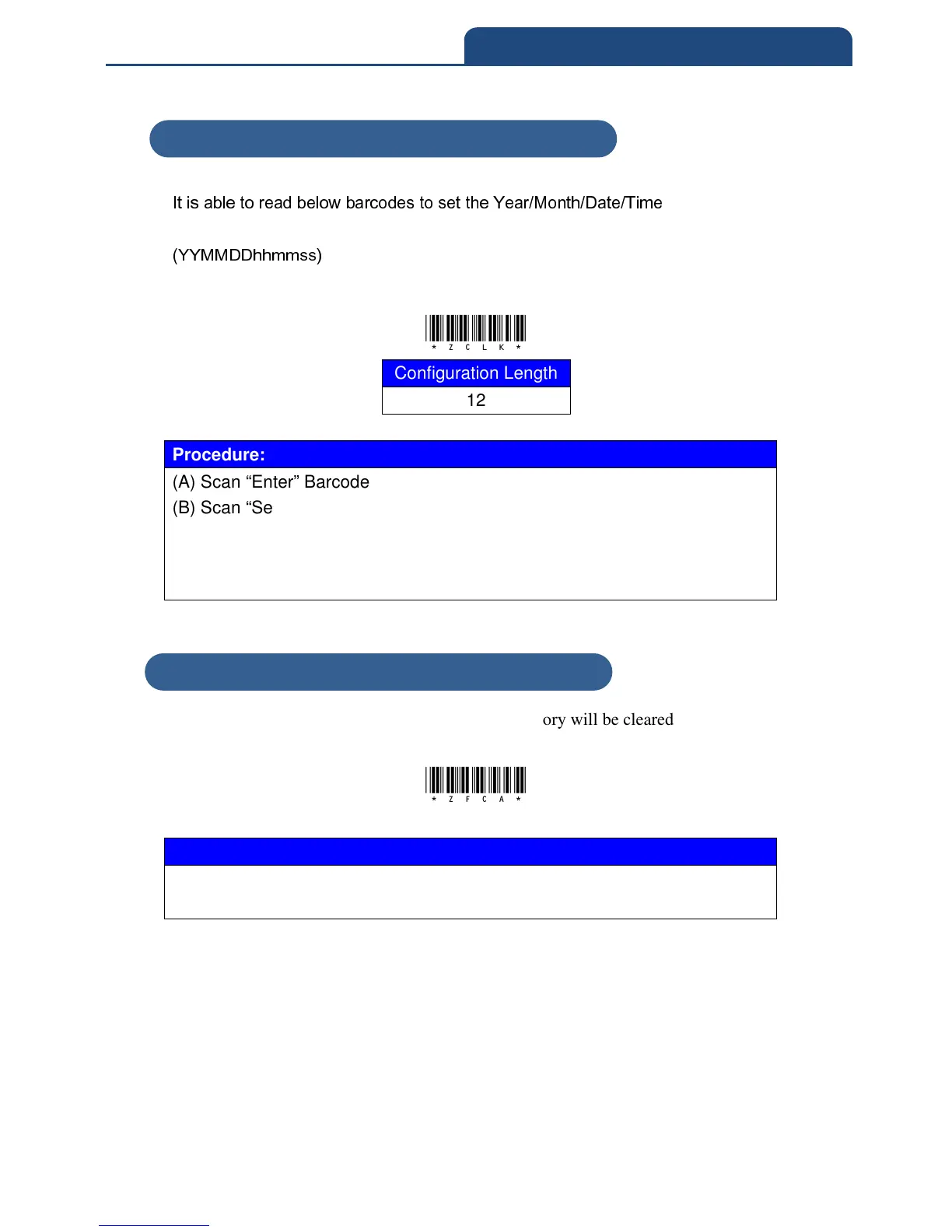
7-3-23 Set Date & Time
It is able to read below barcodes to set the Year/Month/Date/Time
(YYMMDDhhmmss)
*ZCLK*
Configuration Length
12
Procedure:
(A) Scan “Enter” Barcode
(B) Scan “Set Date & Time” Barcode
(C) Scan parameters from Hexadecimal / Decimal table
(D) Scan “OK“ barcode
(E) Scan “End” Barcode
7-3-24 All Memory Data Clear
When scan this barcode, all the barcode data in memory will be cleared
*ZFCA*
Procedure:
(A) Scan “Enter” Barcode
(B) Scan “All Memory Data Clear” Barcode
7-3-23 Set Date & Time
7-3-24 All Memory Data Clear

Table of Contents

Related product manuals