33
3. Scanner Configuration
3-2 Configuration by SOFTWARE
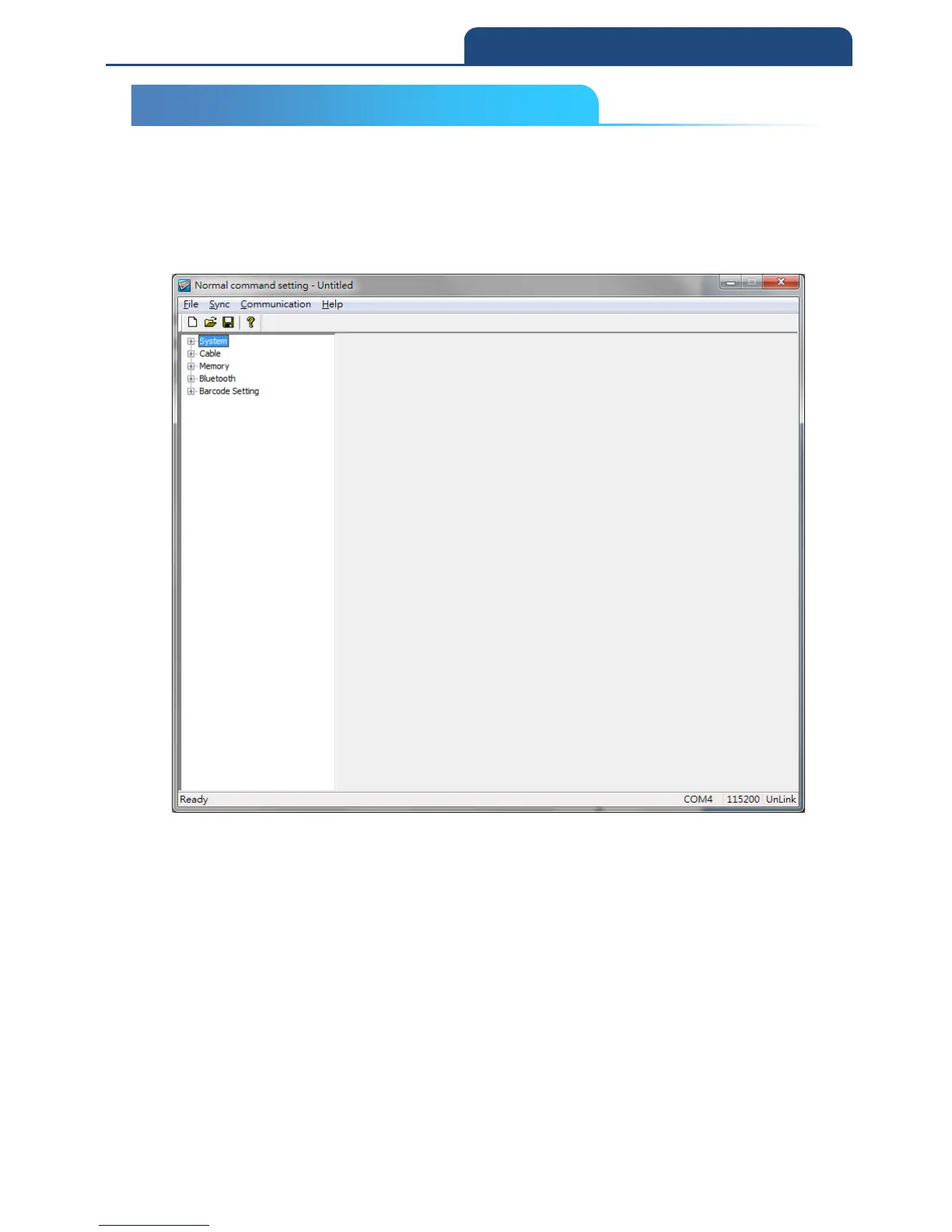
In the product CD, you can find configuration software “Normal command
setting” to configure the parameters.
Scanner general settings: (CM-2D601\Software\Normal command
setting\Scanner Setting.exe)
Note: Please refer to the related configuration chapters or additional manual
for how to use the software.
3-2 CONFIGURATION BY SOFTWARE



 To Next Page