EasyManua.ls Logo

Canmax CM-2D601 - Configuration by USER MANUAL

Default Icon
379 pages
Print Icon
To Next Page IconTo Next Page
To Previous Page IconTo Previous Page
Loading...
32
3. Scanner Configuration
3-1 Configuration by USER MANUAL
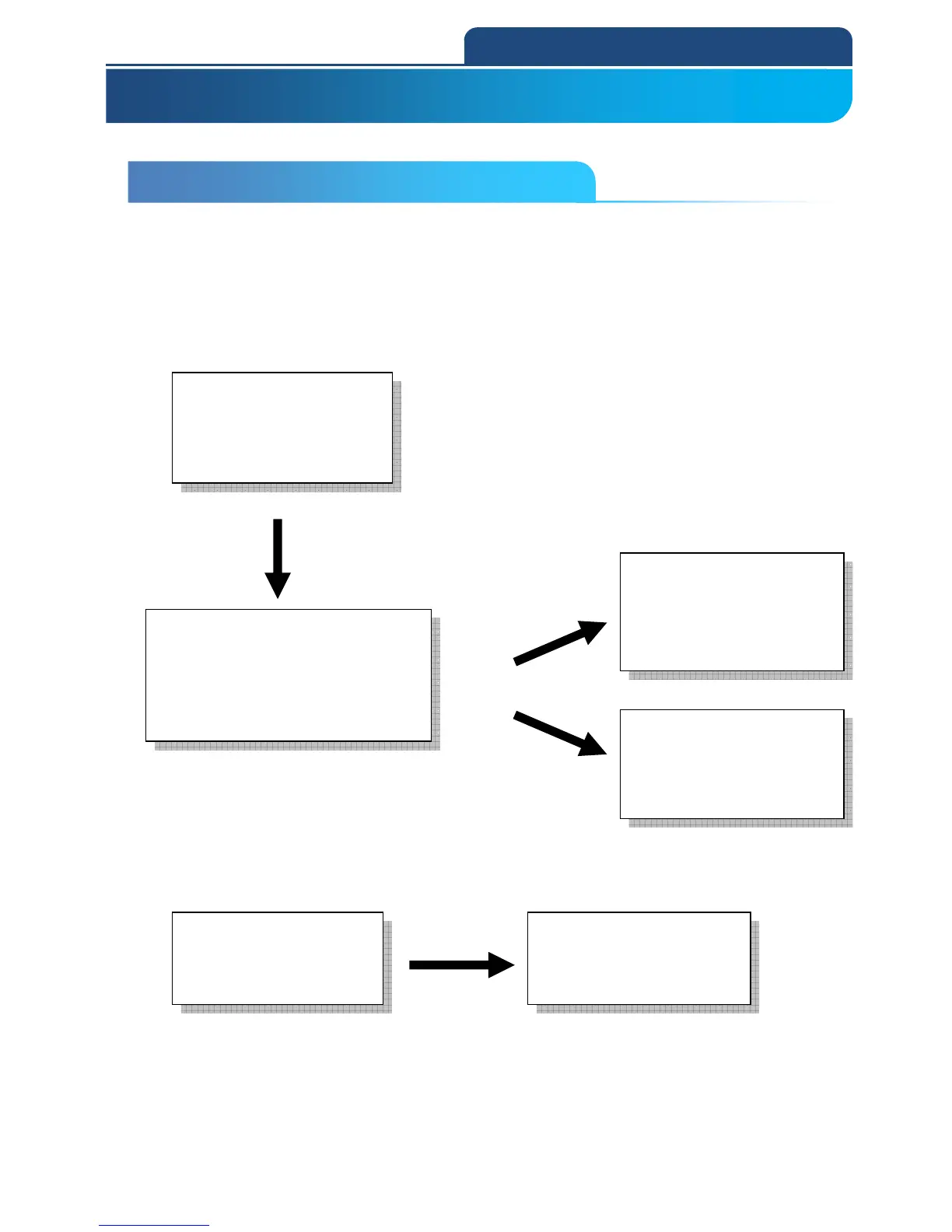
In the user manual, print out the related topics of setting page, simply use the
scanner to scan the barcode for configuration.
For example:
ALL Default setting: user may configure the scanner back to all default
settings, if configuration goes wrong.
ENTER
*/$%ENTR*
(Enter configuration)
Good read Beep
Disable
*7HZ0*
Level4
*7HZ4*
End

*ZEND*
(Exit Configuration)
ABORT
*ZEXT*
Abort current setting before
exit configuration
ENTER
*/$%ENTR*
(Enter configuration)
ALL DEFAULT
*ZADE*
Restore to all default setting.
3-1 CONFIGURATION BY USER MANUAL
3. Scanner Configuration

Table of Contents

Related product manuals