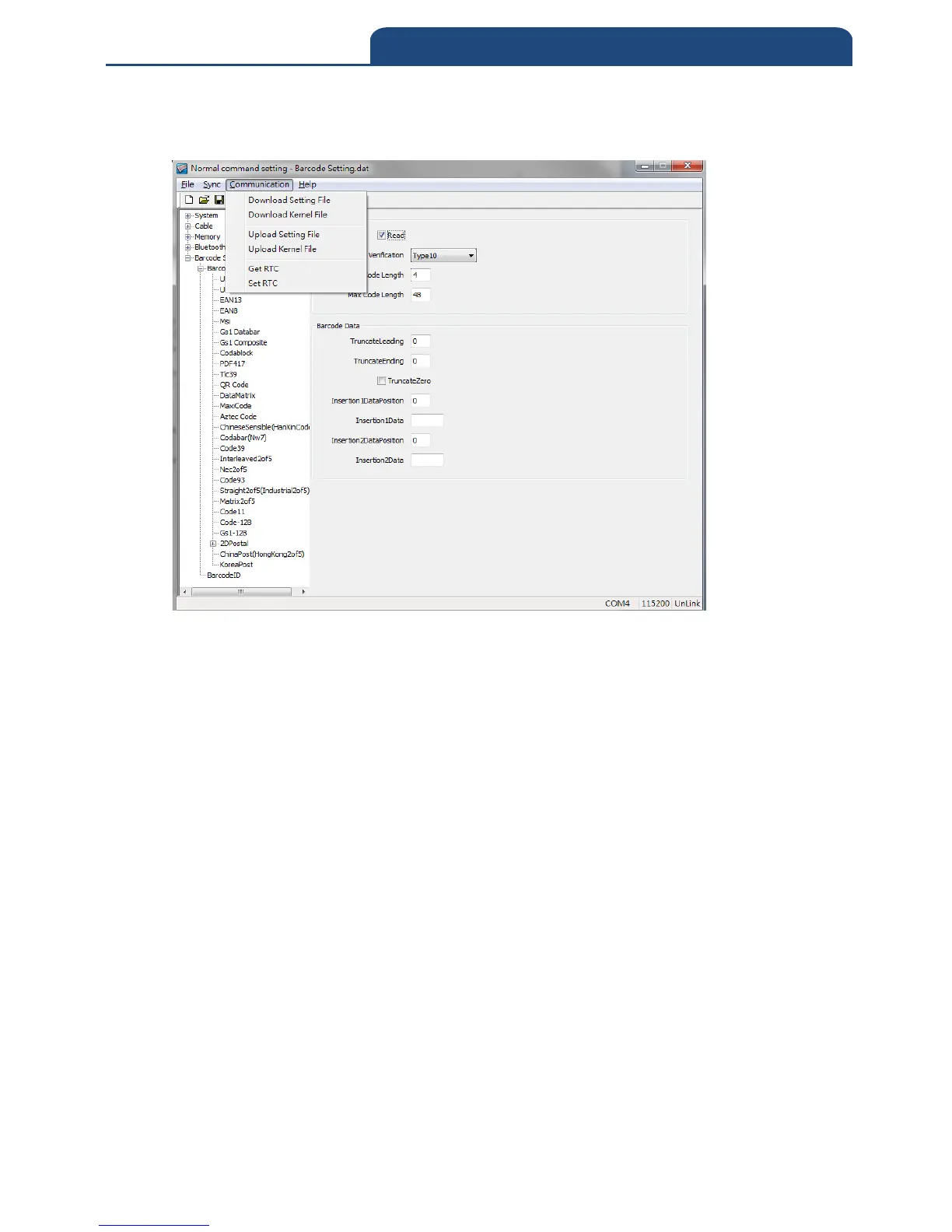
Under “communication Download Setting File”, the settings will download to
the scanner.
Exit the software will exit the Normal command setting configuration and
scanner will reboot.
Note: For detail configuration, please refer to additional manual “barcode
scanner user manual”(CM-2D601\Manuals\User manual for setting
software on wireless barcode scanner.pdf)



 To Next Page