59
5. Bluetooth Connection Mode Instruction
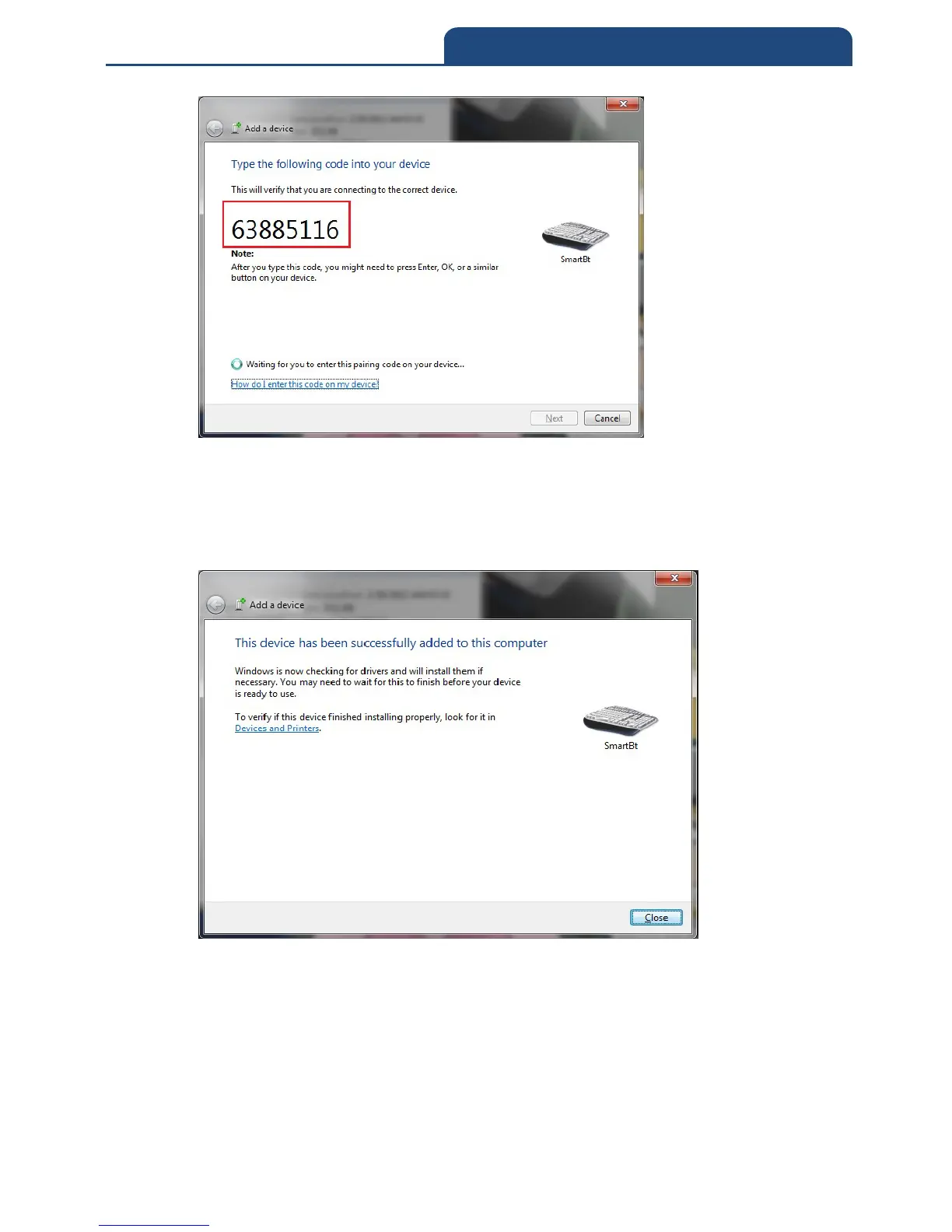
In the meantime, user can use the scanner to scan corresponding barcode in order.
After finished scanning, scan “OK” barcode to finish Pin Code input. In this time,
it will start to verify the Pin Code. After verified the Pin Code, it will start to
connect Bluetooth connection. When it connect successfully, it will show up the
following screen:
In the meantime, turn on the software to receive scanned result and scan barcode.
It will show screen below:



 To Next Page