Sending Documents
4-8
Send Settings (E-Mail/I-Fax/File Server) (LASER CLASS 830i Only)
You can optionally set the file format, if multiple images are sent as separate files or a single
file, resolution, and original type after specifying the e-mail or file server address.
1 Set documents.
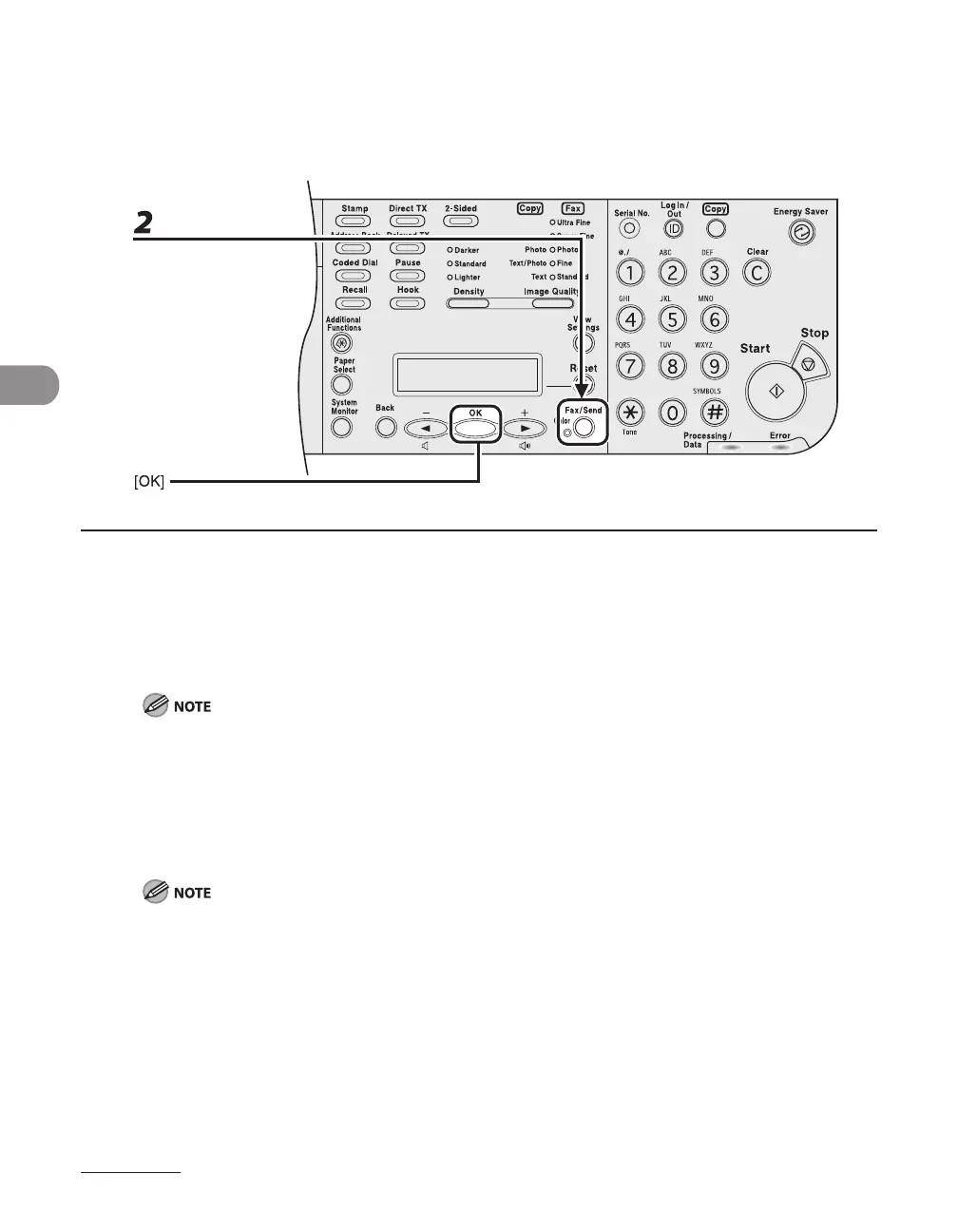
2 Press [Fax/Send] repeatedly to select the sending method, then press [OK].
To send documents to a file server, select any sending method.
If you want to send color images to a file server or attached to an e-mail message, select <E-MAIL:
COLOR> as a sending method.
When sending color images, always specify the sending method before specifying the destination.
3 Specify the destination.
For instructions on specifying destinations, see “Specifying Destinations,” on p. 4-44.
You can specify the file server addresses only with one-touch keys, coded dial codes, or [Address Book].
–
–














 To Next Page