4-53
Sending Documents
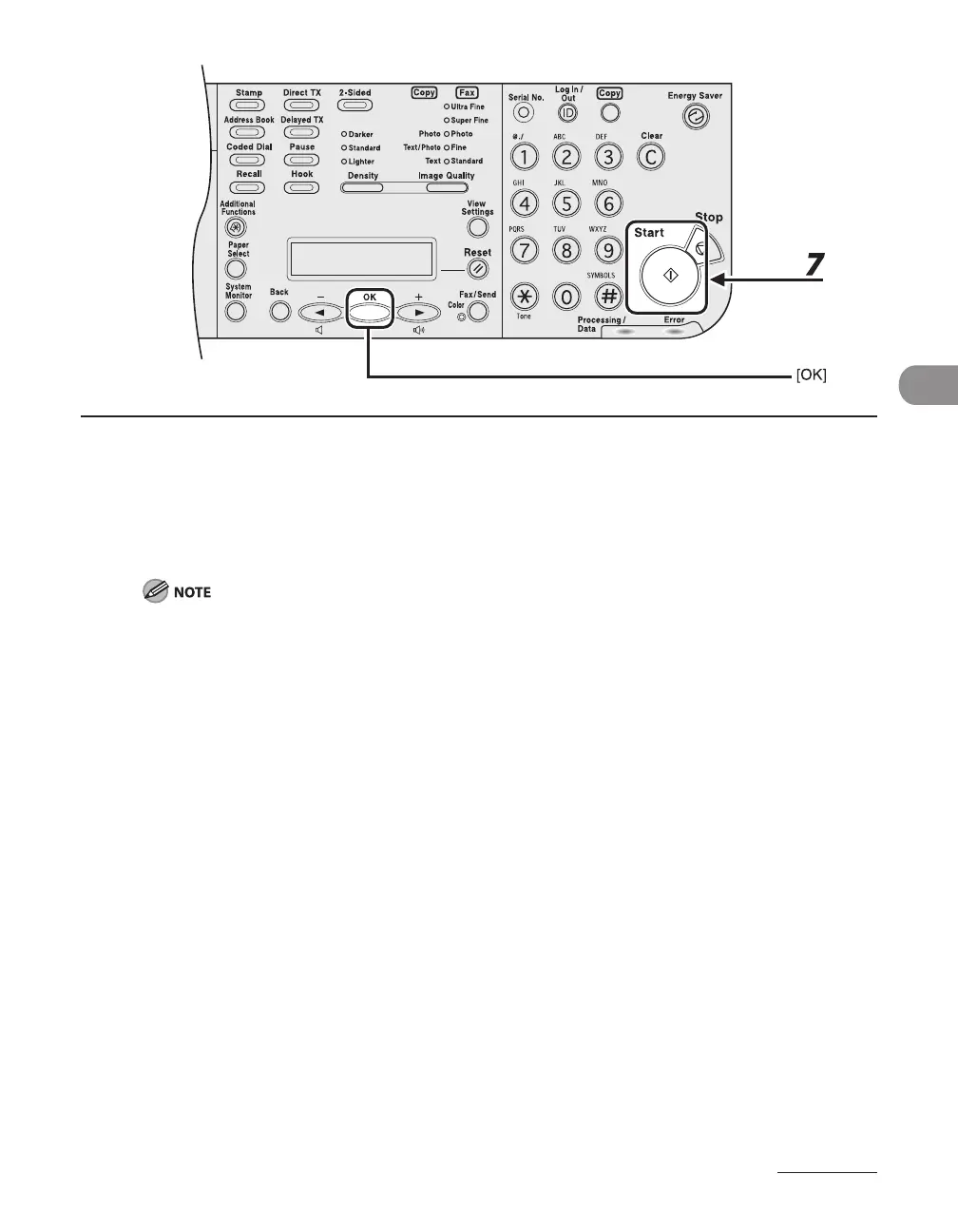
6 When the recipient’s name is displayed, press [OK].
If you want to adjust the image quality and density, see “Scan Settings,” on p. 4-5.
7 Press [Start].
When <TIME OUT> is set to <ON> in <TX SETTINGS> in <FAX SETTINGS> in <TX/RX SETTINGS>, and if
you have specified the destination by any other method than using numeric keys, the machine starts
scanning automatically without pressing [Start], after the preset time for this setting is elapsed.














 To Next Page