Sending Documents
4-66
3 Specify the destination.
Use the numeric keys, one-touch keys, coded dial codes or [Address Book] key to specify destinations.
Only one destination can be specified using the numeric keys.
4 Repeat step 3 to enter all required recipients.
If you want to enter a fax number or e-mail address using the numeric keys in the middle of the
procedure, press [Fax/Send], select the sending method, and then enter the number or address.
To check all the specified destinations, press [
] or [ ] to scroll the display.
If e-mail addresses and file server addresses are included in the destinations, you can enter the send
settings by pressing [OK] after specifying destinations. All the addresses without fax will use the same
send settings. For details, see “Send Settings (E-Mail/I-Fax/File Server) (LASER CLASS 830i Only),” on p. 4-
8.
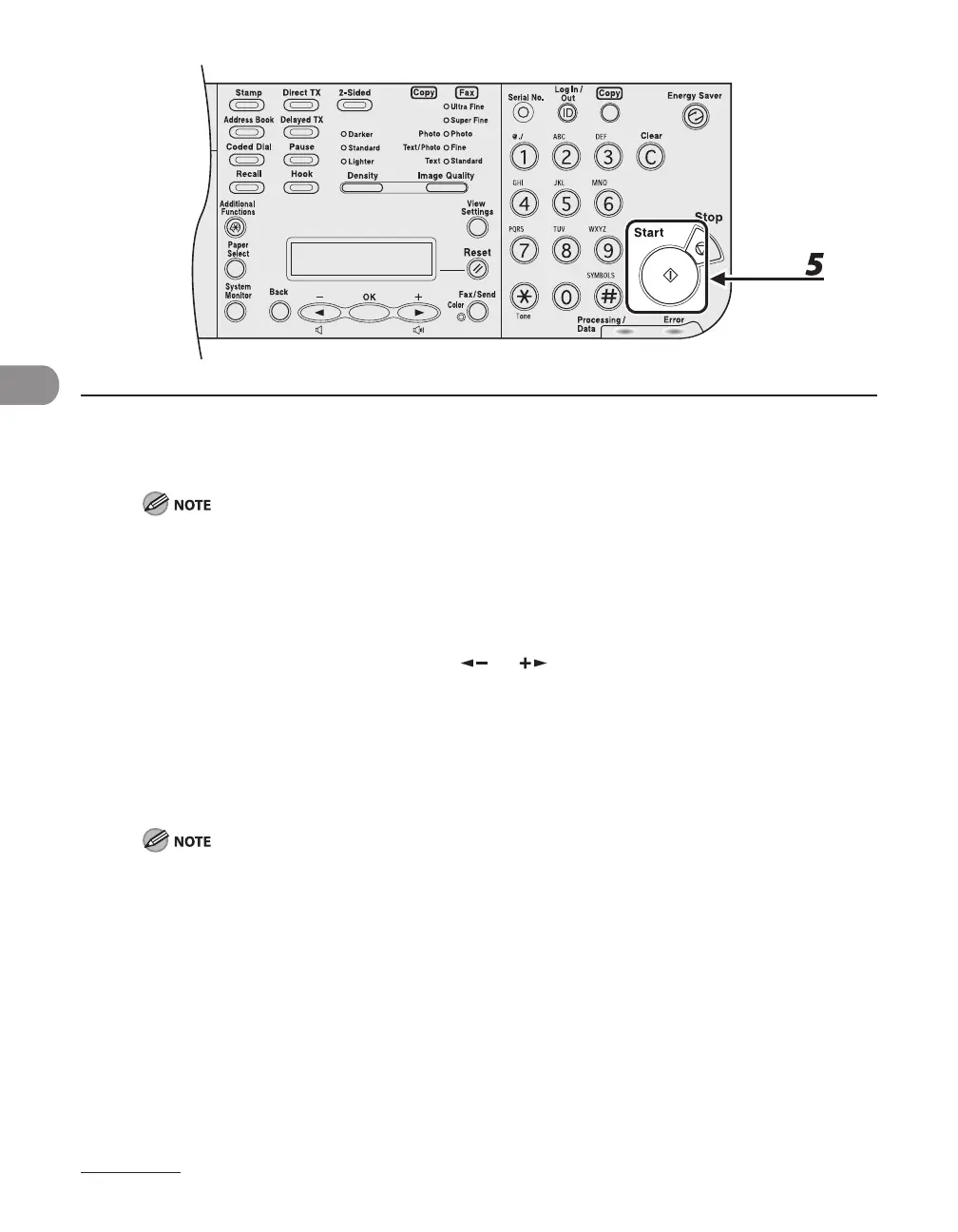
5 Press [Start].
When <TIME OUT> is set to <ON> in <TX SETTINGS> in <FAX SETTINGS> in <TX/RX SETTINGS>, and if
you have specified the destination by any other method than using numeric keys, the machine starts
scanning automatically without pressing [Start], after the preset time for this setting is elapsed.














 To Next Page