5-27
Receiving Documents
Received Image Reduction
You can print received documents in a reduced size.
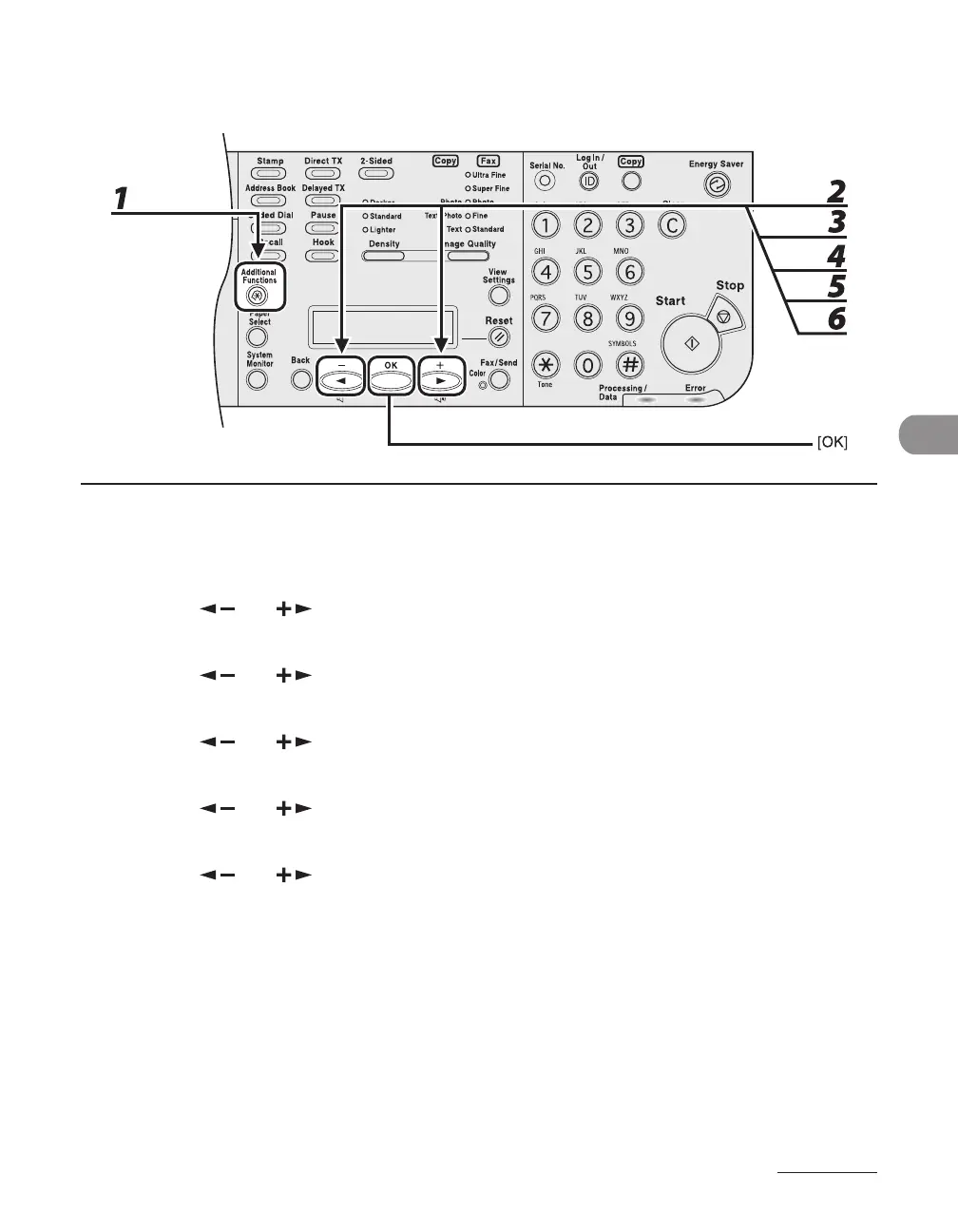
1 Press [Additional Functions].
2 Press [ ] or [ ] to select <TX/RX SETTINGS>, then press [OK].
3 Press [ ] or [ ] to select <TX/RX COMMON SET.>, then press [OK].
4 Press [ ] or [ ] to select <RX SETTINGS>, then press [OK].
5 Press [ ] or [ ] to select <RECEIVE REDUCTION>, then press [OK].
6 Press [ ] or [ ] to select <ON>, then press [OK].














 To Next Page